The PicDitt Blog
Tips, tutorials, and guides for image editing.
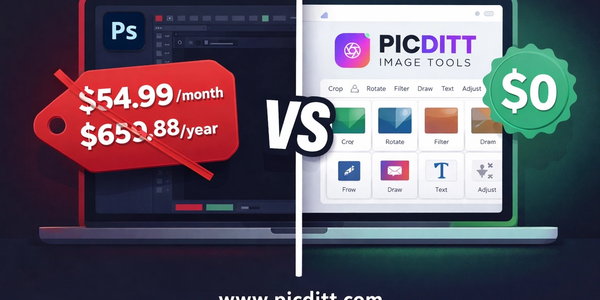
Free Alternatives to Photoshop in 2026 — Do Everything You Need Without Paying $54/Month
Adobe Photoshop costs $659.88 per year. Most people who pay for it use a fraction of its features — background removal, image resizing, adding filters, removing objects, upscaling photos, and basic editing. Every one of these tasks is available completely free in your browser in 2026, with no download, no account, and no files uploaded to any server. This complete guide shows you exactly which free tools replace which Photoshop features.
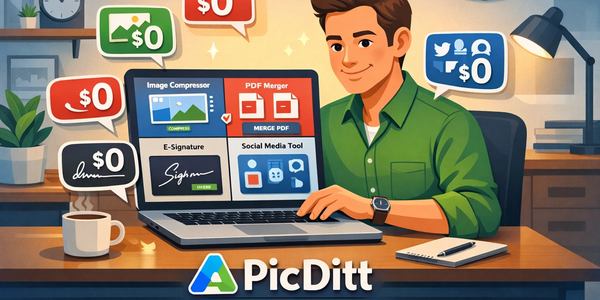
50+ Free Online Tools Every Small Business Owner Should Be Using in 2026
Small business owners spend thousands of dollars annually on software subscriptions for tasks that free browser-based tools handle just as well — often better and more privately. This complete guide covers 50+ free online tools across every area of small business operations: image optimization, document management, PDF tools, digital signatures, social media branding, data conversion, and privacy protection — all processing locally in your browser with zero server uploads.
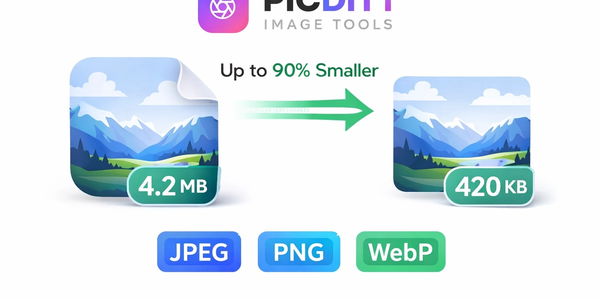
How to Compress Images Without Losing Quality — The Complete Free Guide (Up to 90% Smaller)
Large image files slow your website, eat your storage, fail email size limits, and take forever to upload to social media. This complete guide explains exactly how image compression works, why quality does not have to suffer when you reduce file size, which format to choose for every situation, and how to compress any image up to 90% smaller using a free, 100% private, browser-based tool — with live before-and-after preview, batch processing, and zero server uploads.
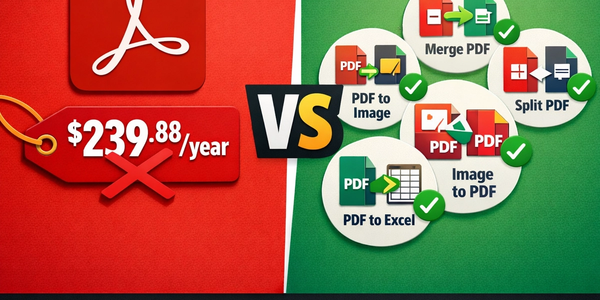
Free Alternatives to Adobe Acrobat: Do Everything You Need With PDF Files for Free
Adobe Acrobat costs $239.88 per year. Every task you pay for — merging PDFs, splitting pages, converting to images, extracting table data — can be done completely free using browser-based tools that process everything locally with zero server uploads. This complete guide shows you exactly which free tools replace which Acrobat features, how they compare on privacy and quality, and how to do every common PDF task without spending a single dollar.
Instagram Reels Embed Not Working in 2025? The Complete iFrame Fix Guide
Instagram Reels embeds break differently from regular post embeds — and most generic "fix your Instagram embed" guides completely miss the Reels-specific issues. This complete 2025 guide covers exactly why Reels iFrames fail, the updated Meta API requirements that broke thousands of Reels embeds overnight, platform-specific fixes for WordPress, plain HTML, Next.js, and React, and how to test whether your fix actually worked.
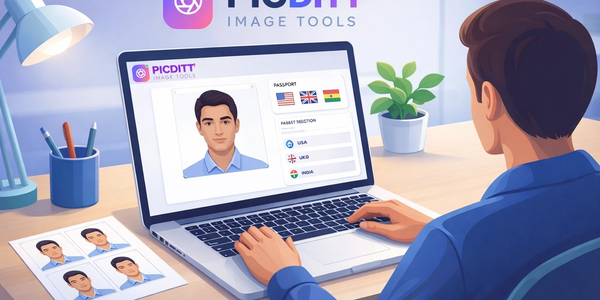
How to Make a Passport Photo at Home Free — Meets Official Requirements for 50+ Countries
Paying $15–$25 at a pharmacy for a passport photo that you could make at home in two minutes for free is one of the most unnecessary expenses in modern life. This complete guide covers official passport photo requirements for 50+ countries, the most common mistakes that get photos rejected, how to take a perfect passport photo at home, and how to use the free Picditt Passport Photo Maker to create, adjust, and download print-ready photos privately — without uploading your image to any server.
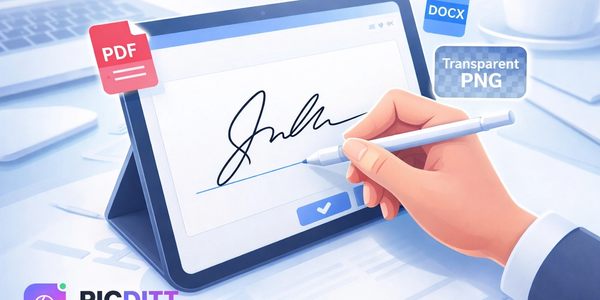
How to Create a Free Digital Signature Online (Transparent Background, No Adobe)
Still printing, signing, and scanning documents just to add your signature? Stop wasting paper. This complete guide shows you how to create a professional digital signature for free using a private online pad. Learn how to draw or type your signature, export it as a high-resolution transparent PNG, and use it to sign any PDF or document instantly without ever leaving your browser.
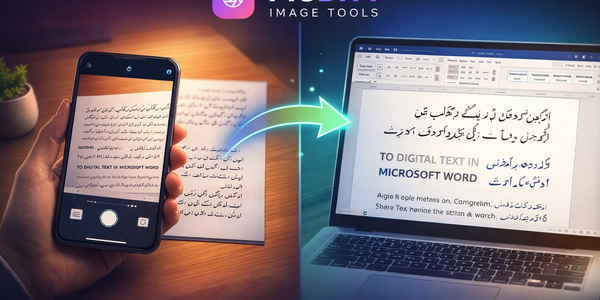
Convert Images to Word Free: The Only OCR Tool That Actually Supports Urdu, Pashto & 100+ Languages
Most online image-to-Word converters fail completely with Urdu, Pashto, Arabic, and other complex scripts. This complete guide covers how OCR technology works, why right-to-left language support is rare and difficult, tips for perfect results with every language, and how to use the free Picditt Image to Word converter — the only browser-based OCR tool with full Urdu, Pashto, and 100+ language support that processes everything locally with zero server uploads.
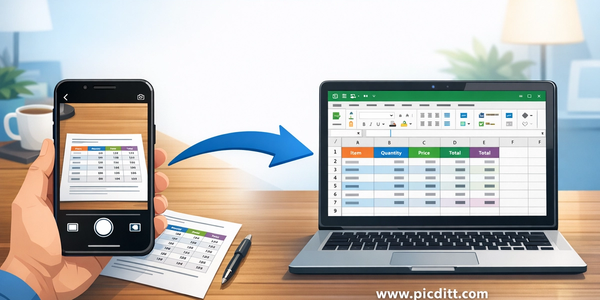
How to Convert Any Image to Excel Free — The Complete OCR Guide (Tables, Receipts, Invoices)
Stop manually retyping data from photos, screenshots, and scanned documents. This complete guide shows you how to convert any image — tables, receipts, invoices, printed documents, screenshots — into a fully editable Excel spreadsheet using free AI-powered OCR that processes everything locally in your browser with zero server uploads and complete privacy.
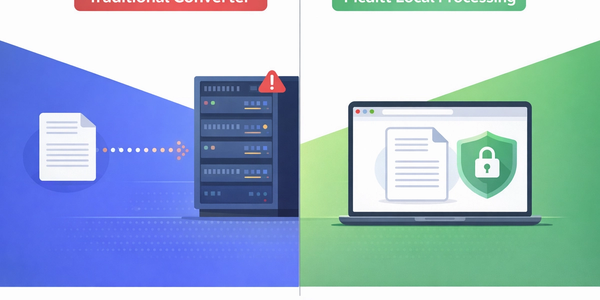
Is Your Converter Site Stealing Your Data? Why Local Processing Matters (Privacy Guide)
Millions of people upload sensitive documents to random online converter sites every day without realizing the privacy risk. This complete guide explains what actually happens when you hit upload, which files you should never upload anywhere, why local browser-based processing eliminates the risk entirely, and how every single tool on Picditt processes your files locally — without ever sending them to any server.

Don't Let People Steal Your Photos: The Ultimate Free Watermarking Guide
Your photos are being stolen right now — downloaded, reposted, and used without your permission on social media, websites, and marketplaces across the internet. This ultimate guide covers everything you need to know about watermarking: why photo theft is rampant, the psychology of effective watermarks, every watermark type explained, exact opacity and placement recommendations, and a complete step-by-step guide to the free Picditt Watermark Tool that processes everything in your browser with zero server uploads.
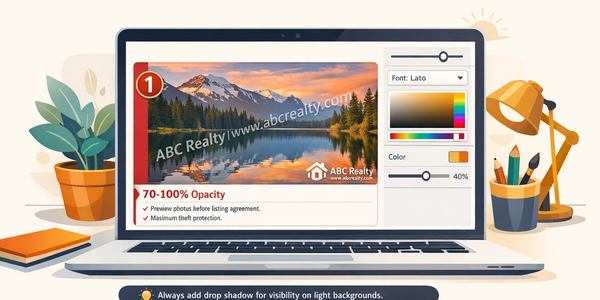
Brand Your Photos: How to Add Logos, Watermarks, and Text Overlays in Seconds
Every photo you share online without your brand on it is a missed marketing opportunity — and a potential theft waiting to happen. This complete guide shows photographers, content creators, e-commerce sellers, and businesses how to add professional logos, text watermarks, copyright notices, and brand overlays to any photo in seconds using a free, 100% private, browser-based tool with 15 fonts, unlimited colors, tile patterns, and drag-and-drop positioning.

Protect Your Listings: How to Watermark Real Estate Photos Quickly (Free & Professional)
Real estate photos get stolen, reposted, and used by competitors every single day. This complete guide shows real estate agents, photographers, and property managers how to watermark listing photos quickly and professionally using a free, 100% private, browser-based tool — with text watermarks, logo overlays, tiled patterns, and custom opacity, all without uploading your images to any server.
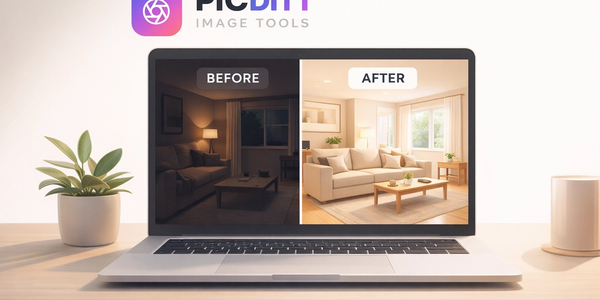
How to Create Before & After Comparison Photos for Free (Side-by-Side Online)
Before and after comparison photos are the most powerful visual content you can create — for fitness transformations, home renovations, product showcases, beauty results, and dozens of other use cases. This complete guide shows you exactly how to create professional side-by-side comparison images, photo collages, grids, and stacked layouts using a free, 100% private, browser-based tool with no watermarks, no signup, and unlimited usage.
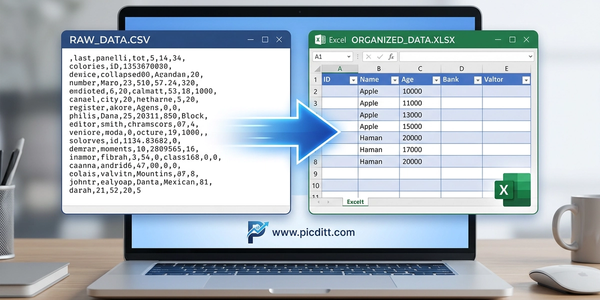
Turn Messy Text Lists into Excel Spreadsheets in Seconds (No More Column A Chaos)
Copying text data into Excel manually — row by row, column by column — is one of the biggest time wasters in everyday data work. This complete guide shows you how to instantly convert any messy text list, CSV export, log file, or delimited data into a perfectly formatted Excel spreadsheet using a free, 100% private, browser-based tool that supports 7 delimiters, live preview, column configuration, and instant XLSX download.
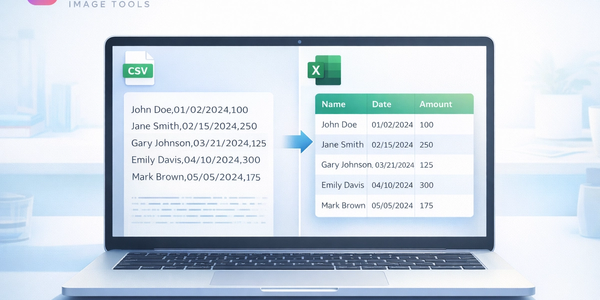
Stop Excel From Ruining Your CSV Data: The Ultimate CSV to XLSX Conversion Guide
Excel keeps destroying your CSV data — converting dates to serial numbers, dropping leading zeros, breaking special characters, and scrambling everything you carefully prepared. This complete guide explains exactly why it happens, how to fix every common CSV-to-Excel problem, and how to convert any CSV file to a perfectly formatted XLSX spreadsheet instantly using a free, 100% private, browser-based tool that never uploads your data anywhere.
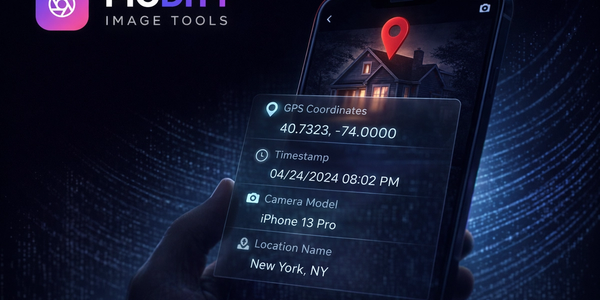
Is Your Photo Leaking Your Location? The Ultimate Guide to EXIF Data
Every photo taken on a smartphone secretly stores your GPS location, camera details, and daily routine in hidden EXIF data. This complete guide explains what EXIF data is, the real privacy risks it creates, and how to view and remove it instantly using a free, 100% private browser-based tool — no uploads, no sign-up, no cost.
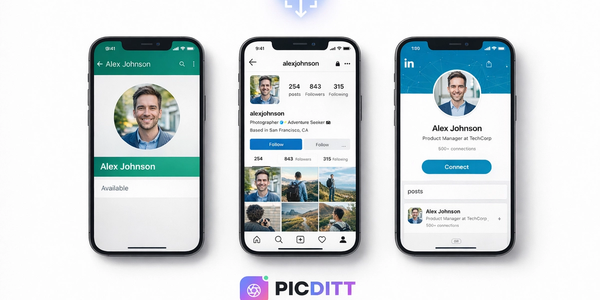
Fix Your Profile Picture: How to Zoom and Resize Photos Online (WhatsApp, Instagram, LinkedIn)
Blurry profile picture? Wrong dimensions for Instagram, WhatsApp, or LinkedIn? This complete guide shows you how to zoom and resize any photo online for free — with 40+ platform presets, aspect ratio lock, and 100% private browser-based processing. No downloads, no sign-up, instant results.
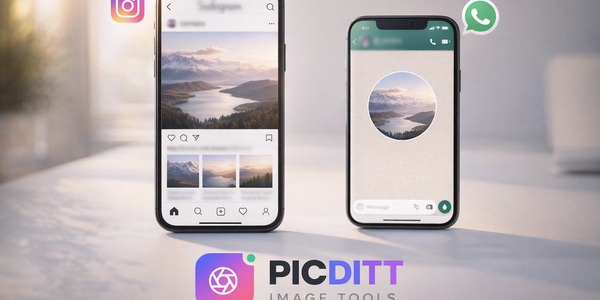
The Ultimate Guide to Posting Full-Size Photos on Instagram & WhatsApp (No Crop Needed)
Tired of Instagram cropping out the best parts of your photos? This complete guide shows you exactly how to post full-size photos on Instagram and WhatsApp without cropping anything — using a free, private, browser-based no-crop tool with blurred backgrounds, custom colors, and one-click download.
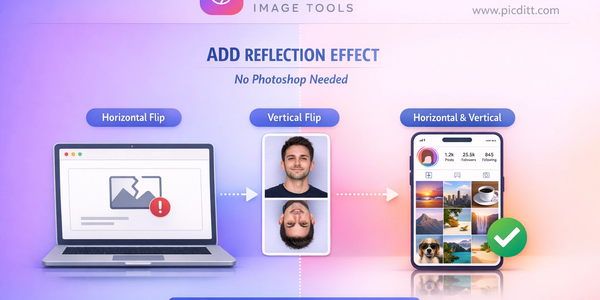
Instagram Embed Not Working? 5 Easy Fixes (Then Upgrade Your Feed with Grid Layouts)
Is your Instagram embed not working? This complete guide walks you through 5 easy fixes to resolve broken embeds, plus shows you how to upgrade your entire feed with stunning grid layouts using a free online tool.
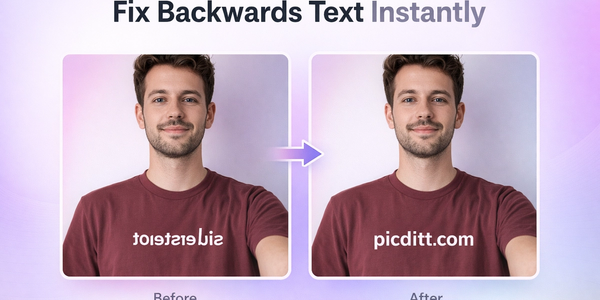
Fix Backwards Text: How to Flip and Mirror Images Online Instantly
Learn how to fix backwards text in selfies and images using a free online flip and mirror tool. Step-by-step guide with pro tips and examples.
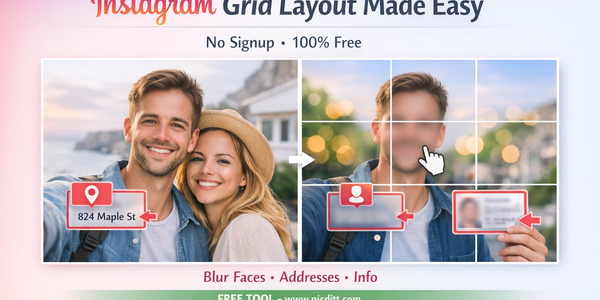
How to Make a Giant Instagram Grid Layout (Split One Image into 3, 6, or 9 Posts)
Learn how to create stunning Instagram grid layouts by splitting one image into multiple posts. Use a free online tool to design eye-catching profiles easily.
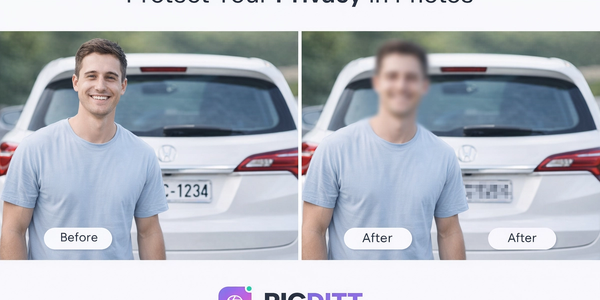
Protect Your Privacy: How to Blur Faces and Sensitive Info in Photos (Free Online)
Protect your privacy by blurring faces, text, and sensitive data in images. Learn how to use a free online tool to pixelate or blur photos instantly.
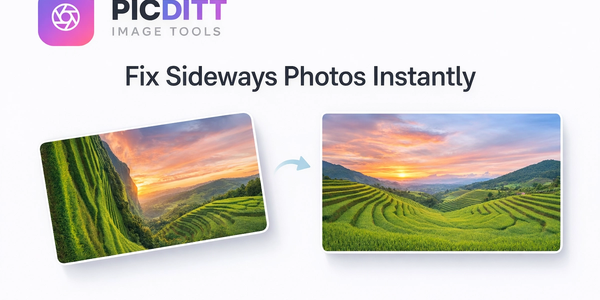
Fix Sideways Photos: How to Rotate and Straighten Images Online Instantly (Free)
Learn how to fix sideways photos, rotate images, and straighten pictures online instantly using a free tool. No signup required, works on any device.
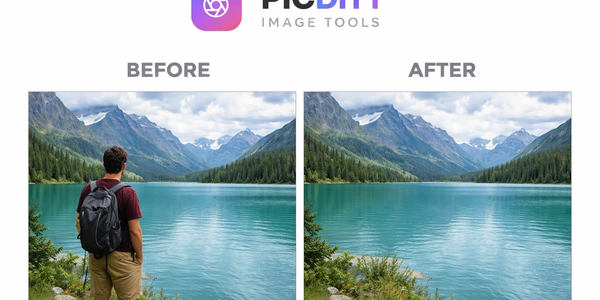
Remove Objects for Free: The Unlimited “Magic Eraser” Alternative (Real Talk)
Easily remove unwanted objects, people, text, and blemishes from photos using a free AI-powered Magic Eraser alternative. No signup, no limits, 100% private.
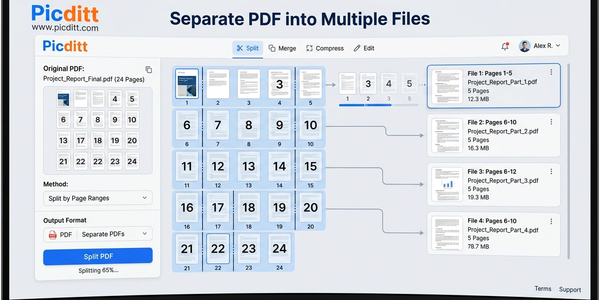
How to Split PDF Files & Extract Specific Pages for Free (No Adobe)
Learn how to split PDF files and extract specific pages instantly using a free, secure tool—no Adobe required. Fast, private, and works on any device.
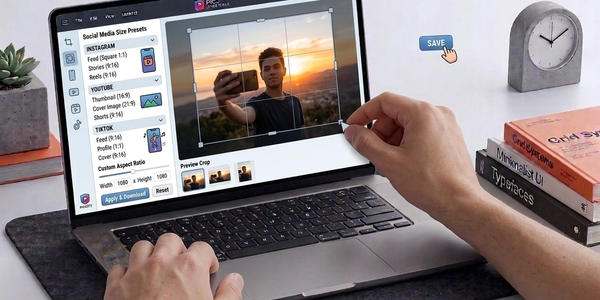
free-social-media-sizes-cropper-perfect-instagram-youtube-and-tiktok-photos-online
Crop images for social media with perfect dimensions in seconds. Free online tool for Instagram, YouTube, TikTok, and more—no signup needed.
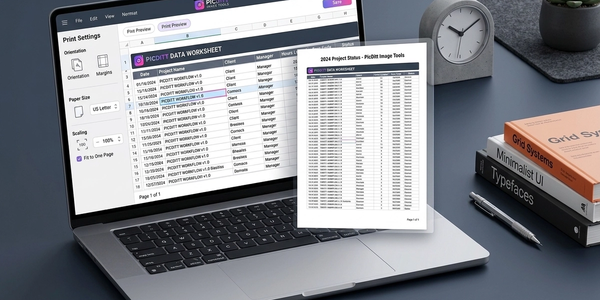
Stop Printing Excel on Two Pages: The Ultimate Fit to One Page Print Fixer Guide
Fix Excel printing issues and stop spreadsheets from splitting across pages. Learn how to fit everything on one page instantly using a free online tool.
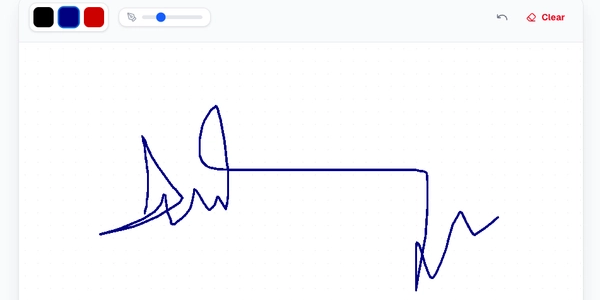
Create a Transparent Background Digital Signature for Free (No Signup Needed)
Create a professional digital signature with transparent background in seconds. No signup required. Free online signature maker with instant download.
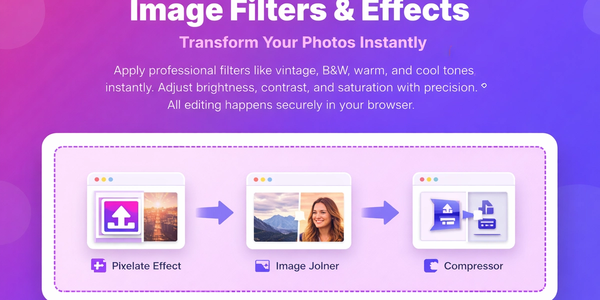
Make Your Photos Pop: Free Aesthetic Filters Online (A VSCO Alternative)
Enhance your photos instantly with free online filters. Apply effects, adjust colors, and download high-quality images in seconds.
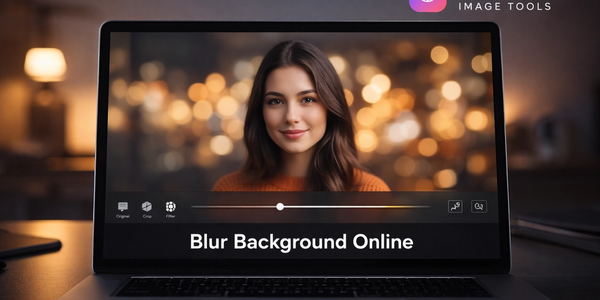
Make Your Photos Look Professional: How to Blur Backgrounds Online (Free Bokeh-Style Look)
Learn how to blur backgrounds for a clean “portrait mode” look—or blur faces, text, and license plates for privacy. Use Picditt’s Blur Image Online tool to get professional blur effects instantly, fully in your browser.
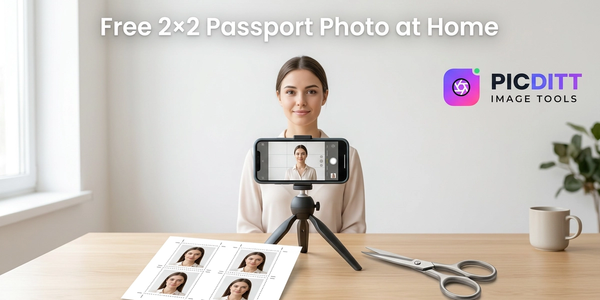
How to Make a Free 2×2 Inch Passport Photo at Home (No CVS Markup)
Make a perfect 2×2 passport photo at home for pennies. Follow the U.S.-style sizing rules, avoid common rejection reasons, and use Picditt’s Passport Photo Maker to crop, background-fix, and export a 300 DPI print layout.
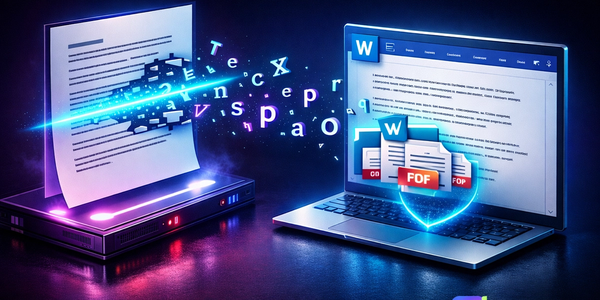
The End of Manual Typing: How to Extract Editable Text from Any Image Instantly
We've all been there: staring at a photograph of a document, a screenshot of a recipe, or a slide from a presentation, wishing we could just copy and paste the words. With Picditt's AI-powered Optical Character Recognition (OCR) tool, you can. Learn how to transform static pixels into fully editable text in seconds—without sacrificing your data privacy.
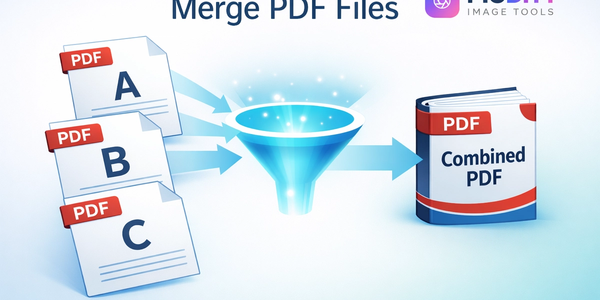
How to Merge PDF Files Free Online (Without Uploading Your Data)
Stop sending multiple email attachments! Learn how to combine and merge multiple PDF files into a single, professional document in seconds. Picditt's free online PDF Merger lets you drag, drop, and reorder pages entirely in your browser — meaning zero server uploads, lightning-fast speeds, and 100% data privacy for your sensitive documents.
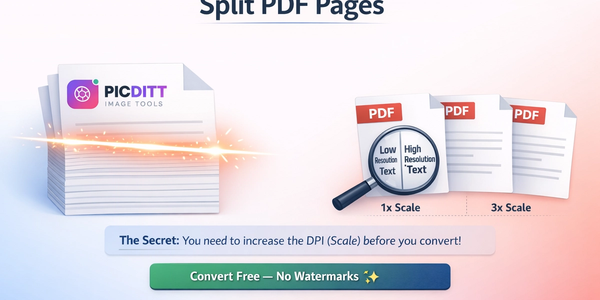
How to Split a PDF into Separate Pages Free Online (No Upload)
Got a massive 100-page PDF but only need three pages? Don't send the whole file! Learn how to easily split, extract, and separate PDF pages into individual files or a new, smaller document. Picditt's free online PDF Splitter works entirely in your browser with zero server uploads, guaranteeing 100% privacy for your sensitive documents.
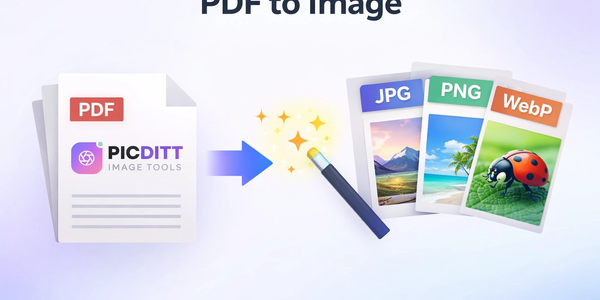
How to Convert PDF to High-Resolution JPG, PNG, or WebP Instantly
Need to post a PDF on social media or embed it on a website? Learn how to instantly convert your PDF documents into high-quality JPG, PNG, or WebP images using Picditt's free online converter. All processing happens securely in your browser — your files never leave your device.
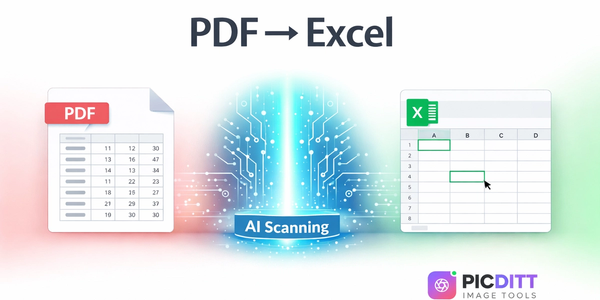
PDF to Excel Smart Data Extraction: Convert PDF Tables to Editable Spreadsheets
Extracting data from PDF tables shouldn't mean hours of manual typing. Learn how to instantly convert static PDF documents into dynamic, editable Microsoft Excel spreadsheets using Picditt's smart PDF to Excel converter. Features advanced table detection, OCR for scanned documents, and perfect formatting preservation.
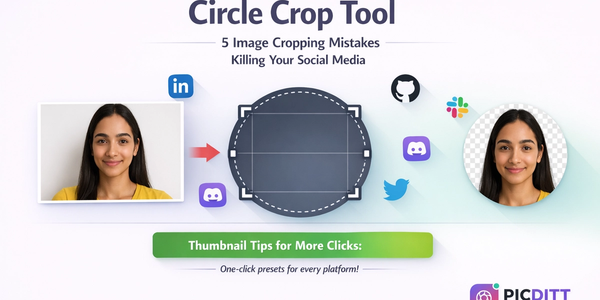
How to Crop a Picture into a Circle: Free Online Round Profile Picture Maker
Need a perfectly round profile picture? Picditt's free Circle Crop tool lets you crop any photo into a circle with transparent background. Position, zoom, choose your size, and download a PNG — all in your browser, 100% private. Works for LinkedIn, GitHub, Slack, Discord, and any platform that uses circular avatars.
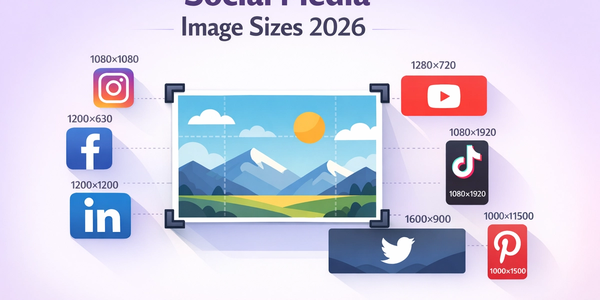
The Complete Guide to Social Media Image Sizes: How to Crop Photos for Every Platform in 2026
Stop guessing social media image sizes! This complete guide covers the exact dimensions for Instagram, Facebook, YouTube, TikTok, LinkedIn, Twitter/X, Pinterest, and more — plus how to crop your photos perfectly using Picditt's free online image cropper with one-click presets.
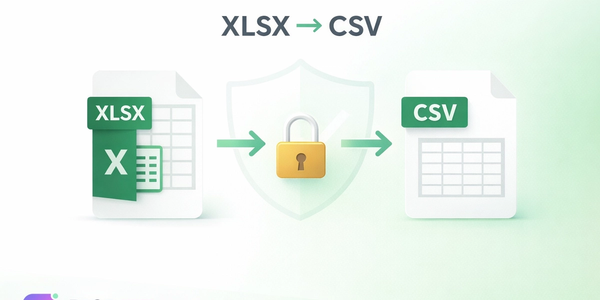
Secure XLSX to CSV Conversion Online — No Upload, No Data Leak
Need to convert an Excel spreadsheet to CSV format? Picditt's free XLSX to CSV converter processes everything locally in your browser — your files never leave your device. Support for multiple sheets, custom delimiters, data preview, and instant download. Zero privacy risk.
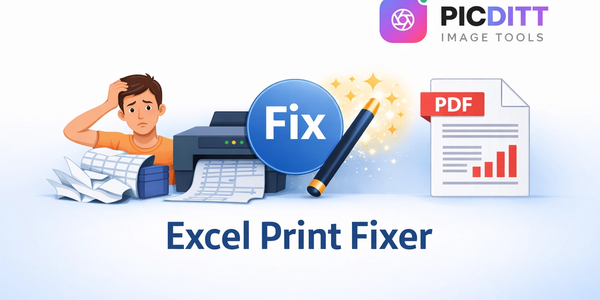
Stop Struggling with Excel Print Settings: How to Fix and Export Spreadsheets to Perfect PDF
Tired of Excel cutting off columns, splitting data across pages, or printing text too small to read? Picditt's free Excel Print Fixer automatically detects and fixes all common printing problems, then exports your spreadsheet to a perfectly formatted PDF — all in your browser, 100% private.
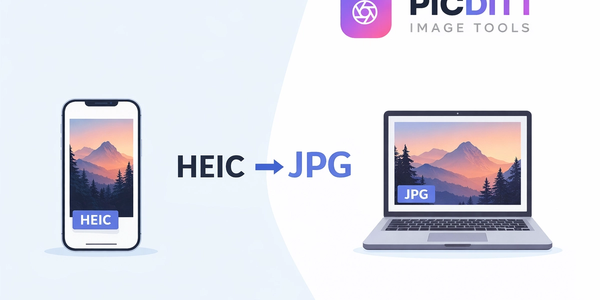
Why Won't My iPhone Photos Open? How to Convert HEIC to JPG Instantly
Struggling to open iPhone photos on your PC? Learn what HEIC is, why it causes problems, and how to convert HEIC to JPG instantly using Picditt's free online converter — no uploads, no installs, 100% private.
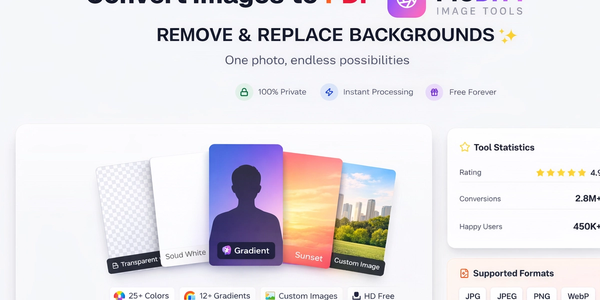
How to Convert Images to PDF Online Free — The Complete Guide
Convert any image to a professional PDF document for free. Combine multiple photos, customize page size, adjust margins, set orientation, and download instantly. All processing happens in your browser — your images never leave your device.
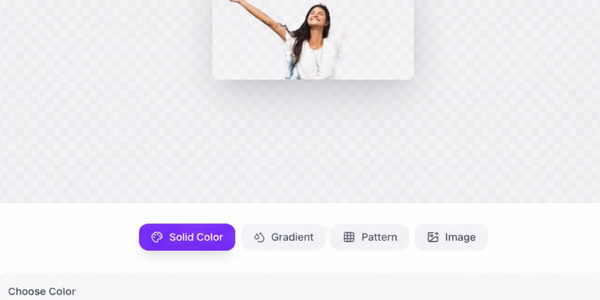
Remove Image Background Instantly with AI — Free Online Tool
Remove backgrounds from any photo instantly using advanced AI — completely free. Keep transparent, add solid colors, gradients, or custom backgrounds. All processing happens in your browser for complete privacy. No signup, no watermarks.
Free Universal Image Converter — Change Any Image Format Online Instantly
Convert images between any format — JPG, PNG, WebP, GIF, HEIC, and BMP — completely free. Batch convert multiple files, adjust quality settings, and download instantly. All processing happens in your browser for complete privacy.
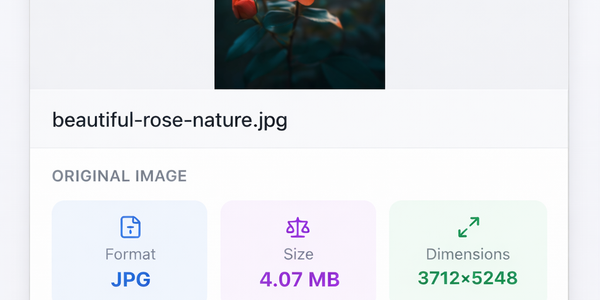
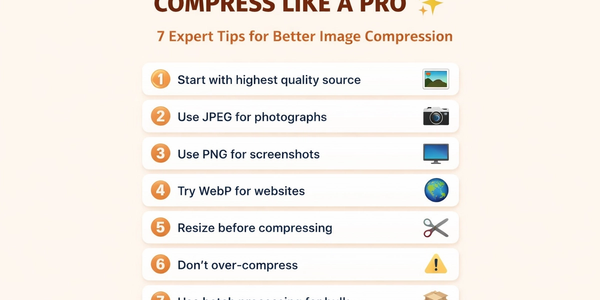
How to Compress Images to Any Size Online Free — The Complete Guide
Learn how to compress images to any file size online for free. Reduce JPEG, PNG, and WebP photos for email, websites, forms, and social media — without losing visible quality. No signup required.
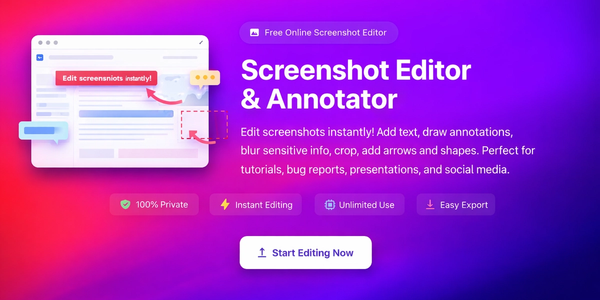
Screenshot Editor – Edit, Annotate & Share Screenshots Like a Pro
Edit screenshots instantly with PicDitt's free online screenshot editor. Add text, arrows, shapes, blur sensitive info, crop, and export in PNG, JPEG, or WebP. No signup required.
Magic Eraser Online: How to Remove Unwanted Objects from Photos with AI
Photobombers, power lines, watermarks, blemishes—every photo has something you wish wasn't there. Learn how to use PicDitt's free Magic Eraser to brush over any unwanted object and watch AI remove it seamlessly, all directly in your browser with complete privacy.
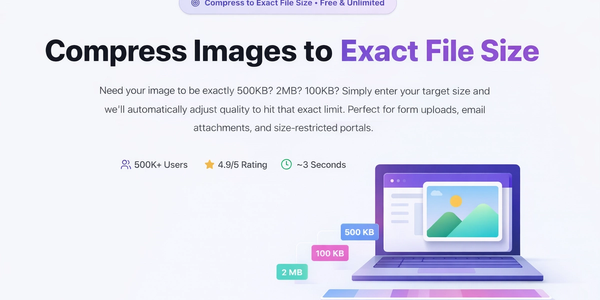
How to Compress Images to an Exact File Size: The Complete Guide to Target Compression
Need your image to be exactly 500KB for a government form or under 25MB for Gmail? Learn how to compress any image to a precise file size using PicDitt's free Target Compression tool—without guessing quality settings or losing more quality than necessary.
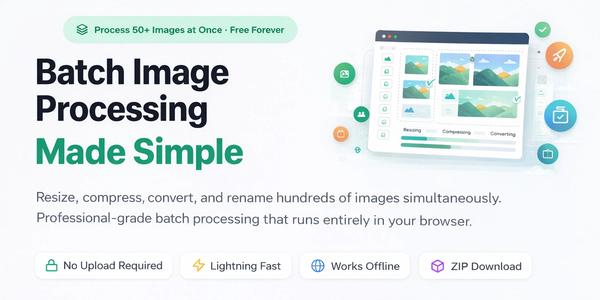
Batch Image Processing Made Simple: Resize, Compress, Convert & Rename Hundreds of Photos at Once
Manually editing hundreds of images one by one is a waste of your time. Learn how to use PicDitt's free Batch Image Processing tool to resize, compress, convert, and rename entire photo collections in minutes—all directly in your browser with complete privacy.
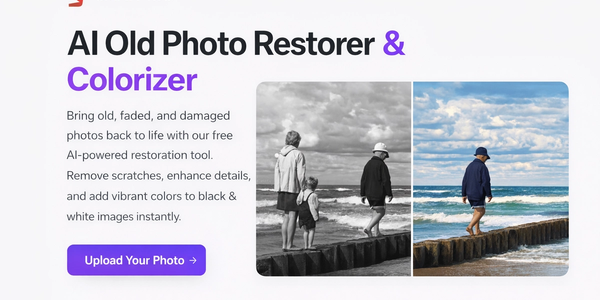
AI Old Photo Restorer & Colorizer: How to Bring Faded Family Photos Back to Life
Old family photos fade, scratch, and lose their color over time—but they don't have to stay that way. Learn how to use PicDitt's free AI Old Photo Restorer & Colorizer to remove damage, enhance details, and add realistic color to black & white images, all directly in your browser.
AI Image Upscaler: How to Enhance and Enlarge Photos Without Losing Quality
Blurry, low-resolution images don't have to stay that way. Learn how to use PicDitt's free AI Image Upscaler—powered by Real-ESRGAN and Waifu2x—to enhance and enlarge photos 2x, 4x, or 8x directly in your browser. No uploads, no signup, no quality loss.
YouTube Banner Maker with Safe Zone Guides: Design Channel Art That Looks Perfect on Every Device
Your YouTube banner looks different on every device. Learn how to design a 2560×1440 channel banner that works perfectly on TV, desktop, tablet, and mobile using PicDitt's free YouTube Banner Maker with built-in safe zone guides.
WhatsApp DP Resizer: How to Fit Your Full Photo Without Cropping or Losing Quality
Tired of WhatsApp cutting off your head, your friend, or the best part of your photo? Learn how to use PicDitt's free WhatsApp DP Resizer to fit any image into a perfect square profile picture with blur, color, or gradient backgrounds—no cropping required.
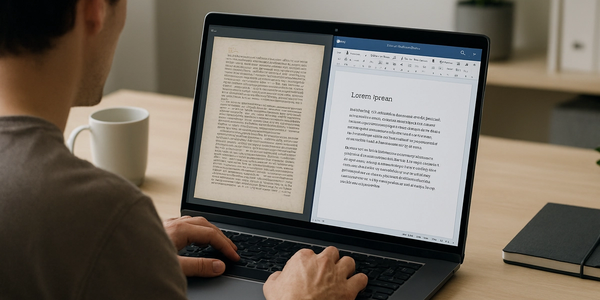
How to Convert Image to Word Online (Free OCR Tool) – Step-by-Step Guide
Learn how to convert images, scanned documents, and photos of text into fully editable Word files using PicDitt’s free, browser-based Image to Word OCR tool. This step-by-step guide covers how OCR works, how to use the tool, and how to get the best accuracy.
The Ultimate Guide to Passport, ID & Driving License Photo Requirements for 12+ Countries (2025)
Creating the perfect passport, ID, or driving license photo can be challenging with different countries having unique specifications. This comprehensive guide covers photo requirements for the USA, UK, Canada, Australia, India, Pakistan, UAE, Saudi Arabia, Nigeria, South Africa, and Schengen countries—plus tips on how to create compliant photos from home.