Fix Backwards Text: How to Flip and Mirror Images Online Instantly
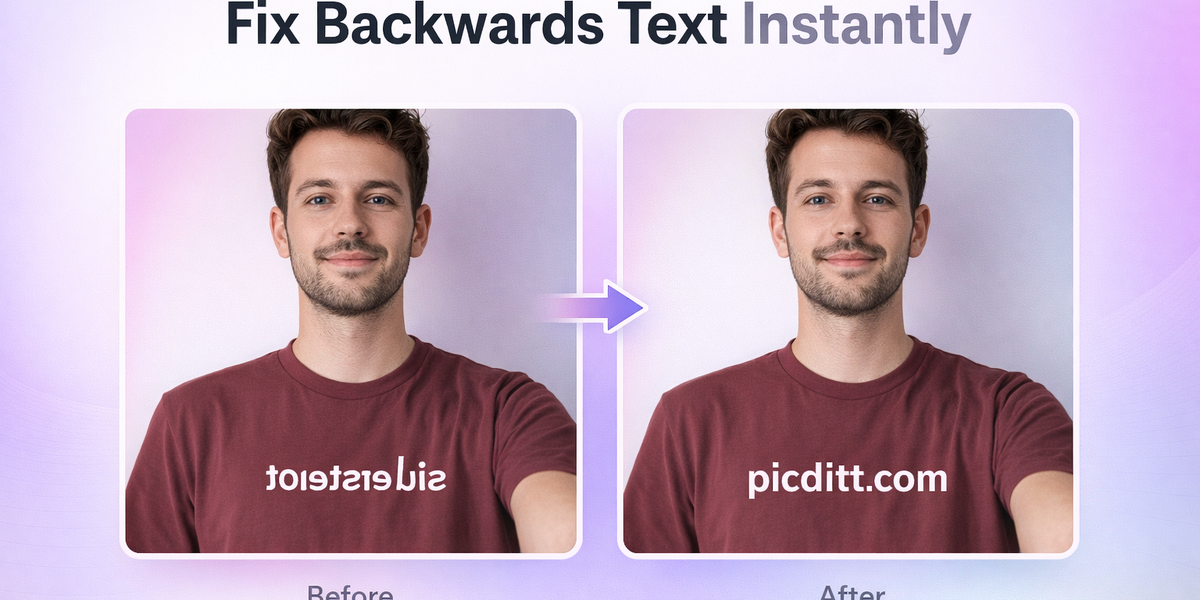
Fix Backwards Text: How to Flip and Mirror Images Online Instantly
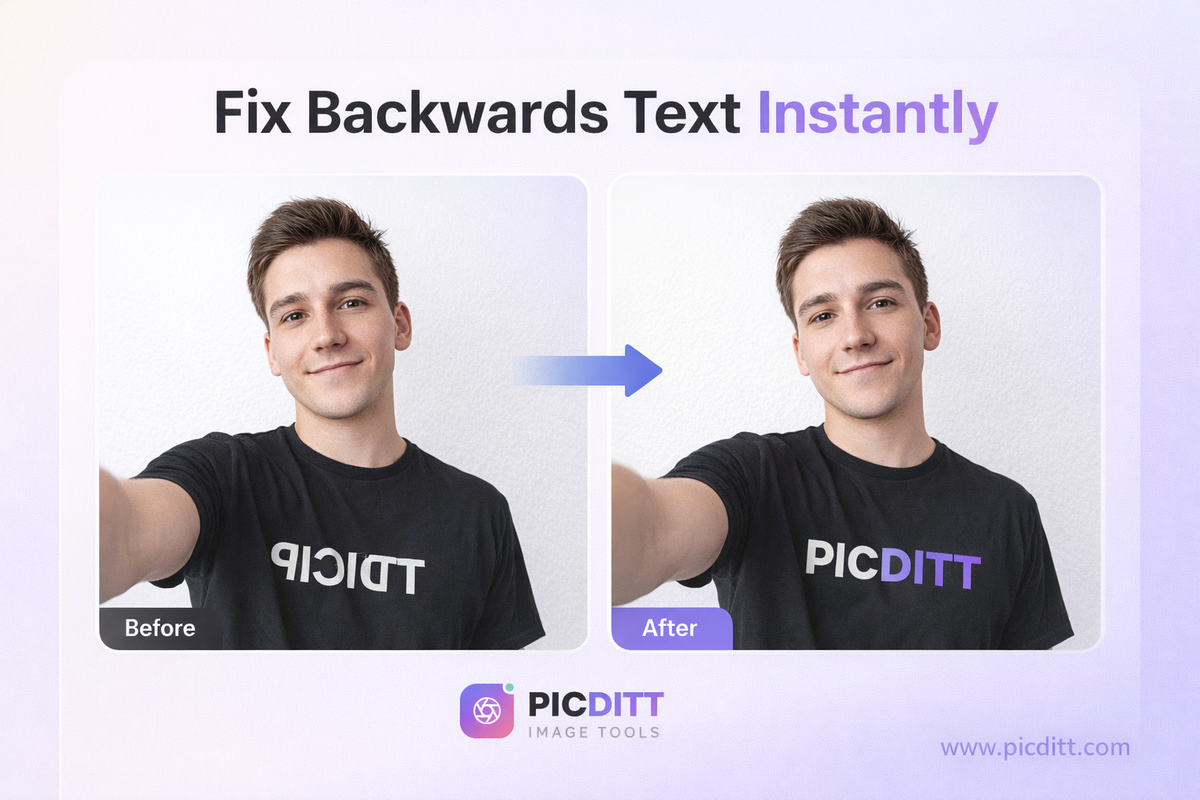
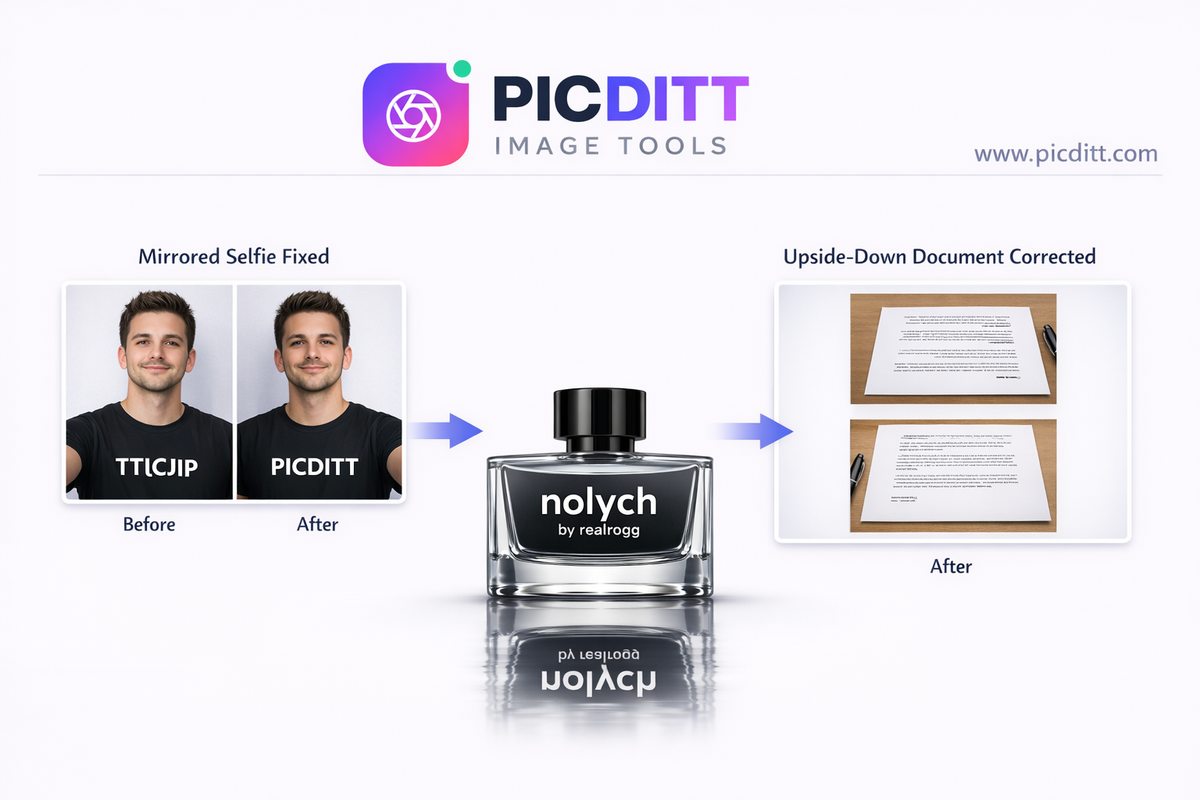
Have you ever taken a selfie only to realize that the text on your shirt looks backwards? Or scanned a document and found it upside down or mirrored? These are common problems—and thankfully, they’re incredibly easy to fix.
With modern tools like PicDitt’s Flip & Mirror Tool, you can correct these issues instantly without downloading any software. Whether you're a content creator, student, designer, or casual user, flipping and mirroring images is a simple yet powerful skill.
In this complete guide, you’ll learn:
- What causes backwards text in images
- How to fix mirrored photos instantly
- Step-by-step instructions using a free online tool
- Pro tips for perfect results
- Creative uses of mirror and flip features
What Causes Backwards Text in Photos?
Backwards text usually appears due to how cameras—especially front-facing cameras—capture images.
Common Reasons:
- Selfie Camera Mirroring
- Incorrect Scanner Placement
- Camera Orientation Issues
- Screen Capture Errors
When you take a selfie, your phone often mirrors the image to feel more natural—like looking in a mirror. But this causes text to appear reversed.
What Is Image Flip and Mirror?
Image flipping and mirroring are simple transformations that reverse the orientation of your photo.
Types of Image Transformations:
Horizontal Mirror
- Left ↔ Right swap
- Fixes mirrored selfies
Vertical Flip
- Top ↔ Bottom swap
- Fixes upside-down images
Flip Both
- Combines both transformations
Reflection Effect
- Creates artistic mirrored reflections
How to Fix Backwards Text Online (Step-by-Step)
You can fix mirrored text in seconds using a free tool like:
👉 https://picditt.com/editing/flip
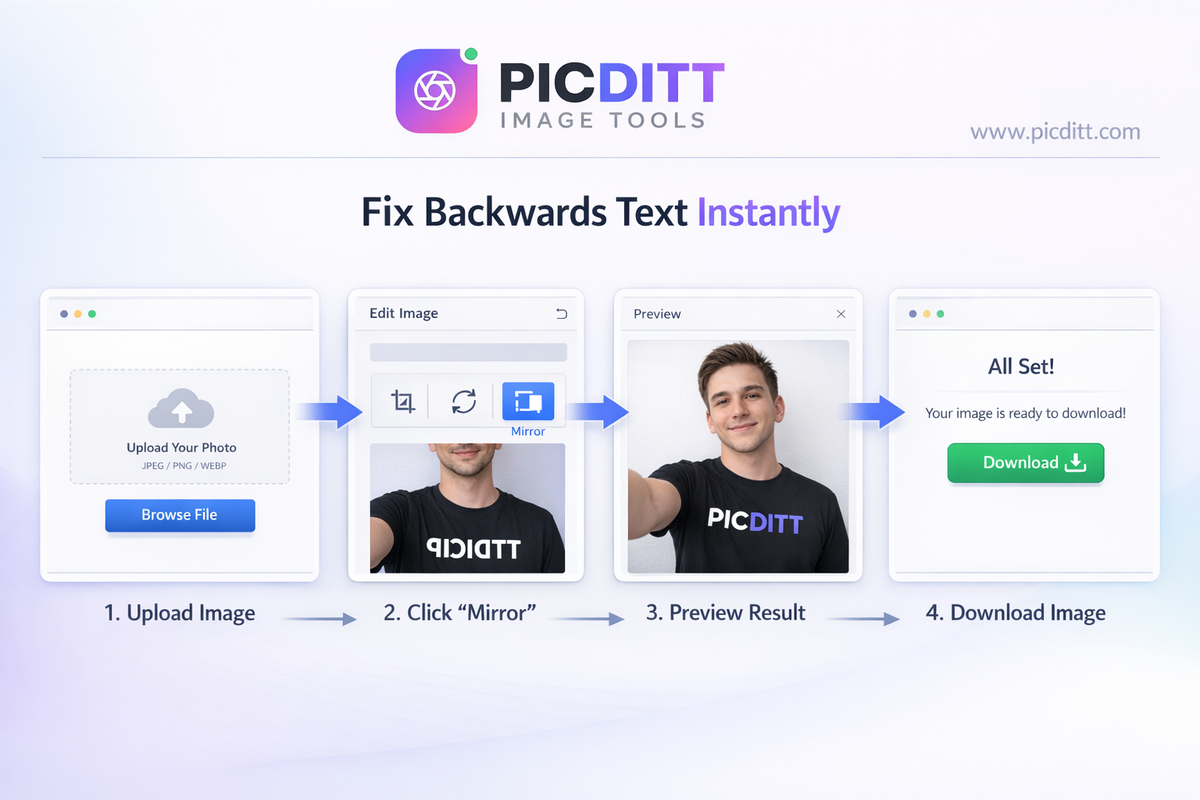
Step 1: Upload Your Image
Drag and drop or select your image file.
Step 2: Choose Mirror Option
Select Horizontal Mirror to fix backwards text.
Step 3: Preview Instantly
See changes in real-time.
Step 4: Download
Save your corrected image instantly.
Why Use PicDitt Flip & Mirror Tool?
PicDitt stands out because it’s fast, private, and incredibly easy to use.
Key Benefits:
✅ 100% Private
Your images never leave your device.
⚡ Instant Results
No waiting—see changes immediately.
📱 Works Everywhere
Desktop, tablet, or mobile.
🎨 Advanced Features
- Reflection effects
- Before/after comparison
- High-quality export
Common Problems You Can Fix
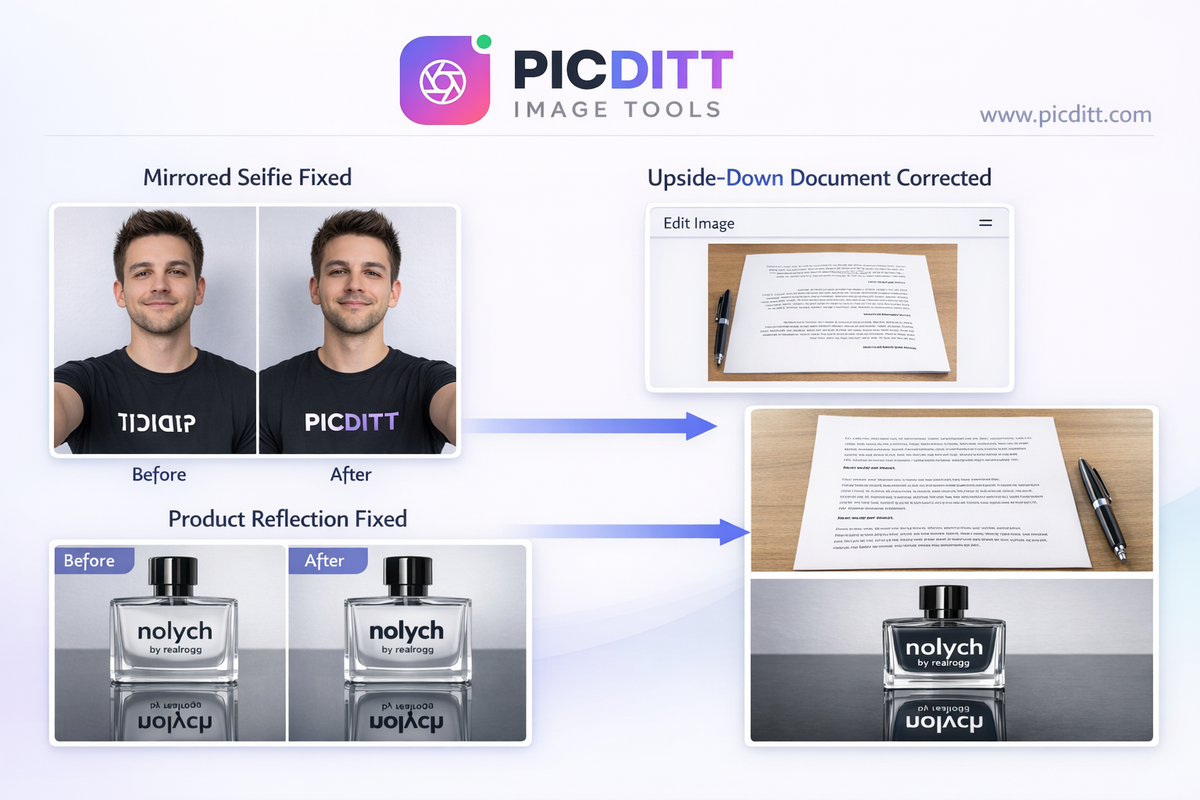
Fix Mirrored Selfies
Correct reversed text on shirts, signs, or tattoos.
Fix Scanned Documents
Flip upside-down or mirrored scans.
Correct Mobile Screenshots
Fix mirrored screenshots from apps.
Prepare for Printing
Mirror images for t-shirt printing or decals.
Creative Uses of Flip and Mirror
Beyond fixing issues, these tools can enhance creativity.
🎨 Artistic Reflections
Create stunning mirrored effects for social media.
🛍️ Product Photography
Add reflection for professional look.
🎭 Symmetrical Designs
Perfect for logos and patterns.
Best Practices for Perfect Results
✔ Use Horizontal Mirror for Text
Always use horizontal flip to fix text.
✔ Preview Before Download
Check orientation carefully.
✔ Use High-Quality Images
Maintain clarity after transformation.
✔ Choose Right Format
- PNG for quality
- JPG for smaller size
Flip vs Mirror – What’s the Difference?
Feature
Flip
Mirror
Direction
Vertical
Horizontal
Use Case
Upside-down fix
Text correction
Effect
Top ↔ Bottom
Left ↔ Right
SEO & Social Media Benefits
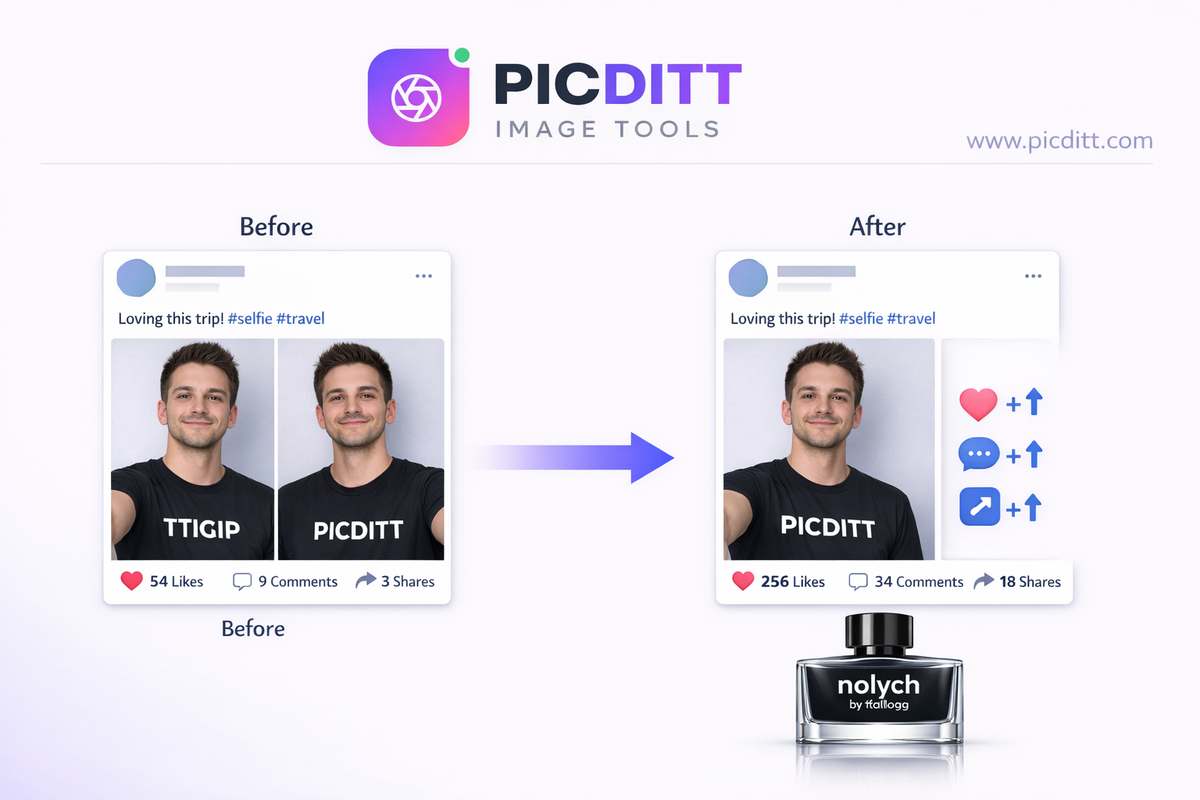
Fixing your images isn’t just about aesthetics—it also improves performance.
📈 Better Engagement
Correct visuals get more likes and shares.
🧠 Professional Branding
Clean images build trust.
🔍 Improved Readability
Text becomes clear and understandable.
Who Should Use This Tool?
This tool is useful for:
- 📸 Photographers
- 🤳 Content Creators
- 🛍️ E-commerce Sellers
- 🎨 Designers
- 📄 Students & Professionals
Frequently Asked Questions (FAQ)
Is flipping an image free?
Yes, PicDitt offers 100% free image flipping.
Will image quality be reduced?
No, transformations are lossless.
Is it safe to upload images?
Images are processed locally—no uploads.
Can I use it on mobile?
Yes, fully responsive on all devices.
Final Thoughts
Fixing backwards text and mirrored images doesn’t require expensive software or technical skills anymore.
With tools like PicDitt, you can:
- Instantly fix selfies
- Correct documents
- Create stunning visuals
- Improve your content quality
👉 Try it now: https://picditt.com/editing/flip
Ready to Try It Yourself?
Use this tool for free — no signup, no download, no watermarks.
Open Free ToolYou Might Also Like
How to Crop a Picture into a Circle: Free Online Round Profile Picture Maker
Need a perfectly round profile picture? Picditt's free Circle Crop tool lets you crop any photo into a circle with transparent background. Position, zoom, choose your size, and download a PNG — all in your browser, 100% private. Works for LinkedIn, GitHub, Slack, Discord, and any platform that uses circular avatars.
Read More →
How to Split a PDF into Separate Pages Free Online (No Upload)
Got a massive 100-page PDF but only need three pages? Don't send the whole file! Learn how to easily split, extract, and separate PDF pages into individual files or a new, smaller document. Picditt's free online PDF Splitter works entirely in your browser with zero server uploads, guaranteeing 100% privacy for your sensitive documents.
Read More →
How to Compress Images to an Exact File Size: The Complete Guide to Target Compression
Need your image to be exactly 500KB for a government form or under 25MB for Gmail? Learn how to compress any image to a precise file size using PicDitt's free Target Compression tool—without guessing quality settings or losing more quality than necessary.
Read More →