Protect Your Privacy: How to Blur Faces and Sensitive Info in Photos (Free Online)
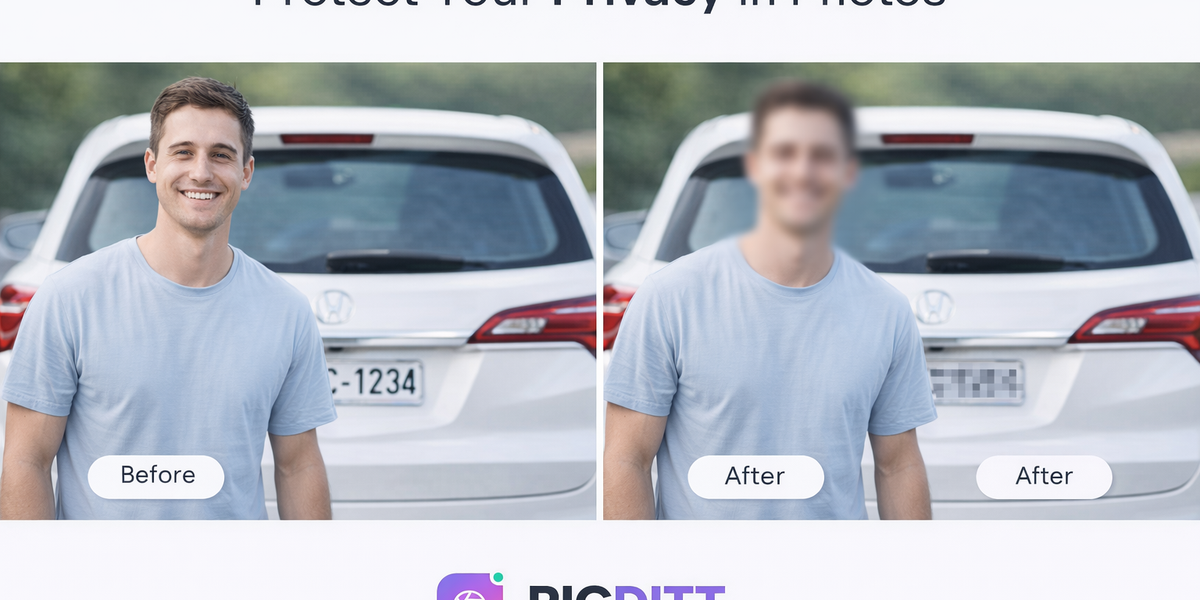
Protect Your Privacy: How to Blur Faces and Sensitive Info in Photos (Free Online)
In today’s digital world, sharing photos online has become second nature. Whether you’re posting on social media, sending images to clients, or publishing content on a website, images are everywhere.
But here’s the problem: most photos contain more personal information than you realize.
A simple image can reveal:
- Faces of people who didn’t consent
- License plate numbers
- Home addresses
- Personal documents
- Phone numbers or emails
This is where privacy protection becomes essential.
Fortunately, you don’t need advanced software or technical skills to protect sensitive information anymore. With tools like PicDitt’s Blur & Pixelate tool, you can quickly and securely hide private details in your images—completely free.
👉 Try it here: https://picditt.com/editing/pixelate
📸 Why Privacy in Images Matters More Than Ever
Every time you upload a photo, you’re potentially sharing more than intended.
🔍 Hidden Risks in Images
Even a casual photo can expose:
- Identity (faces, badges, uniforms)
- Location (street signs, landmarks)
- Financial data (cards, receipts)
- Personal life (family, children)
With increasing concerns around online privacy, protecting this information is no longer optional—it’s necessary.
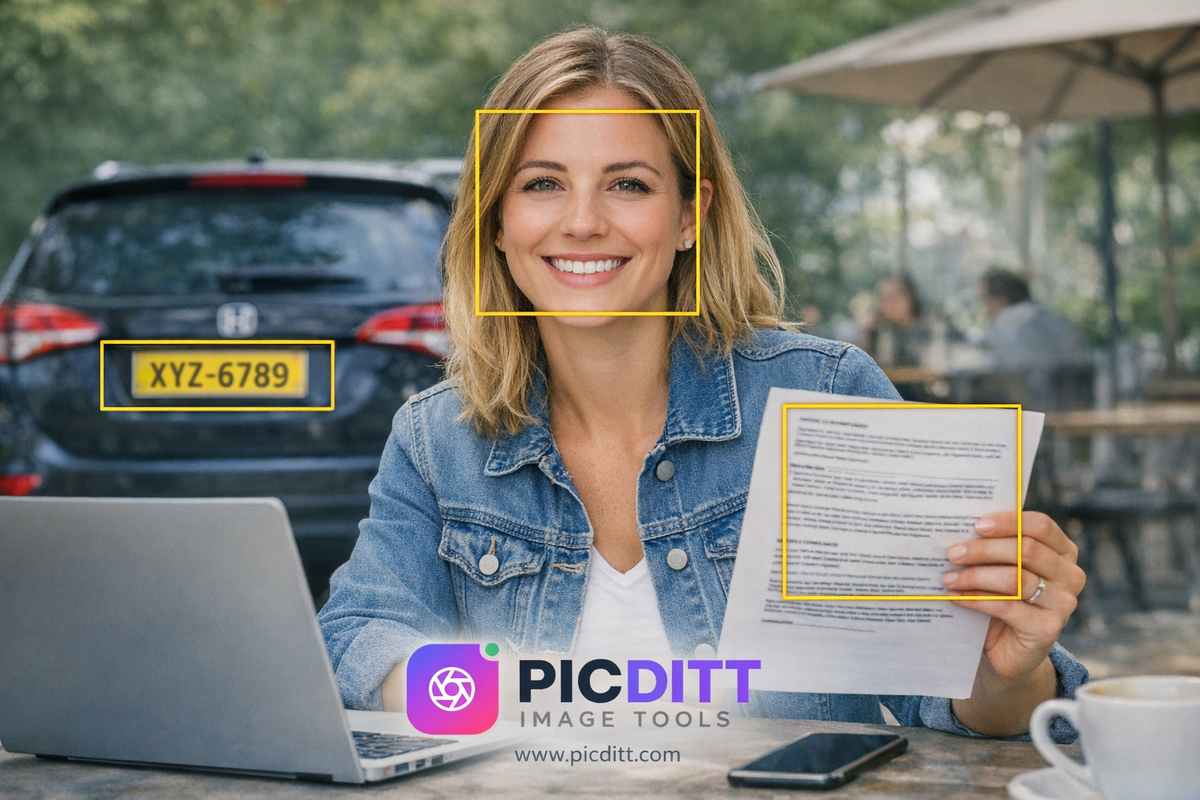
Prompt:
Create a realistic image showing a photo with multiple sensitive elements visible: a person’s face, a car license plate, and a document with text. Highlight these areas subtly to indicate exposure risk. Clean and realistic style.
🔐 What is Image Blur & Pixelation?
Blur and pixelation are techniques used to hide or obscure parts of an image while keeping the rest visible.
🌫️ Gaussian Blur
- Smooth, soft effect
- Ideal for faces
- Professional appearance
🧊 Pixelation (Mosaic Effect)
- Blocky, censored look
- Ideal for text and data
- Clearly indicates hidden content
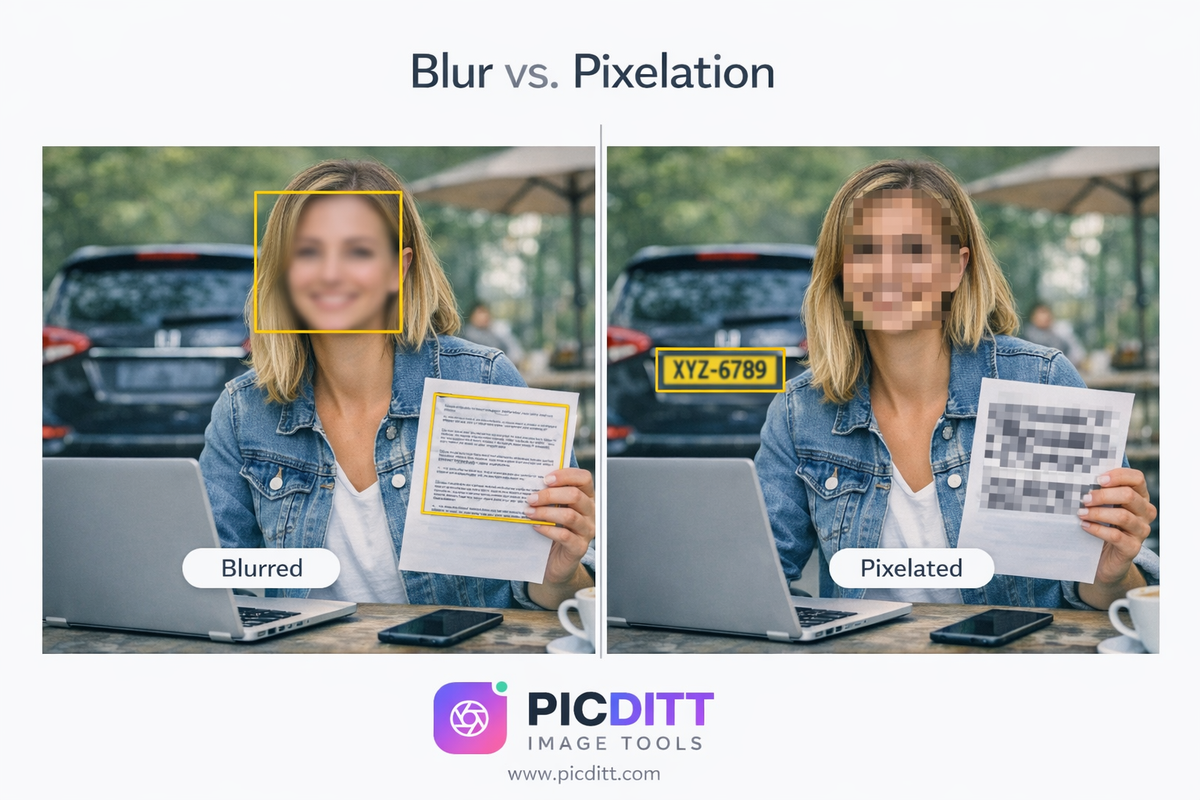
Prompt:
Create a side-by-side comparison image showing the same photo. One side uses blur on a face, the other uses pixelation on text. Clean layout with clear visual difference.
⚡ How to Blur Faces and Sensitive Info (Step-by-Step)
Step 1: Upload Your Image
Drag and drop or select your image file.
Supported formats include:
- JPG
- PNG
- WebP
Step 2: Choose Blur or Pixelate
- Blur → for faces
- Pixelate → for text/data
Step 3: Select the Area
Use:
- Rectangle
- Ellipse
- Freehand brush
Step 4: Adjust Intensity
Control how strong the effect is.
Step 5: Download Securely
Your image is processed locally—no uploads.
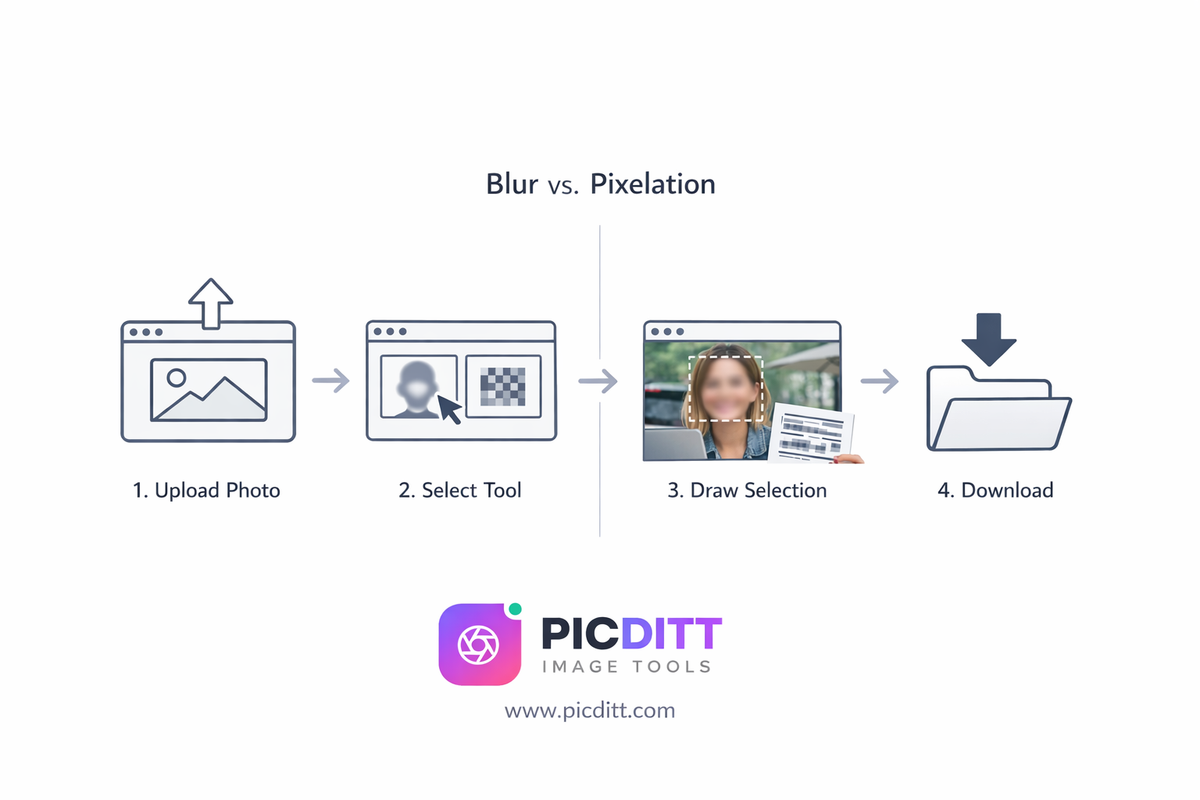
Prompt:
Create a clean UI-style step-by-step illustration showing upload, select tool, draw selection, and download. Use icons and arrows, minimal design.
🔒 100% Privacy: Why Browser-Based Tools Are Safer
Most tools upload your images to servers.
That’s a problem.
PicDitt works differently:
- Everything happens in your browser
- No server uploads
- No data storage
This means:
👉 Your images never leave your device
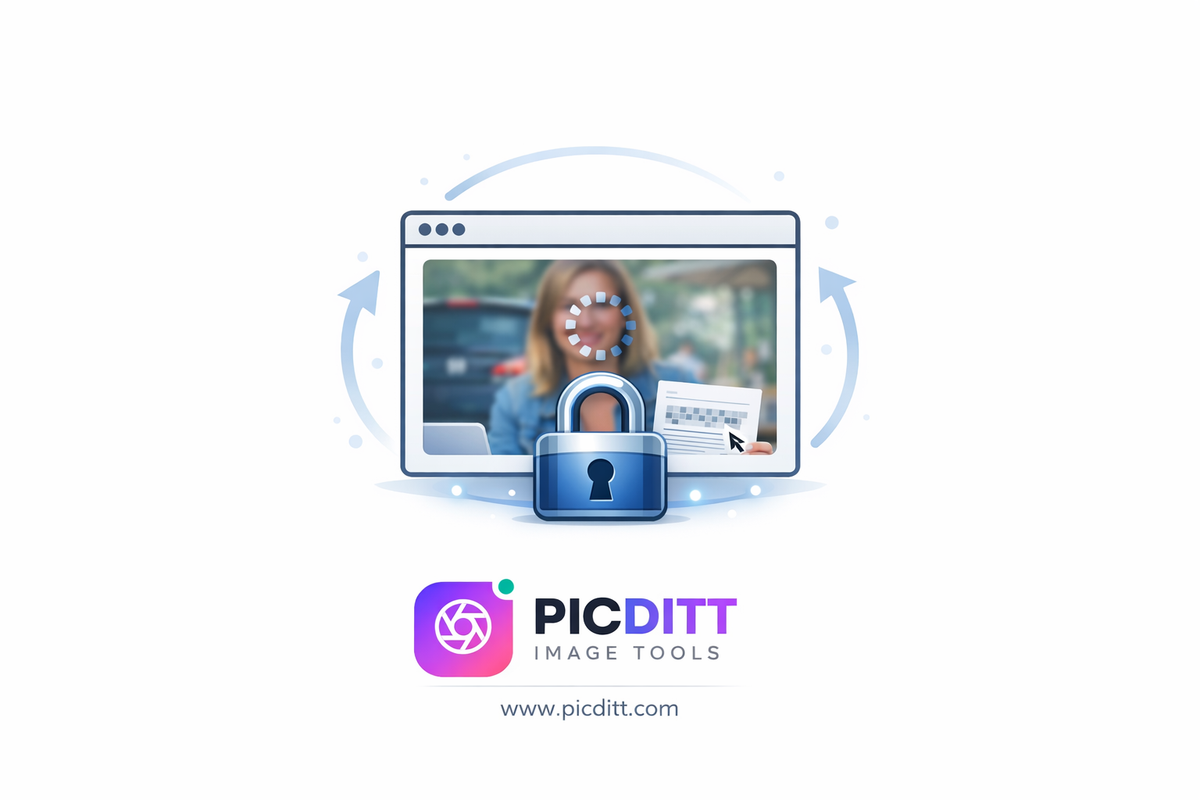
Prompt:
Create a conceptual illustration showing an image being processed inside a browser window with a lock icon, indicating privacy and local processing.
🎯 What You Can Blur or Pixelate
👤 Faces & Identity
Protect bystanders, minors, or private individuals.
🚗 License Plates
Avoid exposing vehicle information.
💳 Financial Information
Hide credit cards, receipts, and documents.
📍 Addresses & Locations
Remove identifiable location data.
📄 Documents
Blur contracts, IDs, or sensitive papers.
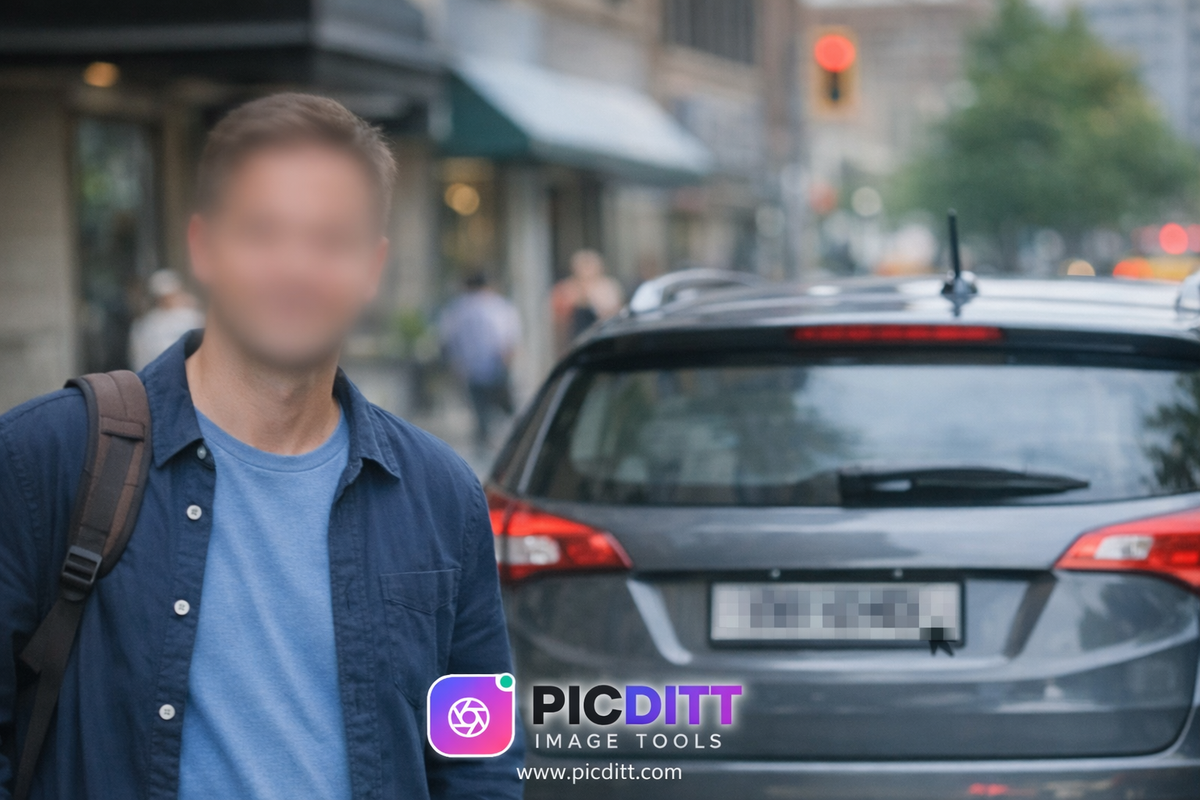
Prompt:
Create a realistic street photo where a face and license plate are blurred. Keep it natural and professional.
💼 Real-World Use Cases
📰 Journalists
Protect sources and comply with privacy laws.
🏠 Real Estate
Hide personal items in property listings.
📱 Social Media
Protect friends, strangers, and children.
🎥 Content Creators
Blur sensitive info in videos and thumbnails.
🏢 Businesses
Secure client and company data.
🧠 Advanced Features That Matter
- Adjustable intensity
- Multiple selection areas
- Undo/redo
- High-quality export
💡 Pro Tips for Best Results
✔️ Select Slightly Larger Area
Ensures complete coverage.
✔️ Use Strong Pixelation for Text
Prevents readability even when zoomed.
✔️ Test Before Sharing
Always zoom and verify.
✔️ Choose Right Effect
Blur = subtle
Pixelate = obvious
⚠️ Common Mistakes to Avoid
- Using low intensity
- Missing edges of sensitive areas
- Forgetting multiple regions
- Sharing without checking
🔍 SEO & Content Benefits
Protecting privacy improves:
- Professionalism
- Trust
- Compliance
❓ FAQ
Is this tool free?
Yes, completely free.
Are my images safe?
Yes, everything is processed locally.
Can I blur multiple areas?
Yes, unlimited selections.
Which is better: blur or pixelate?
Depends:
- Faces → blur
- Text → pixelate
🏁 Final Thoughts
In a world where privacy matters more than ever, protecting sensitive information in images is essential.
With PicDitt’s Blur & Pixelate tool, you get:
- Complete privacy
- Professional results
- Instant editing
- Zero cost
🔥 Try It Now
👉 https://picditt.com/editing/pixelate
Protect your photos before sharing—fast, free, and secure.
Ready to Try It Yourself?
Use this tool for free — no signup, no download, no watermarks.
Open Free ToolYou Might Also Like
How to Crop a Picture into a Circle: Free Online Round Profile Picture Maker
Need a perfectly round profile picture? Picditt's free Circle Crop tool lets you crop any photo into a circle with transparent background. Position, zoom, choose your size, and download a PNG — all in your browser, 100% private. Works for LinkedIn, GitHub, Slack, Discord, and any platform that uses circular avatars.
Read More →
YouTube Banner Maker with Safe Zone Guides: Design Channel Art That Looks Perfect on Every Device
Your YouTube banner looks different on every device. Learn how to design a 2560×1440 channel banner that works perfectly on TV, desktop, tablet, and mobile using PicDitt's free YouTube Banner Maker with built-in safe zone guides.
Read More →
AI Old Photo Restorer & Colorizer: How to Bring Faded Family Photos Back to Life
Old family photos fade, scratch, and lose their color over time—but they don't have to stay that way. Learn how to use PicDitt's free AI Old Photo Restorer & Colorizer to remove damage, enhance details, and add realistic color to black & white images, all directly in your browser.
Read More →