How to Make a Giant Instagram Grid Layout (Split One Image into 3, 6, or 9 Posts)
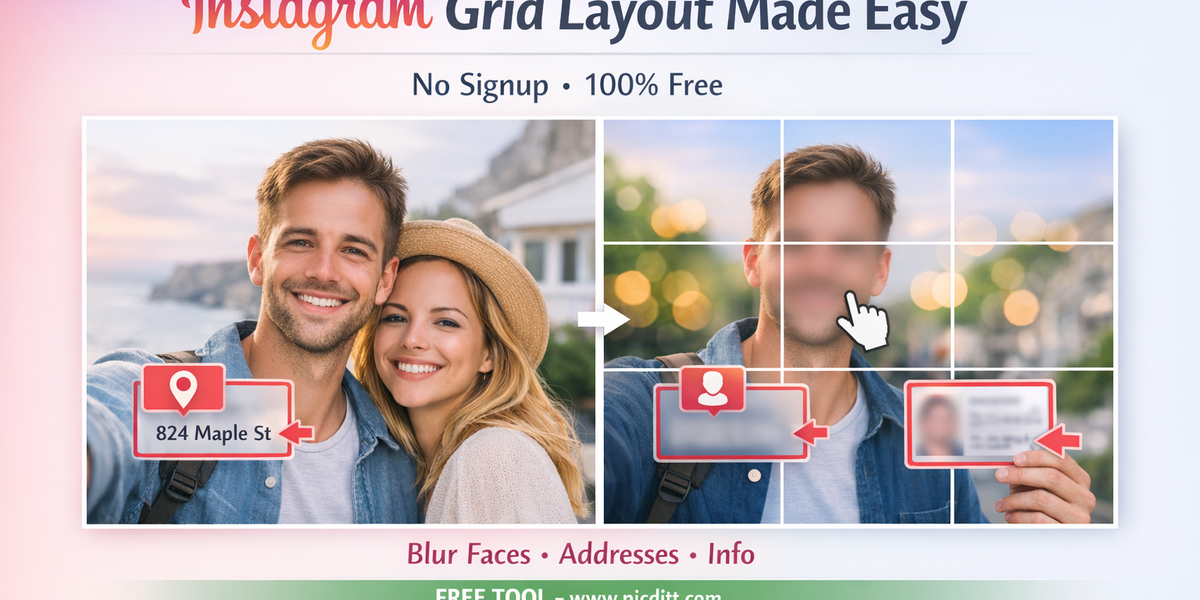
How to Make a Giant Instagram Grid Layout (Split One Image into 3, 6, or 9 Posts)
Instagram has become one of the most powerful visual platforms in the world. Whether you are a content creator, influencer, business owner, or designer, your profile is essentially your digital portfolio.
And in a space where visuals dominate, first impressions matter more than ever.
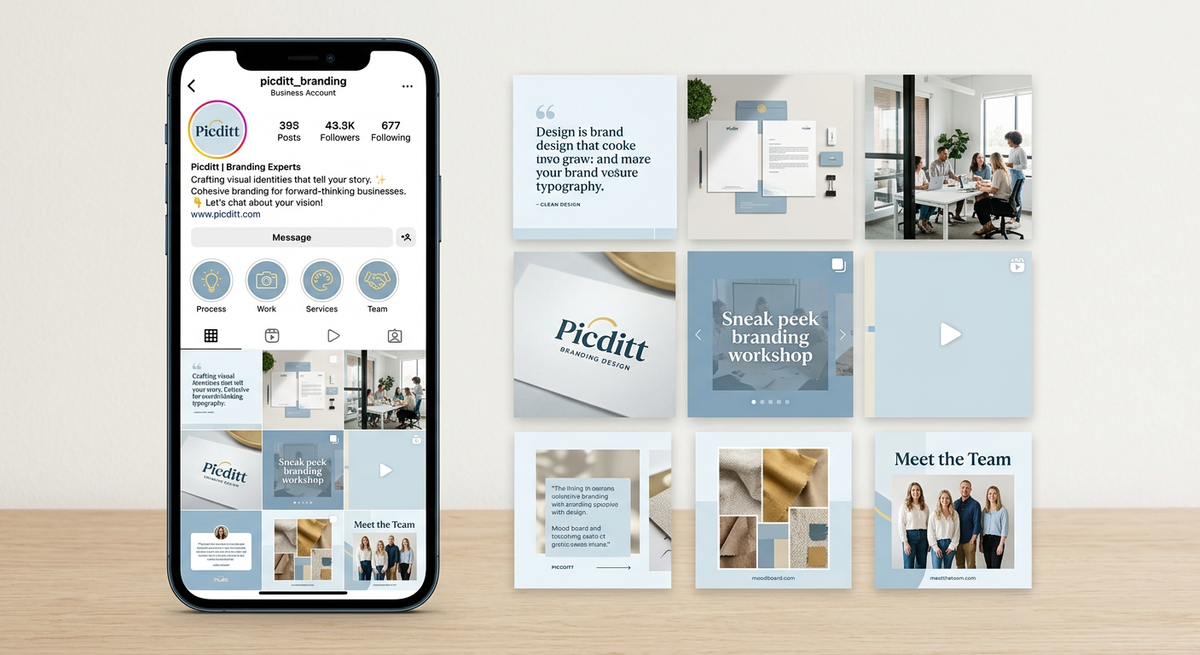
One of the most effective ways to stand out is by creating a giant Instagram grid layout, where a single image is split into multiple posts that come together as one seamless visual on your profile.
This technique is not just creative—it’s strategic. It grabs attention, builds curiosity, and keeps users engaged.
In this guide, you’ll learn exactly how to create Instagram grid layouts using a free online tool, along with expert tips to make your profile look professional and cohesive.
📸 What is an Instagram Grid Layout?
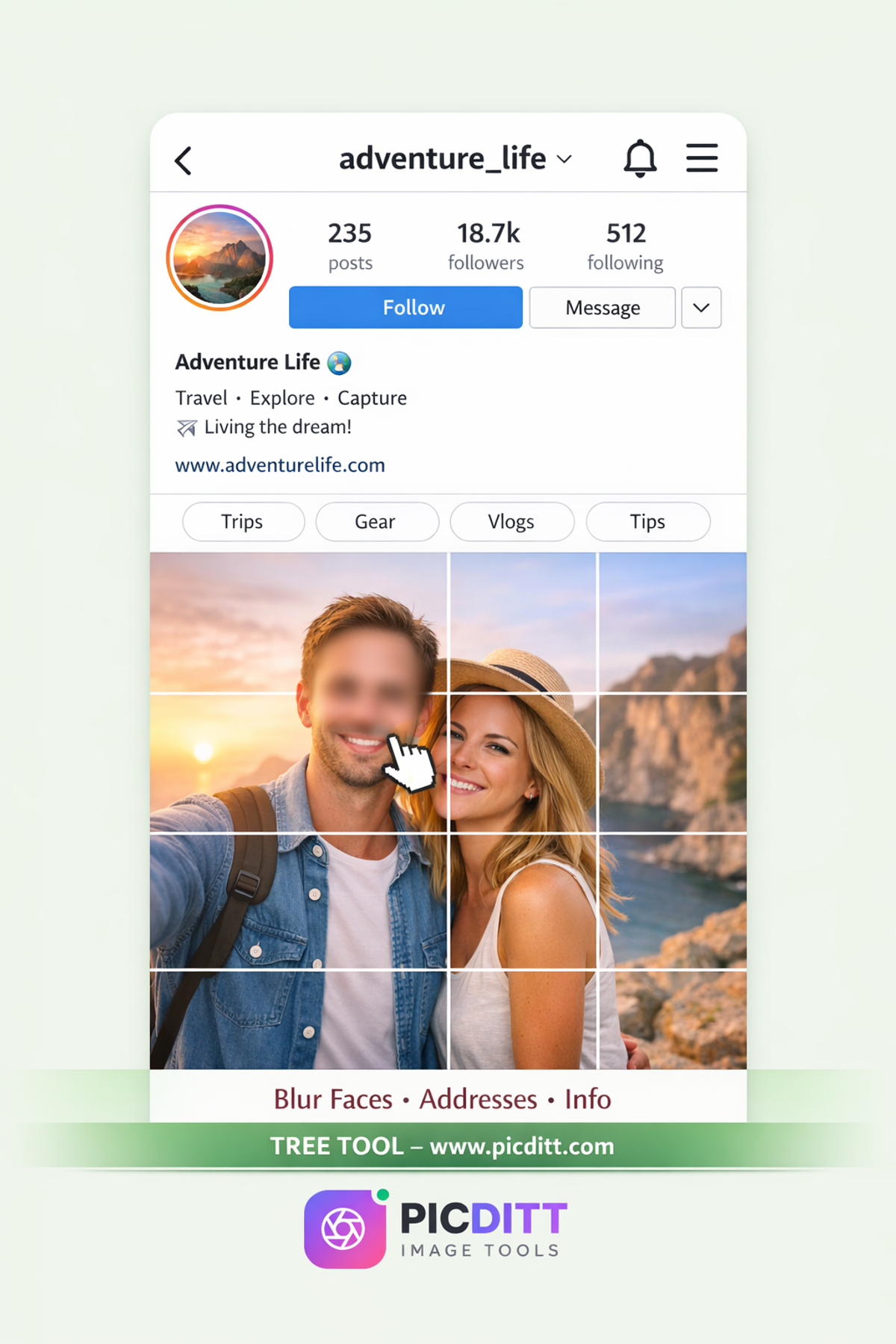
An Instagram grid layout is a design technique where multiple posts combine to form one larger image when viewed on your profile.
Instagram displays posts in a 3-column format, which makes it perfect for creating layouts like:
- 3×3 grid (9 posts)
- 3×2 grid (6 posts)
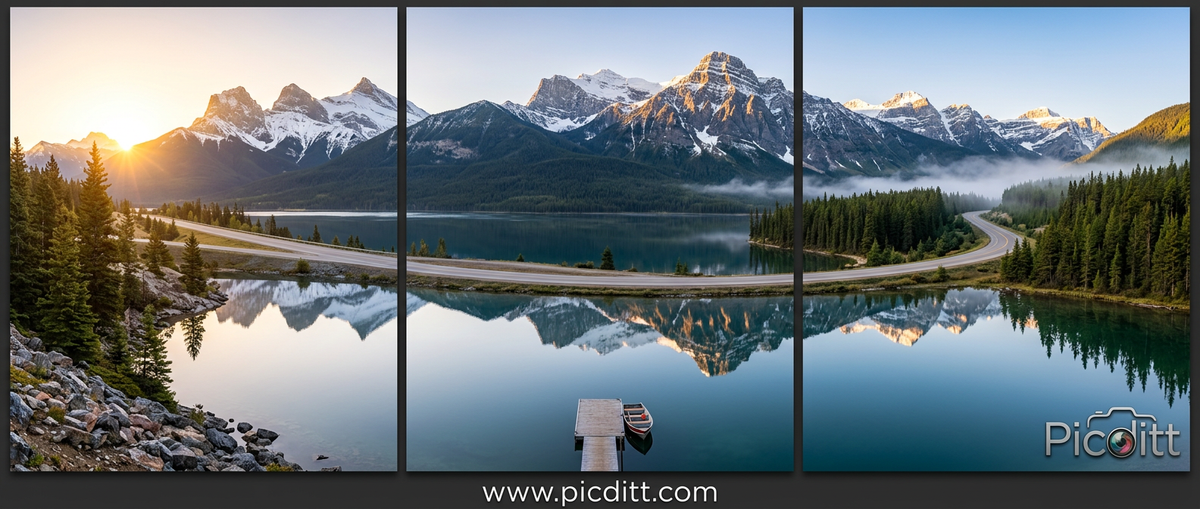
- Panoramic layouts (1×3)
Each post works individually, but together they create a bigger visual impact.
🎯 Why Instagram Grid Layouts Work So Well
Instagram users scroll quickly. If your profile looks ordinary, they move on. But if it looks visually structured and unique, they stop.
Here’s why grid layouts work:
✔️ Strong Visual Impact
A grid layout instantly makes your profile look premium and well-designed.
✔️ Increased Engagement
Users click multiple posts to understand the full image.
✔️ Better Branding
You can maintain consistent colors, themes, and storytelling.
✔️ Memorable Aesthetic
A well-designed grid helps people remember your profile.
🧩 What is Image Grid Splitting?
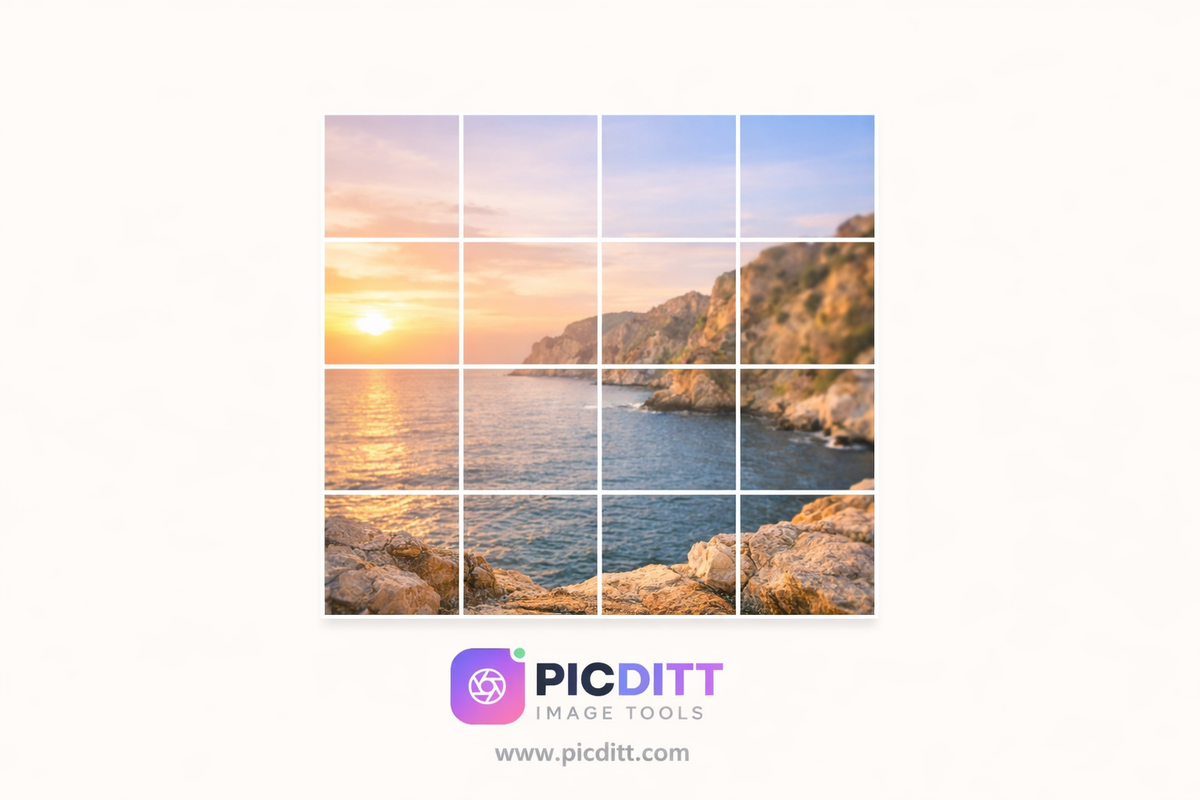
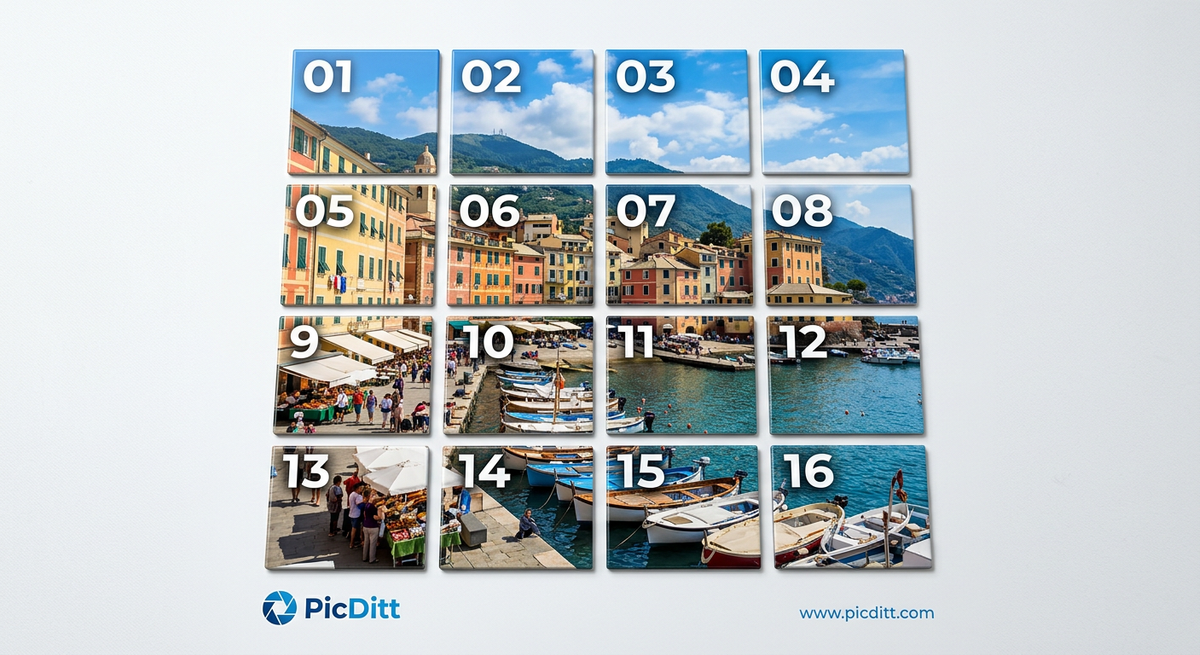
Image grid splitting is the process of dividing one image into multiple equal-sized tiles.
Each tile becomes a separate post, but when arranged correctly, they form a complete image.
⚙️ How to Make an Instagram Grid Layout (Step-by-Step)
Creating a grid layout is simple when you use the right tool.
Step 1: Choose a High-Quality Image
Your image is the foundation of your grid.
Tips:
- Use high resolution
- Prefer square (1:1 ratio)
- Keep important elements centered

Step 2: Upload Your Image
Go to the tool:
👉 https://picditt.com/editing/split-image
Upload your image easily (supports JPG, PNG, WebP).
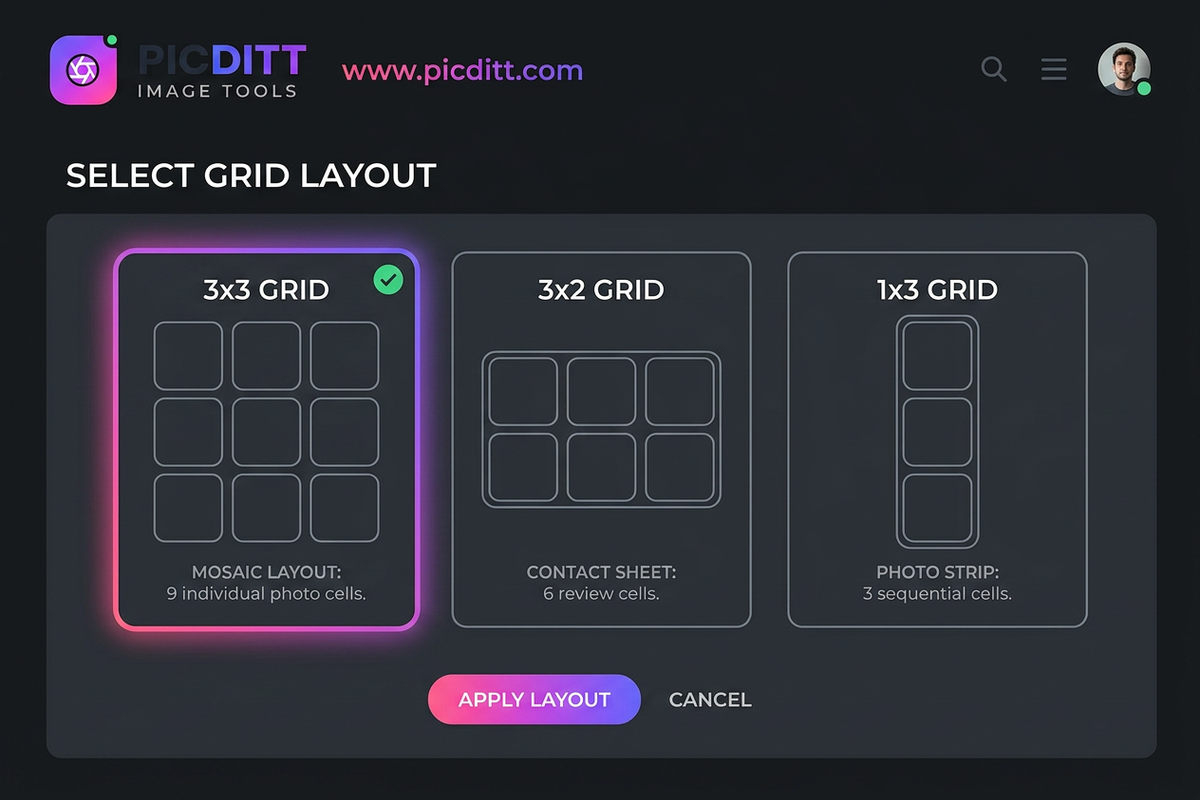
Step 3: Choose Grid Size
Select your layout:
- 3×3 → 9 posts
- 3×2 → 6 posts
- 1×3 → panorama
Step 4: Preview Before Splitting
Always preview your grid before downloading.
Check:
- Alignment
- Cropping
- Subject placement
Step 5: Download Tiles
Download all tiles instantly. Each piece will be perfectly cut.
Step 6: Upload in Correct Order
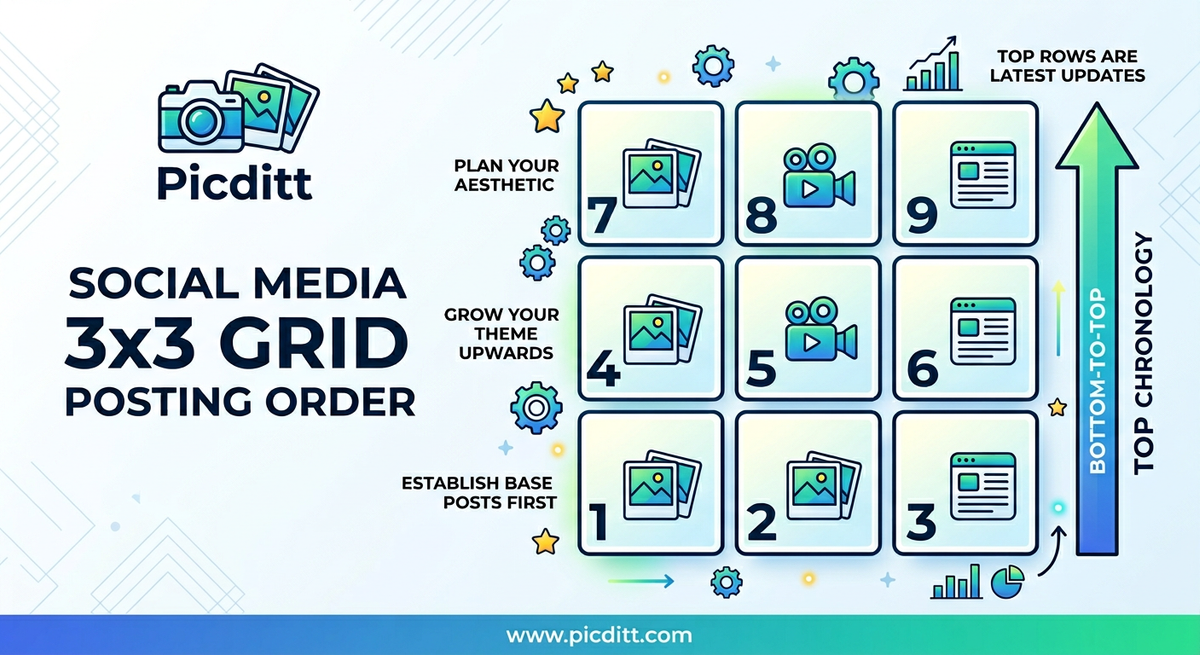
For a 3×3 grid:
Upload in this order:
- Bottom row first (7,8,9)
- Middle (4,5,6)
- Top (1,2,3)
📱 Popular Instagram Grid Ideas
🔲 3×3 Grid
Most popular and visually impactful.
🔳 3×2 Grid
Perfect for short campaigns.
🌄 Panorama Layout
Great for landscapes and storytelling.
🔒 Privacy & Security Benefits
Unlike many tools, this one:
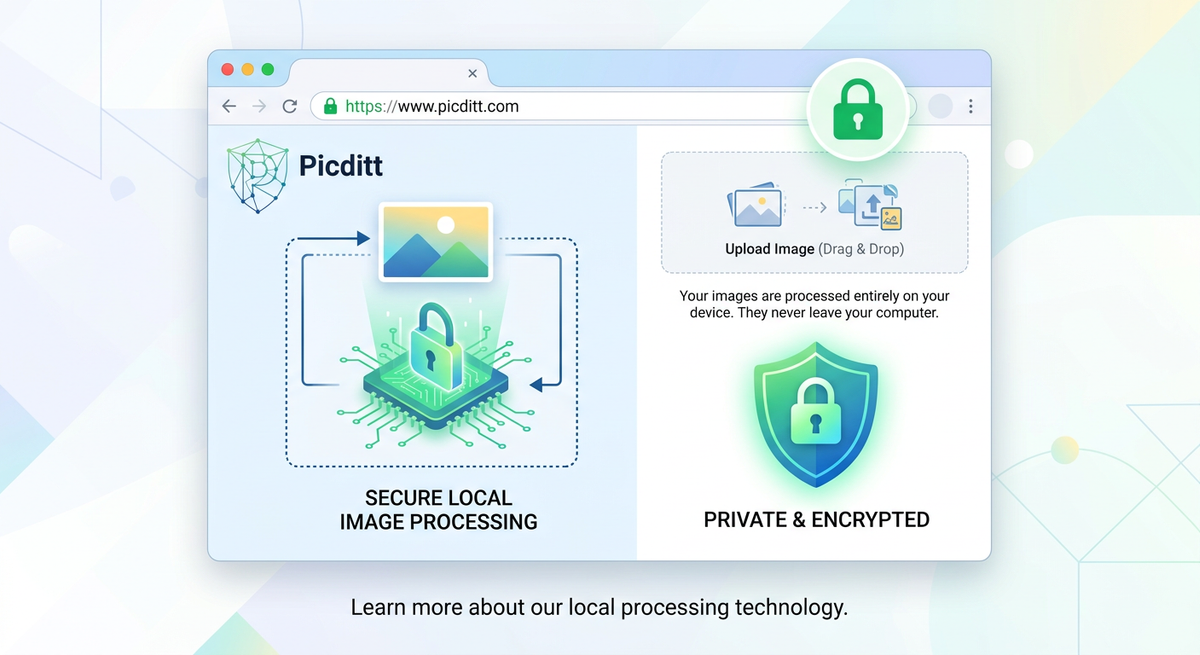
- Works entirely in your browser
- Does not upload images
- Keeps your data private
This is especially important for professionals handling client images.
💼 Real-World Use Cases
Influencers
Create stunning profiles that attract followers.
Businesses
Run visual campaigns and promotions.
Designers
Showcase portfolios creatively.
Photographers
Display wide shots and panoramas.
💡 Pro Tips for Perfect Results
✔️ Use Square Images
Ensures proper alignment.
✔️ Plan Before Posting
Visualize your grid first.
✔️ Avoid Splitting Faces
Keep subjects within tiles.
✔️ Use High Resolution
Maintains quality across posts.
✔️ Preview Always
Avoid mistakes before publishing.
⚠️ Common Mistakes to Avoid
- Posting in wrong order
- Using low-quality images
- Ignoring tile edges
- Overcomplicating design
📈 Benefits for Growth & Branding
Grid layouts help:
- Improve profile aesthetics
- Increase engagement
- Build brand identity
- Attract more followers
❓ FAQ
Is it free?
Yes, completely free.
Is it secure?
Yes, 100% private.
Can I customize grid size?
Yes, fully customizable.
Does it reduce quality?
No, quality is preserved.
🏁 Final Thoughts
Creating a giant Instagram grid layout is one of the most effective ways to elevate your profile and stand out in a crowded platform.
With the right tool, you can:
- Create stunning visuals
- Maintain quality
- Keep your data secure
- Build a strong visual identity
🚀 Start Now
👉 https://picditt.com/editing/split-image
Turn your Instagram profile into a visual masterpiece today.
Ready to Try It Yourself?
Use this tool for free — no signup, no download, no watermarks.
Open Free ToolYou Might Also Like
Make Your Photos Pop: Free Aesthetic Filters Online (A VSCO Alternative)
Enhance your photos instantly with free online filters. Apply effects, adjust colors, and download high-quality images in seconds.
Read More →
AI Old Photo Restorer & Colorizer: How to Bring Faded Family Photos Back to Life
Old family photos fade, scratch, and lose their color over time—but they don't have to stay that way. Learn how to use PicDitt's free AI Old Photo Restorer & Colorizer to remove damage, enhance details, and add realistic color to black & white images, all directly in your browser.
Read More →
How to Convert Images to PDF Online Free — The Complete Guide
Convert any image to a professional PDF document for free. Combine multiple photos, customize page size, adjust margins, set orientation, and download instantly. All processing happens in your browser — your images never leave your device.
Read More →