Make Your Photos Pop: Free Aesthetic Filters Online (A VSCO Alternative)
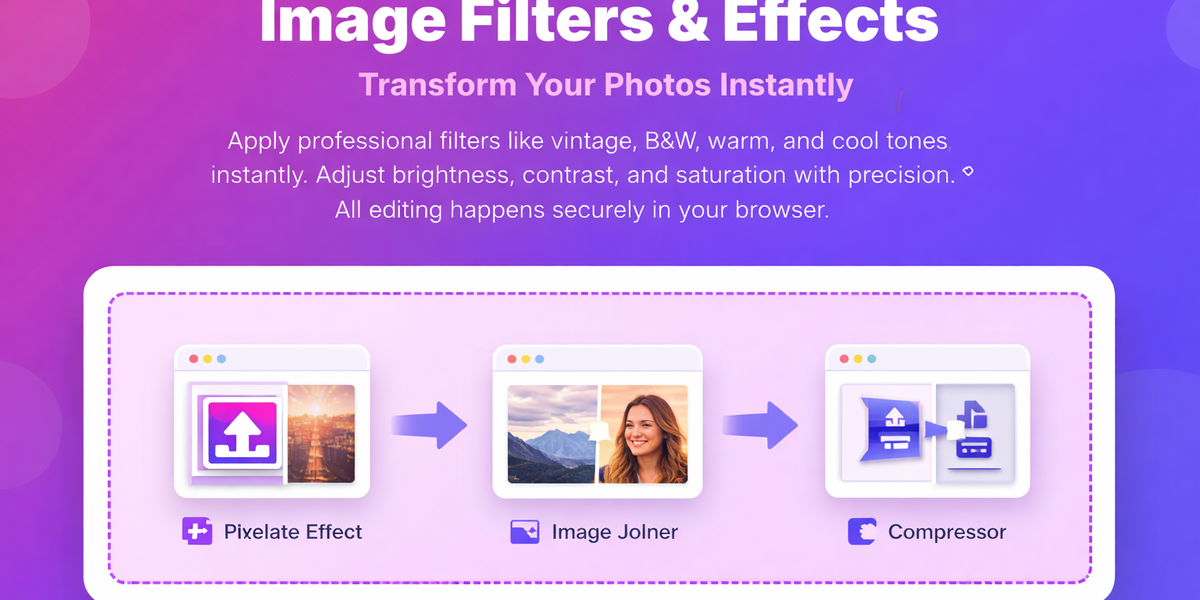
Image Filters & Effects Transform Your Photos Instantly
Introduction
In today’s digital world, visuals play a powerful role in communication. Whether you're posting on social media, managing an online store, or building a personal brand, high-quality images can make a huge difference in how your content is perceived.
However, most photos taken with smartphones or cameras often look dull or flat straight out of the camera. Even with advanced technology, raw images usually lack the mood, color balance, and visual impact needed to stand out.
That’s where image filters and effects come in.
With the right filter, you can instantly transform an ordinary photo into a visually appealing and professional-looking image. And the best part? You don’t need expensive software or editing skills anymore.
The PicDitt Image Filters & Effects tool allows you to apply stunning filters directly in your browser—completely free, secure, and incredibly easy to use.
What is an Image Filter?
An image filter is a preset adjustment that enhances a photo by modifying elements like brightness, contrast, saturation, and color tones to achieve a specific visual style instantly.
Filters combine multiple edits into one click, saving time and ensuring consistent results.
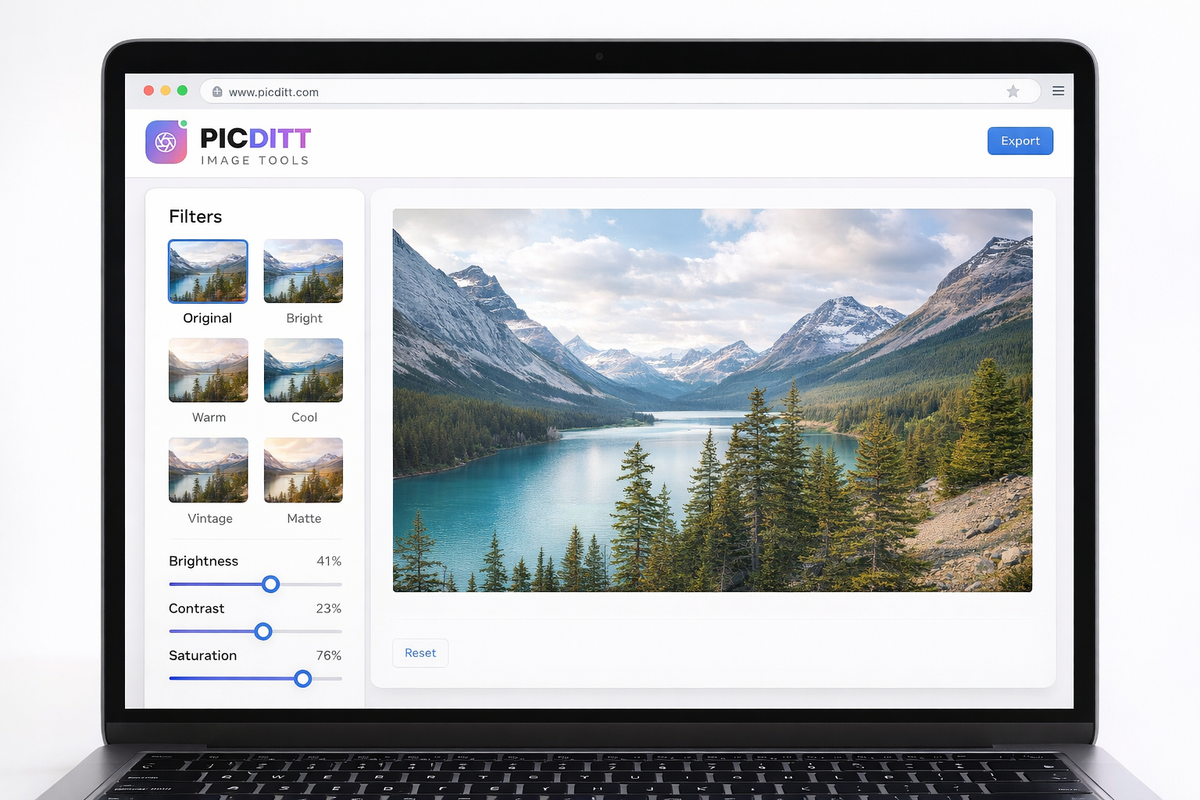
How to Apply Image Filters Online
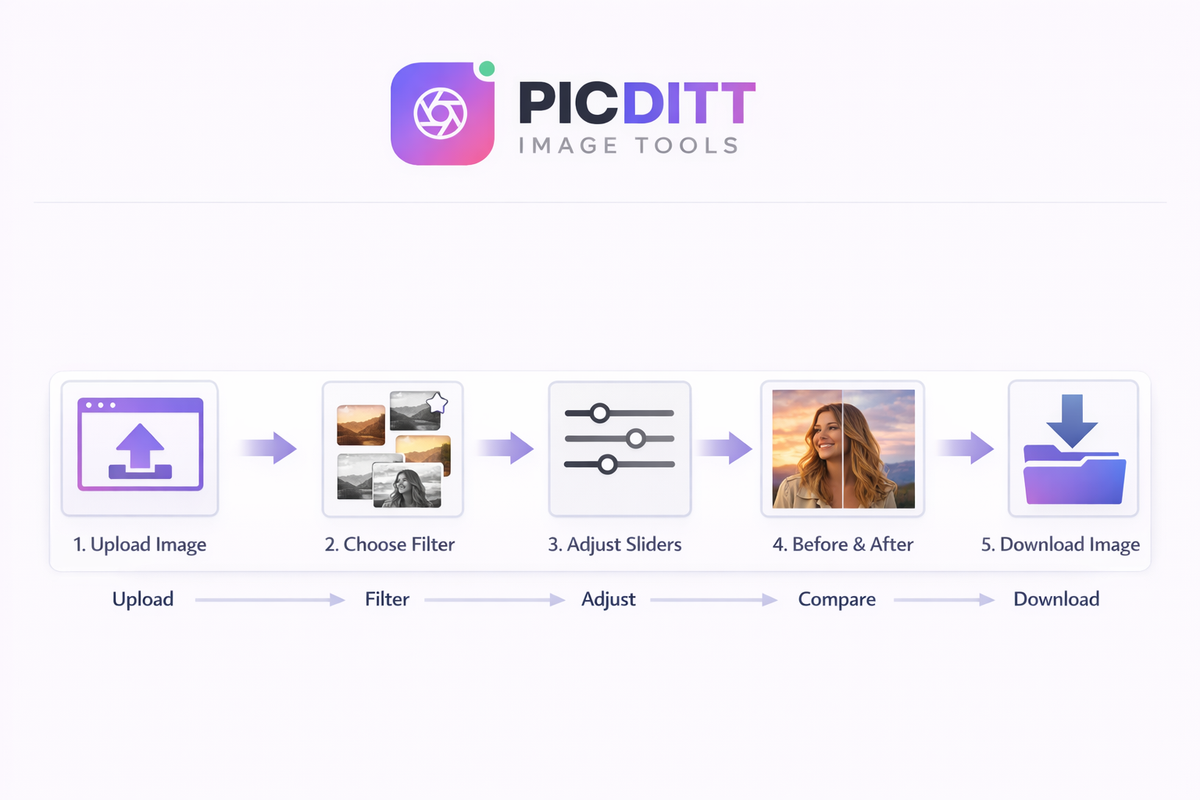
- Upload your image
- Choose a filter or effect
- Adjust brightness, contrast, or saturation
- Preview changes in real time
- Download your edited image
Why Do Raw Photos Look Flat?
Even though modern devices process images automatically, they don’t fully capture the mood or emotion you want to convey.
For example:
- A sunset photo may look better with warmer tones
- A portrait might need softer contrast
- A cityscape may feel more cinematic with cooler tones
Raw images are technically accurate—but visually incomplete.
Filters solve this by applying a consistent tone and mood instantly.
Key Features of PicDitt Image Filters Tool
The PicDitt tool is designed to provide professional-level editing with maximum simplicity.
100% Free Online Tool
No subscriptions, no watermarks, and no hidden costs.
Secure & Private
All editing happens in your browser. Your images never leave your device.
Real-Time Preview
See changes instantly without waiting.
High-Quality Output
Download images in full resolution without losing quality.
Multi-Format Support
Supports JPG, PNG, WebP, and more up to 50MB.
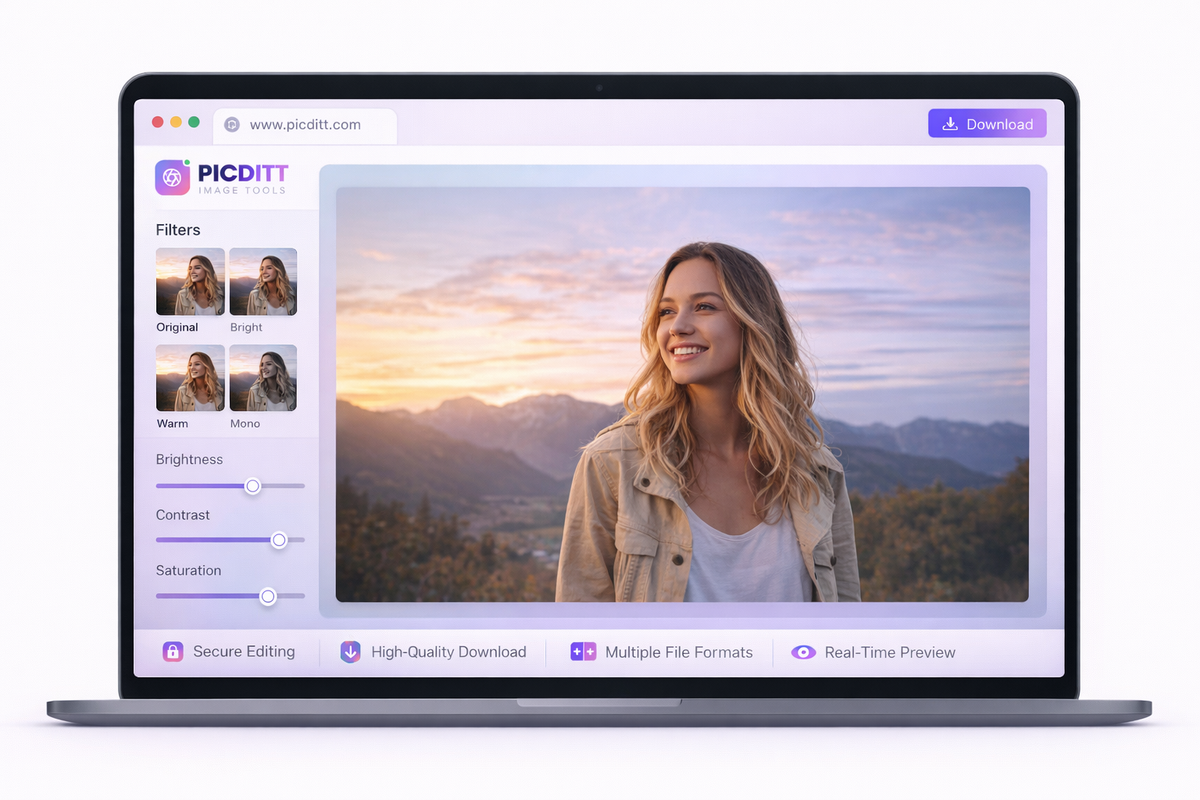
Popular Image Filter Styles
Vintage / Retro Filters
These filters create a nostalgic look with warm tones and faded contrast.
Best for:
- Street photography
- Lifestyle shots
- Cafes and travel memories
Black & White (B&W)
Removes color and highlights contrast and emotion.
Best for:
- Portraits
- Artistic photography
- Dramatic visuals
Bright & Vivid Filters
Enhance saturation and brightness for lively images.
Best for:
- Food photography
- Travel shots
- Outdoor scenes
Cool & Moody Filters
Add blue tones for a cinematic and modern feel.
Best for:
- Urban photography
- Rainy scenes
- Night photography
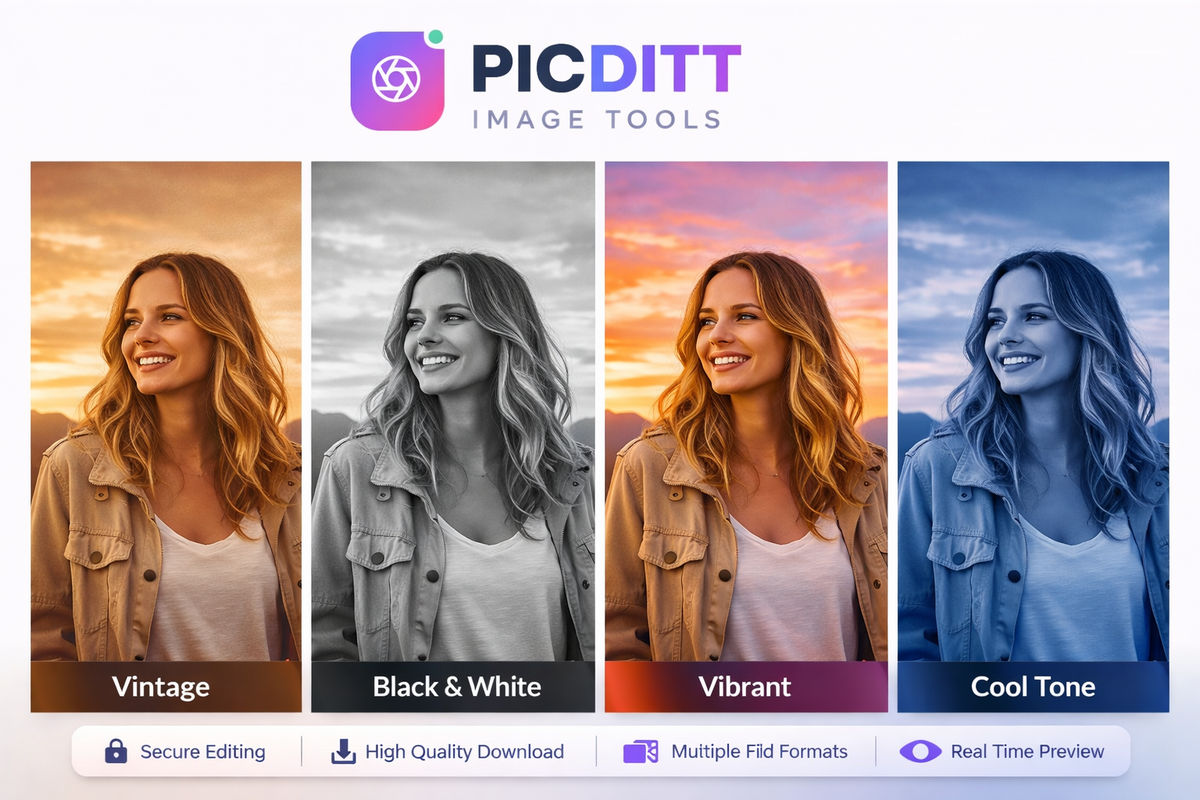
Step-by-Step Guide to Using PicDitt
Using the tool is simple and requires no technical knowledge.
Step 1: Upload Your Image
Upload any image from your device in formats like JPG, PNG, or WebP.
Step 2: Choose a Filter
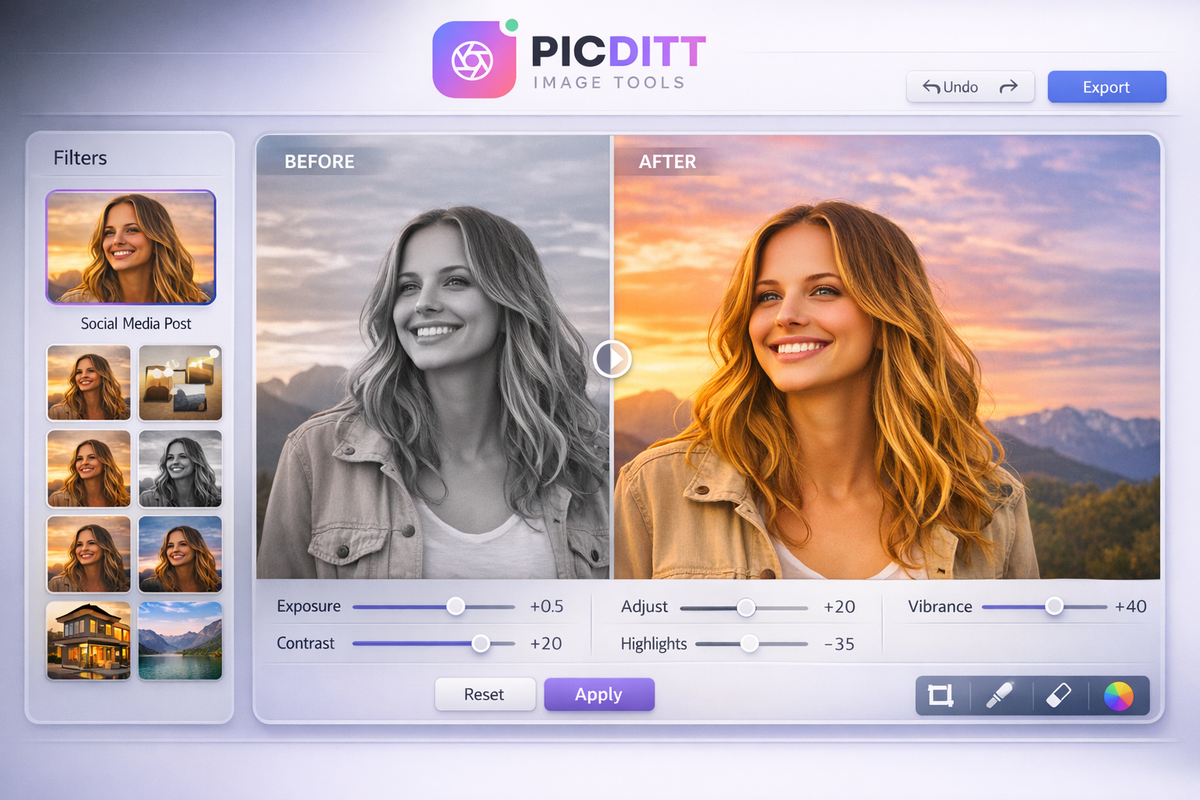
Select from 16 professional presets such as vintage, B&W, warm, or dramatic.
Step 3: Adjust Settings
Fine-tune:
- Brightness
- Contrast
- Saturation
- Hue
Step 4: Compare Before & After
Use the comparison slider to see improvements.
Step 5: Download Image
Export your image in high-quality PNG format.
What Gets Preserved During Editing?
One major advantage of using PicDitt is that it maintains the integrity of your images.
- Original resolution stays intact
- Fine details and textures are preserved
- Full color depth is maintained
- Transparency (PNG) is supported
- No distortion or artifacts
This ensures professional-quality results every time.
Real-World Use Cases
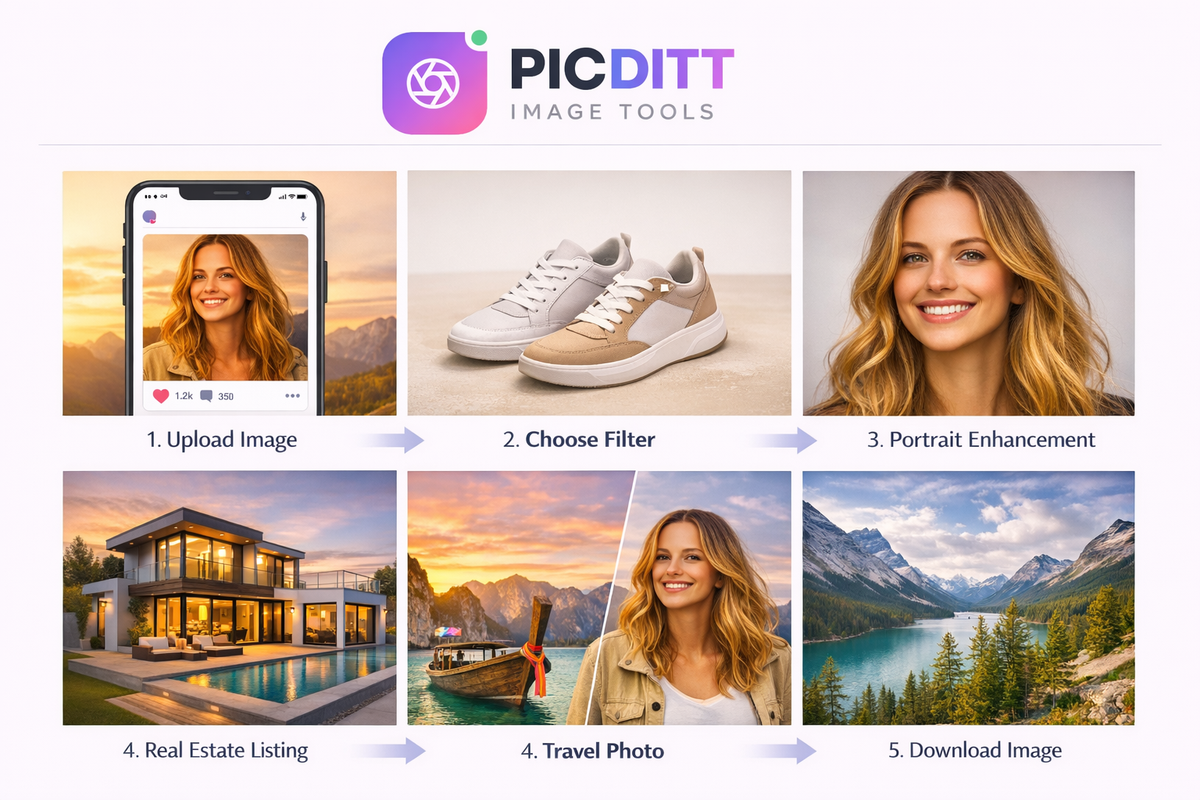
Social Media Content
Create eye-catching posts that increase engagement.
Photography Enhancement
Turn basic photos into portfolio-worthy images.
Product Photography
Improve product visuals for better conversions.
Real Estate Marketing
Enhance property images to attract buyers.
Portrait Editing
Create flattering and polished portraits.
Why Use a Browser-Based Image Editor?
Traditional editing software comes with limitations:
- Requires installation
- Takes up storage
- Often expensive
PicDitt eliminates these problems.
Benefits:
- No downloads required
- Works on all devices
- Accessible anytime
- Fast and lightweight
Advanced Features That Make a Difference
- 16 professional presets
- 9 adjustment controls
- Undo/redo functionality
- Real-time preview
- Before/after comparison
- High-quality export
Pro Tips for Better Results
Start with a Preset
Choose a filter first, then fine-tune.
Avoid Over-Editing
Subtle edits often look more professional.
Adjust Based on Photo Type
- Portraits → soft tones
- Landscapes → vibrant colors
- Products → balanced lighting
Use Comparison Tool
Always compare before and after to ensure improvement.
Enhance Your Workflow with Other PicDitt Tools
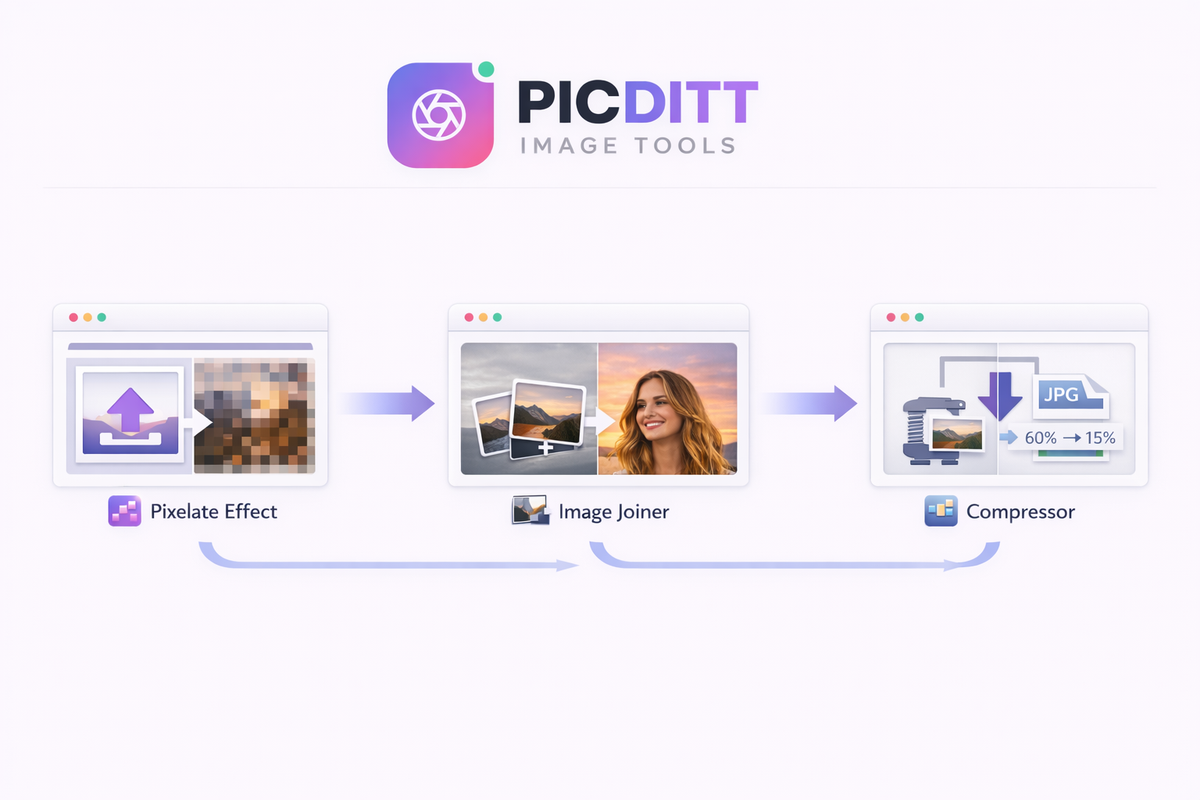
To get even better results, you can combine this tool with other PicDitt features:
- Create pixel-style effects using the Pixelate Tool:
https://picditt.com/editing/pixelate - Combine multiple images into one using the Join Images Tool:
https://picditt.com/misc/join-images - Reduce file size after editing using the Image Compressor:
https://picditt.com/compress
These tools help you create a complete image editing workflow directly in your browser.
Frequently Asked Questions
Is the PicDitt image filter tool free?
Yes, it is completely free with no subscriptions or hidden charges.
Are my images सुरक्षित?
Yes, all editing happens in your browser. Your files are never uploaded.
What formats are supported?
JPG, PNG, WebP, GIF, BMP, TIFF, and SVG.
Can I use it on mobile?
Yes, it works on smartphones, tablets, and desktops.
How do I reduce image size after editing?
You can use the Image Compressor tool available on PicDitt.
Conclusion
You no longer need expensive software or advanced editing skills to create stunning visuals. With PicDitt Image Filters & Effects, anyone can enhance photos instantly with just a few clicks.
From social media creators to professional photographers, this tool provides everything you need—speed, quality, and simplicity—all in one place.
Start transforming your images today and turn ordinary photos into eye-catching visuals.
Ready to Try It Yourself?
Use this tool for free — no signup, no download, no watermarks.
Open Free ToolYou Might Also Like
How to Crop a Picture into a Circle: Free Online Round Profile Picture Maker
Need a perfectly round profile picture? Picditt's free Circle Crop tool lets you crop any photo into a circle with transparent background. Position, zoom, choose your size, and download a PNG — all in your browser, 100% private. Works for LinkedIn, GitHub, Slack, Discord, and any platform that uses circular avatars.
Read More →
How to Convert Images to PDF Online Free — The Complete Guide
Convert any image to a professional PDF document for free. Combine multiple photos, customize page size, adjust margins, set orientation, and download instantly. All processing happens in your browser — your images never leave your device.
Read More →