Remove Image Background Instantly with AI — Free Online Tool
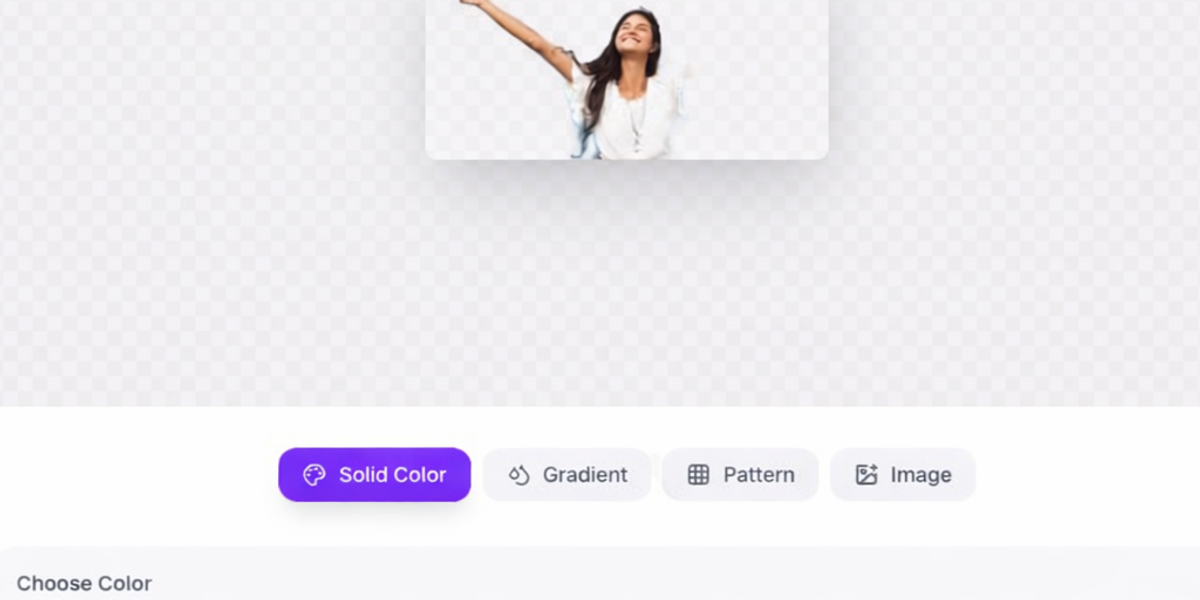
You've taken the perfect photo — great lighting, great pose, great subject. But the background? A messy kitchen counter. A crowded parking lot. A pile of laundry you forgot to move. Sound familiar?
Background removal used to require expensive software like Adobe Photoshop and hours of careful manual editing. Professional designers would charge anywhere from five to fifty dollars per image just to cut out a subject and place it on a clean background. For anyone without design skills or budget, creating clean product photos, professional headshots, or social media graphics with perfect backgrounds was simply out of reach.
Not anymore. The PicDitt AI Background Remover uses advanced artificial intelligence to detect your subject, remove the background, and deliver a perfectly cut-out image — all in seconds, completely free, and without your image ever leaving your device.
In this complete guide, you'll learn how AI background removal works, when and why to use it, step-by-step instructions, customization options, pro tips for the best results, and answers to the most common questions.
What Is AI Background Removal?
AI background removal is a technology that uses machine learning to automatically identify the main subject in a photograph and separate it from the background. The AI model has been trained on millions of images — portraits, products, animals, objects, and complex scenes — to understand what counts as the "subject" and what counts as the "background."
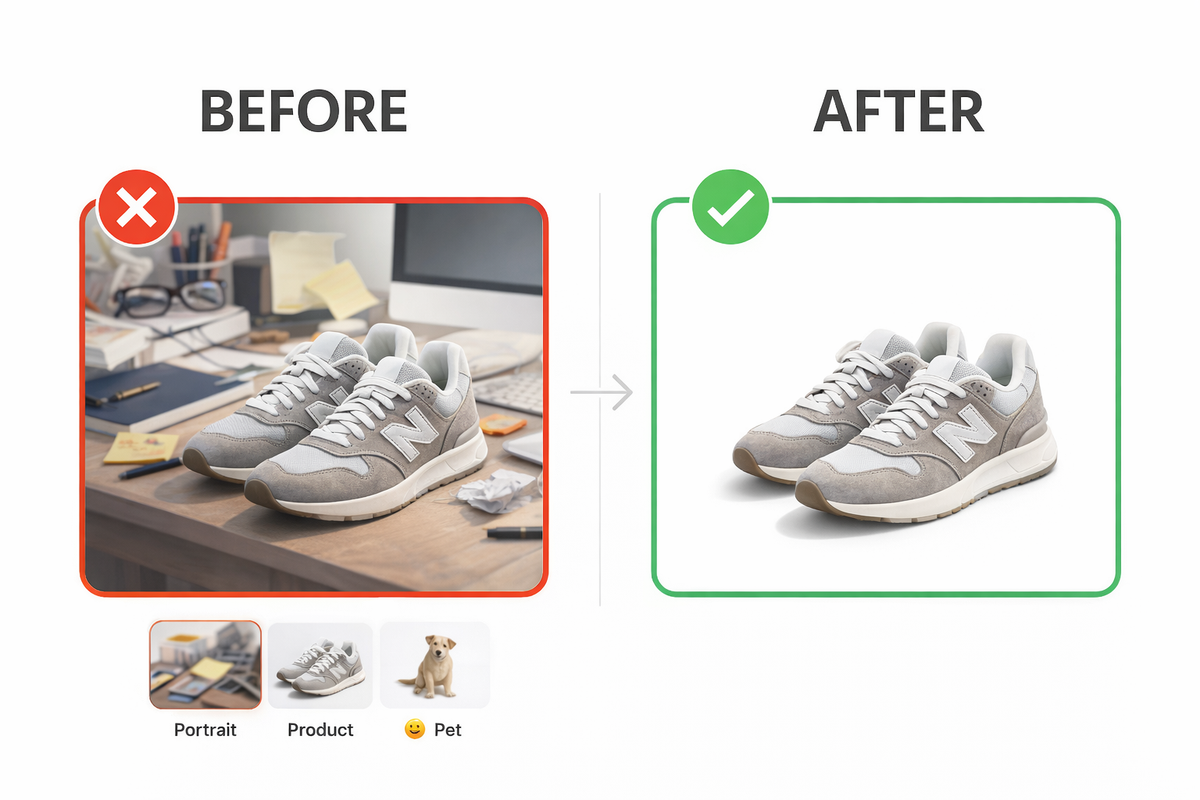
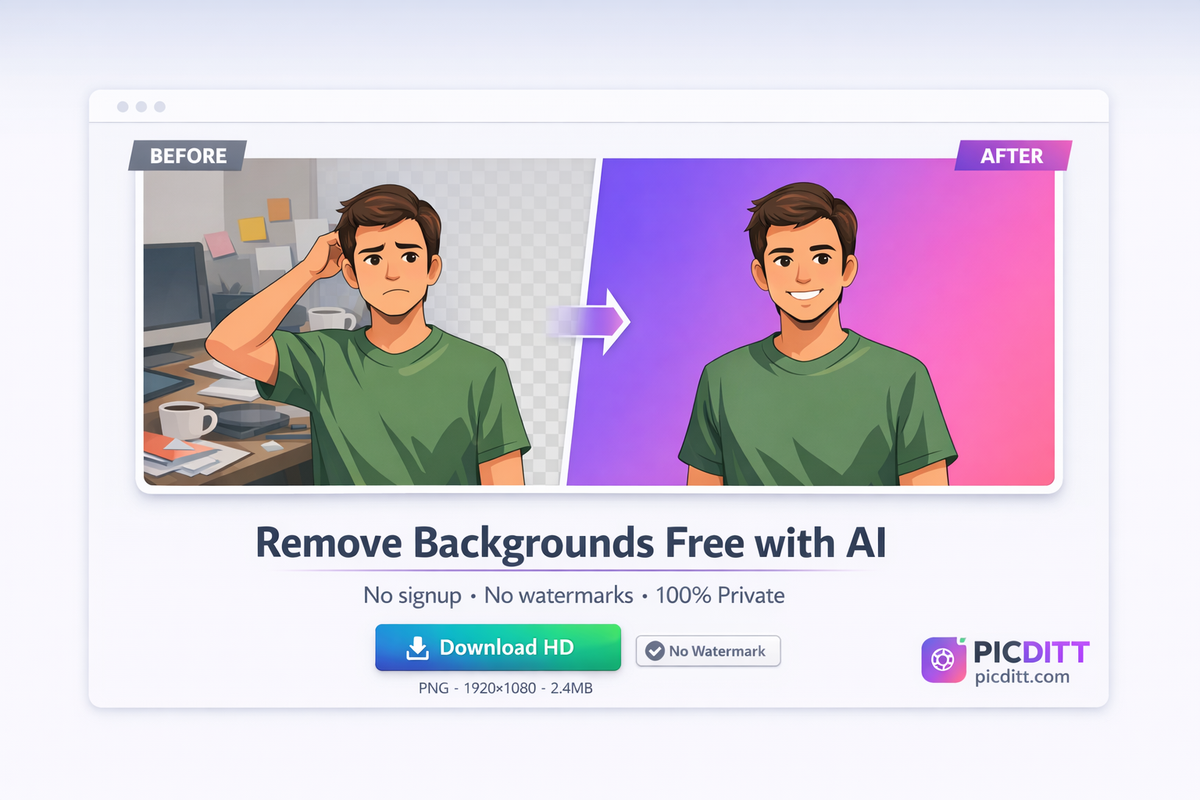
When you upload an image, the AI analyzes every pixel. It identifies edges, detects shapes, recognizes common subjects like people, animals, and products, and creates a precise cutout around the subject. The result is your subject on a transparent background — ready to be placed on any color, gradient, pattern, or custom image you choose.
Traditional background removal required manual selection tools like Photoshop's pen tool or magic wand — a tedious process that could take 10-30 minutes per image, even for experienced designers. AI background removal delivers comparable or better results in 5-15 seconds, with no design skills required.
The PicDitt Background Remover is powered by advanced WebAssembly technology that runs the entire AI model directly in your browser. Unlike other tools that upload your photos to cloud servers for processing, PicDitt processes everything locally on your device. Your images never leave your computer or phone — making it the most private background removal tool available.
Why You Need a Background Remover
Background removal isn't just for professional designers. It's a tool that practically everyone can benefit from in both personal and professional life.
1. E-Commerce and Product Photography
Online shoppers can't touch or examine products physically — they rely entirely on product images to make purchasing decisions. Clean, professional product photos with white or transparent backgrounds are the standard on Amazon, eBay, Etsy, Shopify, and virtually every online marketplace. In fact, Amazon specifically requires product images to have a pure white background. Removing cluttered backgrounds and replacing them with clean white instantly makes your products look more professional and trustworthy, which directly increases conversion rates and sales.
2. Professional Headshots and Profiles
A professional-looking profile photo makes a real difference — on LinkedIn, company websites, resumes, ID cards, and business cards. But not everyone can afford a professional photoshoot with a studio backdrop. AI background removal lets you take any decent photo of yourself and replace the background with a clean, solid color — transforming a casual selfie into a professional headshot in seconds.
3. Social Media Content
Social media is a visual platform, and standing out in crowded feeds requires eye-catching images. Removing backgrounds lets you create transparent stickers, overlay subjects onto branded backgrounds, design clean Instagram posts, create YouTube thumbnails with dramatic compositions, and build a consistent visual brand — all without any design software.
4. Graphic Design and Marketing
Designers and marketers constantly need to extract subjects from photos for use in compositions, advertisements, flyers, presentations, and marketing materials. AI background removal cuts the extraction time from minutes to seconds, freeing up time for actual creative work.
5. Passport and ID Photos
Official documents require photos with specific background colors — typically white or light blue. If your photo was taken against a wrong-colored background, the AI remover can strip it out so you can add the correct color. For a complete passport photo solution, check out our dedicated Passport Photo Maker tool.
Passport Photo Maker → https://picditt.com/passport/maker
How to Remove Backgrounds with PicDitt — Step by Step
Removing a background takes less than 30 seconds. Here's exactly how:
Step 1 — Open the Background Remover
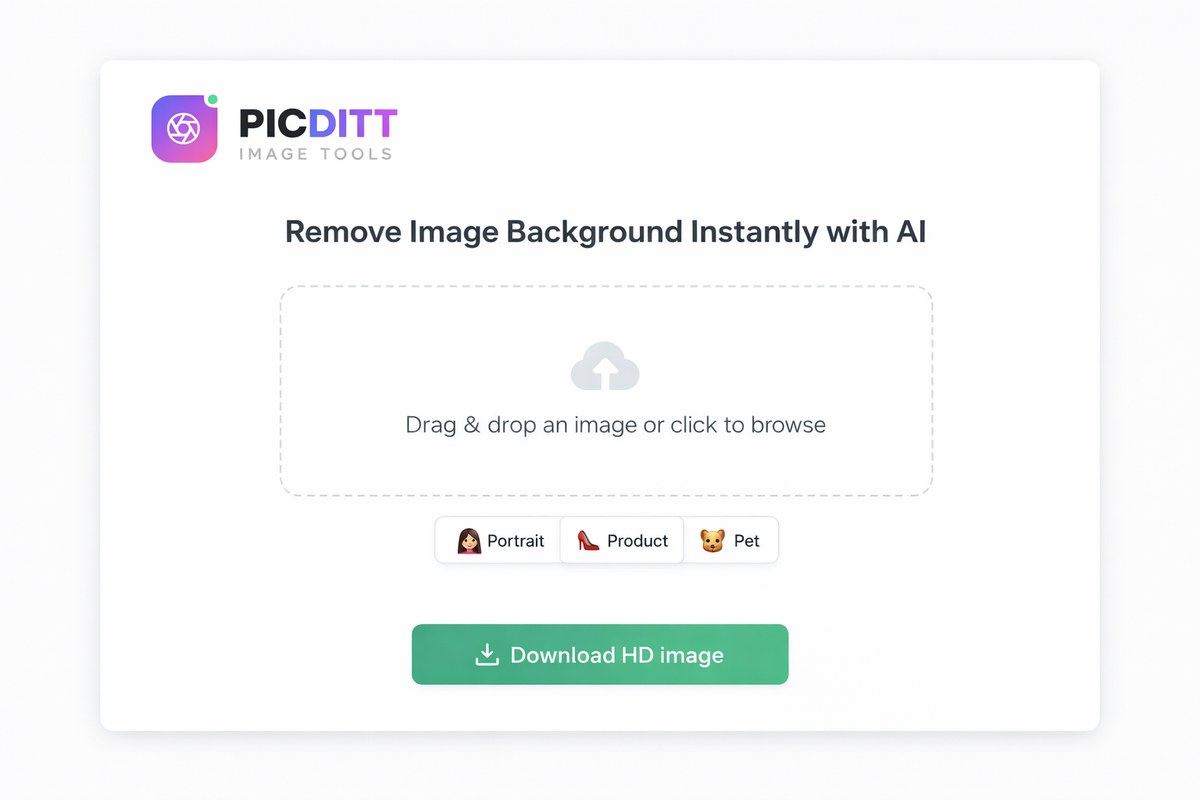
Go to the PicDitt AI Background Remover. The tool loads instantly — no download, no signup, no account required.
Try PicDitt Background Remover Free → https://picditt.com/misc/bg-remover
Step 2 — Upload Your Image
Drag and drop your image onto the upload area, or click to browse and select a file. The tool supports JPG, PNG, and WebP formats up to 20MB. If you want to test the tool first, click one of the sample options — Portrait, Product, or Pet — to see it in action instantly.
Step 3 — AI Removes the Background
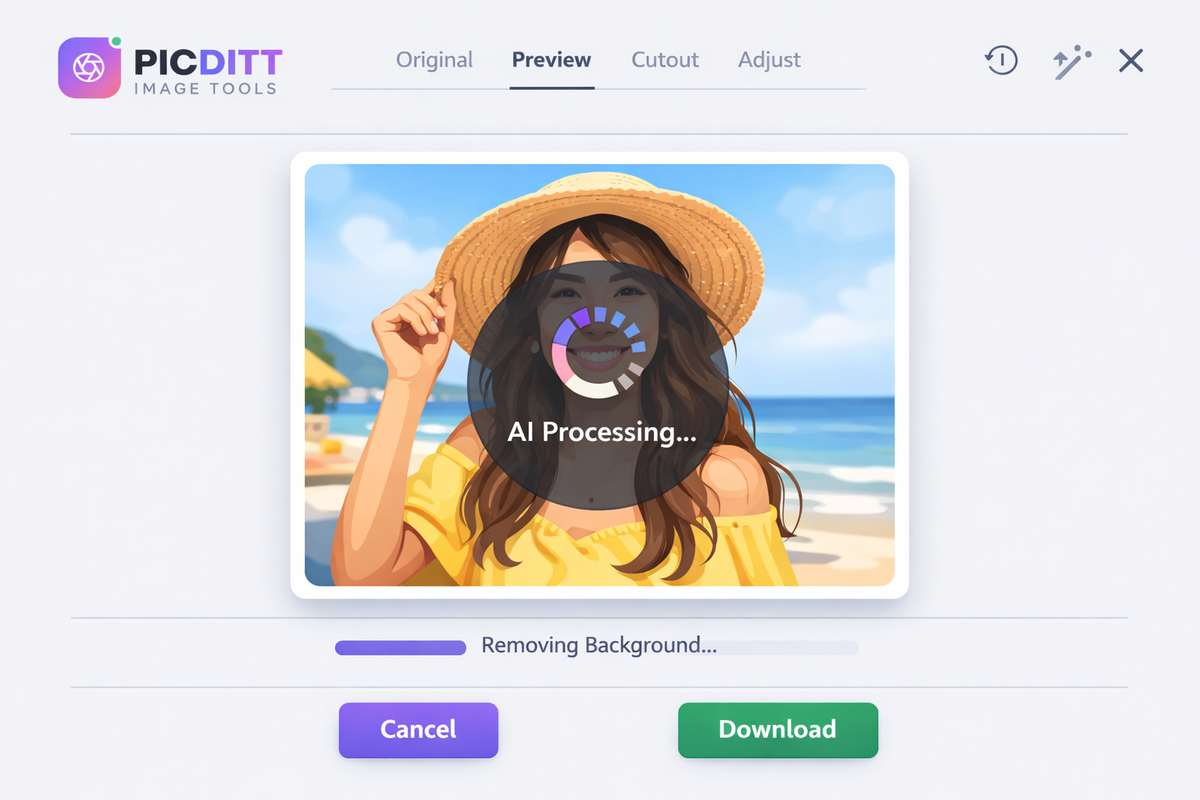
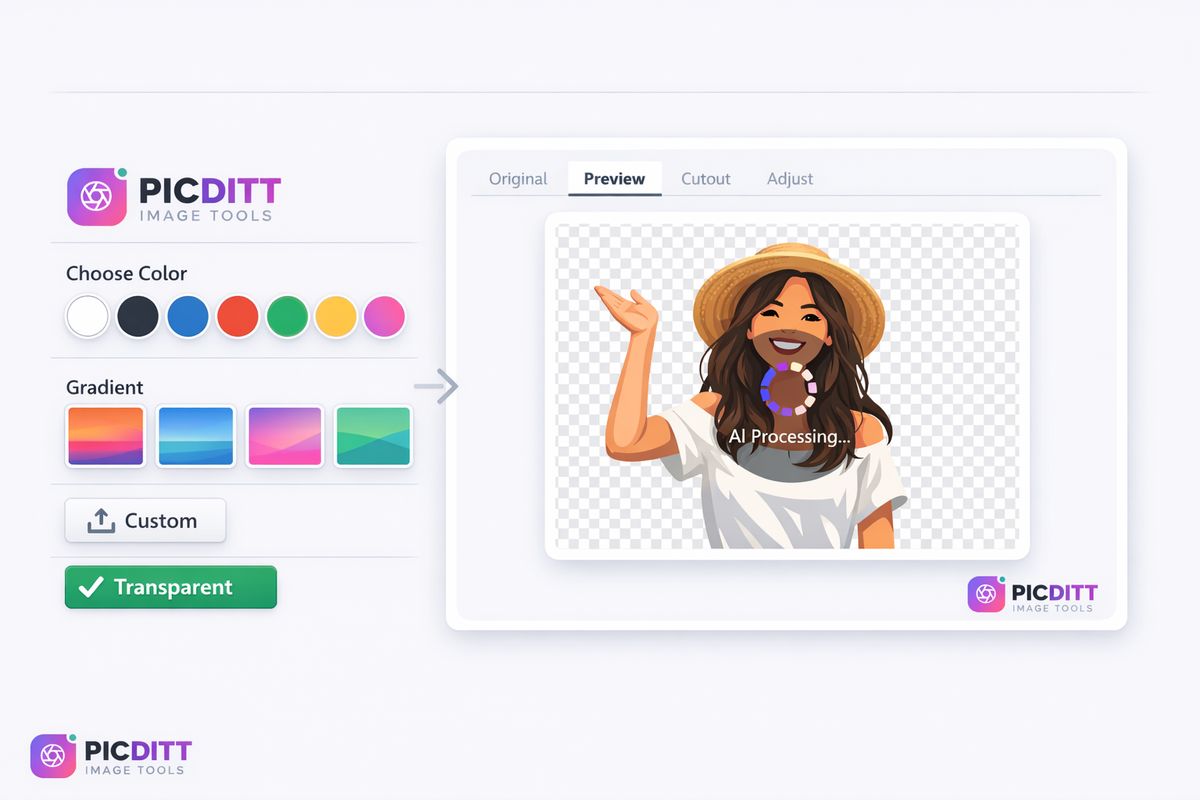
The advanced AI model automatically detects your subject and removes the background. This happens in 5-15 seconds depending on your device and image complexity. You'll see the result immediately — your subject on a transparent checkered background, indicating the background has been successfully removed.
Step 4 — Customize Your Background
This is where PicDitt really shines. After removing the background, you have several options:
- Transparent — Keep the background transparent for use in designs, presentations, or websites
- Solid Color — Choose from 25+ preset colors or pick any custom color
- Gradient — Apply beautiful gradient backgrounds from 12+ presets
- Pattern — Add subtle patterns like dots, grids, or diagonal lines
- Custom Image — Upload your own background image for composite photos
Step 5 — Download in HD
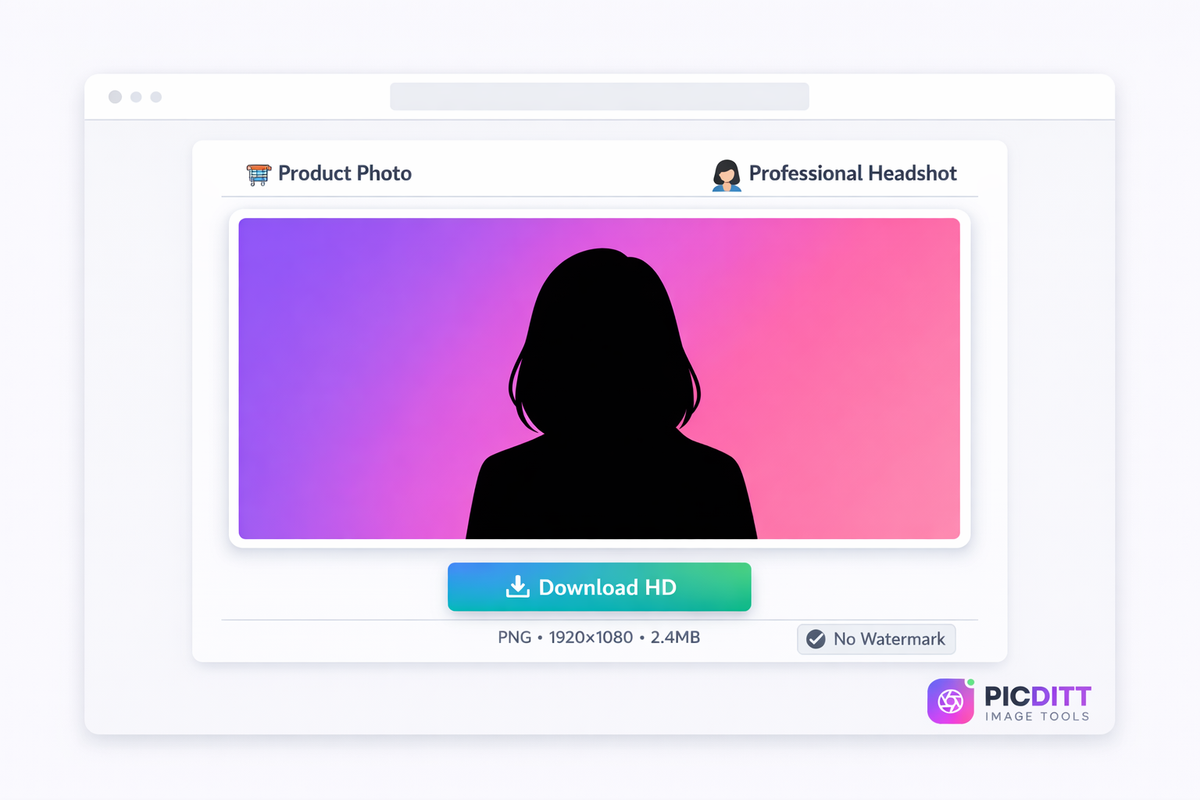
Click download to save your finished image. The output is a high-quality PNG file with full resolution — no watermarks, no quality reduction, no hidden charges.
Key Features of PicDitt Background Remover
Feature
What It Does
Why It Matters
AI-Powered Detection
Advanced machine learning for precise edge detection
Handles hair, fur, and complex edges accurately
100% Browser-Based
All processing happens in your browser
Your images never leave your device
Custom Backgrounds
Solid colors, gradients, patterns, custom images
Complete creative control after removal
HD Output
Full resolution PNG download
No quality loss, no watermarks
Multiple Formats
Supports JPG, PNG, WebP input
Works with any image you have
20MB File Size
Handles large, high-resolution images
Professional-quality source images supported
Instant Processing
5-15 seconds per image
Faster than any manual method
No Signup Required
Start using immediately
No account, no email, no registration
Common Use Cases — Real Examples
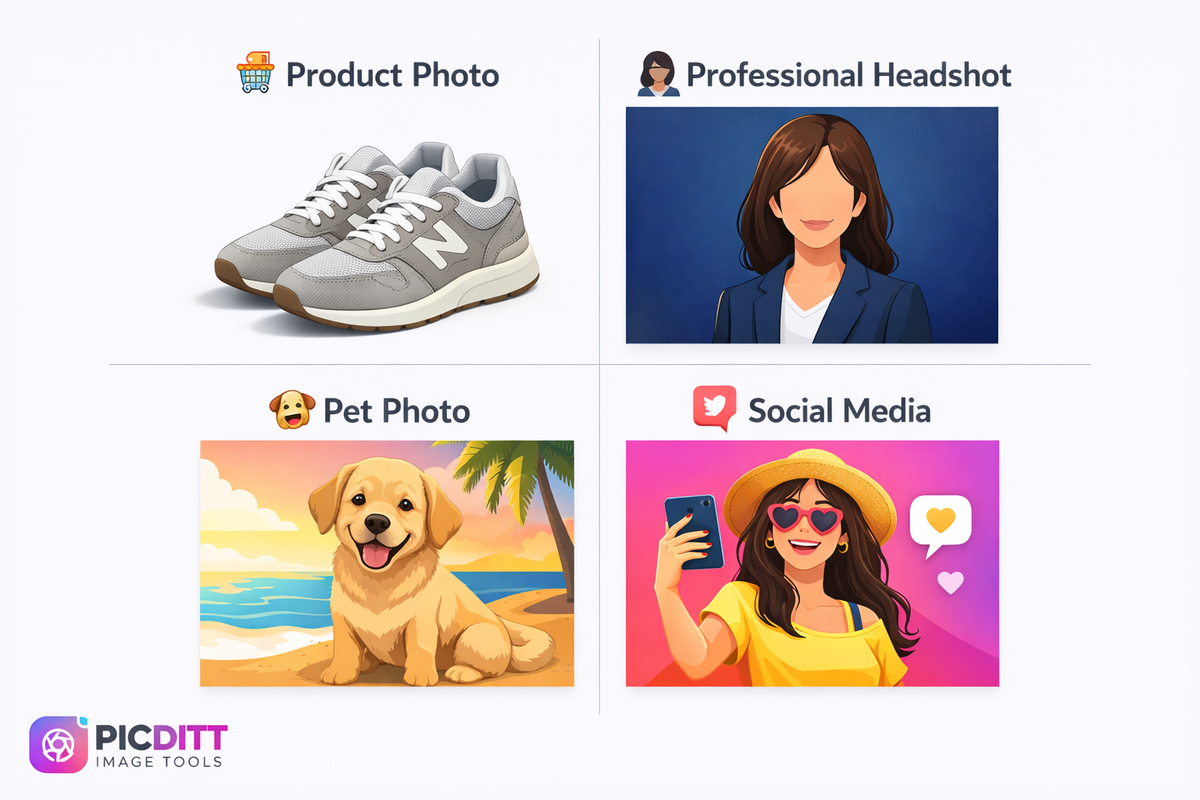
🛒 E-Commerce Product Photos
You're selling handmade jewelry on Etsy. You photograph each piece on your kitchen table. The AI remover strips the table background and replaces it with pure white — making every product look like it was shot in a professional studio. Your listings look clean, consistent, and professional.
👤 LinkedIn Profile Photo
You have a great photo of yourself from a family event, but there are people and decorations in the background. The AI removes everything behind you, and you add a clean dark blue gradient. Now you have a professional headshot without paying for a studio session.
📱 Instagram and Social Media
You want to create a themed Instagram post where you appear against a colorful branded background. Upload your regular photo, remove the background, and add your brand colors. Create scroll-stopping content that stands out in the feed.
🎨 Design and Marketing Materials
You're creating a flyer for an event and need to place a speaker's photo on a designed background. Remove the original background, download as transparent PNG, and drop it into Canva, Photoshop, or any design tool. The clean edges blend perfectly with your design.
🪪 Passport and ID Photos
You need a white-background passport photo but your existing photo has a gray wall behind you. Remove the background and add pure white. For specific passport size requirements, use our Passport Photo Maker which handles both background and sizing.
Passport Photo Maker → https://picditt.com/passport/maker
🐕 Pet Photos and Fun Edits
Want to put your dog on a beach background? Or create a funny meme with your cat floating in space? Remove the background from any pet photo and add whatever creative background you can imagine.
Pro Tips for the Best Background Removal Results
Getting perfect results from AI background removal is easy when you follow these expert tips:
🔹 Use high-contrast images. The AI works best when there's clear contrast between your subject and the background. A dark-haired person against a light wall produces better results than a dark-haired person against a dark wall.
🔹 Good lighting makes a huge difference. Well-lit photos with even lighting produce much cleaner cutouts than dark, shadowy, or unevenly lit photos. Natural daylight is ideal.
🔹 Single subjects work best. Photos with one clear main subject produce the best results. Group photos or complex scenes with multiple overlapping subjects can be trickier for the AI.
🔹 Download as PNG to preserve transparency. If you plan to use the cutout in design software, presentations, or websites, always download as PNG. JPEG does not support transparency — transparent areas will turn white or black.
🔹 Use the comparison slider to check edges. After the AI removes the background, use PicDitt's comparison slider to carefully examine the edges around your subject. Look for any areas where the background wasn't fully removed or where the subject was accidentally trimmed.
🔹 For imperfect edges, use Magic Eraser. If the AI misses a small area or leaves background artifacts, you can clean them up with PicDitt's Magic Eraser tool for manual touch-ups.
Magic Eraser (AI) → https://picditt.com/editing/magic-eraser
🔹 Resize before uploading very large images. While the tool handles images up to 20MB, extremely large images may process slower on older devices. If processing seems slow, try reducing the image dimensions first.
🔹 For product photos, shoot against a plain background. Even though AI can handle complex backgrounds, starting with a relatively plain background (even a bedsheet) produces cleaner results with fewer edge artifacts.
Why Choose PicDitt Over Other Background Removers?
Feature
PicDitt
Remove.bg
Canva
PhotoRoom
Price
Free forever
Free (low res)
Free (limited)
Free (limited)
HD Download
✅ Free
❌ Paid only
✅ Free
❌ Paid only
Privacy
✅ 100% local
❌ Server upload
❌ Server upload
❌ Server upload
Signup Required
❌ Never
✅ For HD
✅ Required
✅ Required
Watermarks
❌ Never
❌ No
❌ No
✅ On free plan
Custom Backgrounds
✅ Colors, gradients, images
✅ Limited
✅ Yes
✅ Yes
Max File Size
20 MB
12 MB
Varies
10 MB
Batch Processing
Coming soon
✅ Paid
❌ No
✅ Paid
Key advantages: PicDitt is the only major background remover that processes 100% locally in your browser AND provides full HD downloads for free. Other tools either require you to pay for HD quality, upload your images to their servers, or both. With PicDitt, you get professional-quality results with complete privacy at zero cost.
Related Tools You Might Need
After removing your background, you might also need these PicDitt tools:
Magic Eraser (AI) — Need to remove a specific object from your photo without removing the entire background? The AI Magic Eraser lets you paint over any unwanted element and it disappears naturally.
Magic Eraser → https://picditt.com/editing/magic-eraser
Blur Background — Want to keep your background but make it blurry like a portrait mode photo? The background blur tool adds professional depth-of-field effect to any photo.
Blur Background → https://picditt.com/editing/blur
Add Logo & Text — After creating your clean product photo or headshot, add your brand logo or text overlay for watermarking or branding purposes.
Add Logo & Text → https://picditt.com/misc/add-logo-text
Image Compressor — Your transparent PNG file might be large. Compress it to a specific size for web upload or email without losing visible quality.
Compress Images → https://picditt.com/compress
Passport Photo Maker — Need an official passport or ID photo? This specialized tool handles both background removal and proper sizing for passport requirements worldwide.
Passport Photo Maker → https://picditt.com/passport/maker
Frequently Asked Questions
Is PicDitt Background Remover really free?
Yes, completely free with no hidden costs. Unlike Remove.bg which charges for HD downloads, PicDitt provides full-resolution HD downloads at zero cost. There are no premium tiers, no per-image charges, no daily limits, and no watermarks. Use it as much as you want, forever.
Are my photos safe and private?
Your photos never leave your device. This is the biggest difference between PicDitt and virtually every other online background remover. Other tools upload your images to their servers for processing — meaning they technically have access to your photos. PicDitt runs the entire AI model in your browser using WebAssembly technology. Your images are processed locally and are deleted from memory when you close the tab. No data is stored, logged, or transmitted.
What image formats and sizes are supported?
PicDitt supports JPG, PNG, and WebP input formats with a maximum file size of 20MB. The output is always a high-quality PNG file to preserve transparency and detail. For most photos from phones and cameras, the 20MB limit is more than sufficient.
How long does background removal take?
Most standard photos process in 5-15 seconds. The exact time depends on your device's processing power and the complexity of the image. The first image may take slightly longer as the AI model loads and caches. Subsequent images process faster. Modern devices with good processors and GPUs will see the fastest results.
Can it handle hair and fur edges?
Yes. The AI model has been specifically trained on millions of images including portraits with complex hair, pets with fur, and subjects with intricate edges. While results are excellent for most images, extremely complex edges like very fine wispy hair against a similar-colored background may occasionally need minor touch-ups using the Magic Eraser tool.
Can I add my own custom background?
Yes. After the AI removes the original background, you can choose from transparent, solid colors (25+ presets plus custom color picker), gradients (12+ presets), patterns, or upload your own custom background image. You have complete creative control over the final result.
Does it work on mobile phones?
Yes. PicDitt's background remover is fully responsive and works on iPhones, Android phones, iPads, and tablets. The interface adapts to your screen size and all features work identically on mobile and desktop. Processing may take slightly longer on older mobile devices.
Conclusion
Background removal has evolved from a specialized skill requiring expensive software and professional expertise into something anyone can do in seconds with AI. Whether you're creating product photos for your online store, professional headshots for LinkedIn, creative social media content, or fun edits for personal use, the ability to cleanly remove and replace backgrounds is one of the most valuable image editing skills you can have.
The PicDitt AI Background Remover delivers professional-quality results with three key advantages that no other free tool matches: full HD downloads at zero cost, complete privacy with 100% local processing, and creative flexibility with custom background options.
Stop paying for background removal services. Stop uploading your private photos to unknown servers. Remove backgrounds yourself in seconds — free, private, and professional.
Try PicDitt AI Background Remover now — it's free, instant, and your photos stay private.
Remove Backgrounds Free → https://picditt.com/misc/bg-remover
Ready to Try It Yourself?
Use this tool for free — no signup, no download, no watermarks.
Open Free ToolYou Might Also Like
Magic Eraser Online: How to Remove Unwanted Objects from Photos with AI
Photobombers, power lines, watermarks, blemishes—every photo has something you wish wasn't there. Learn how to use PicDitt's free Magic Eraser to brush over any unwanted object and watch AI remove it seamlessly, all directly in your browser with complete privacy.
Read More →
Fix Sideways Photos: How to Rotate and Straighten Images Online Instantly (Free)
Learn how to fix sideways photos, rotate images, and straighten pictures online instantly using a free tool. No signup required, works on any device.
Read More →