Fix Sideways Photos: How to Rotate and Straighten Images Online Instantly (Free)
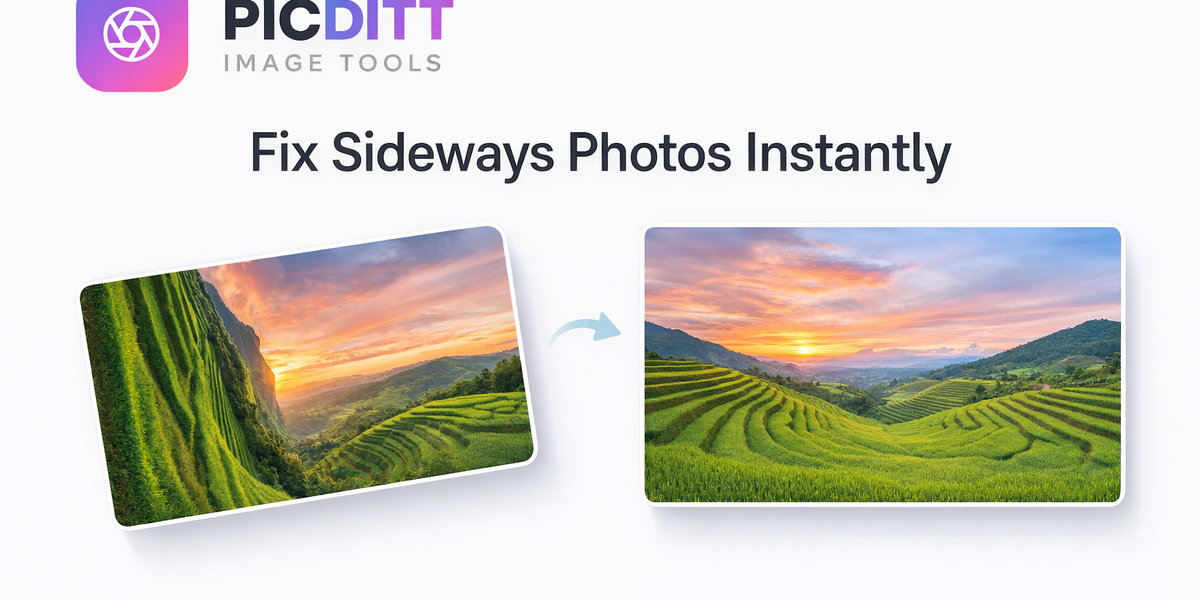
🖼️ Fix Sideways Photos: How to Rotate and Straighten Images Online Instantly (Free)
Have you ever opened a photo only to find it sideways, upside down, or awkwardly tilted?
It’s one of the most frustrating (yet common) issues people face with images—whether it’s a vacation photo, a selfie, or an important scanned document. The good news? You don’t need complex software or editing skills to fix it anymore.
With modern browser-based tools like PicDitt’s Rotate & Flip tool, you can instantly correct photo orientation, straighten crooked images, and even create mirror effects—all for free.
👉 Try it here: https://picditt.com/editing/rotate
In this complete guide, you’ll learn:
- Why photos become sideways
- How to rotate and straighten images properly
- When to use flip vs rotation
- Pro tips for perfect results
- Real-world use cases (social media, documents, selfies, etc.)
Let’s fix your photos—fast.
📸 Why Do Photos Turn Sideways?
Before fixing the problem, it helps to understand why it happens.
Most modern cameras and smartphones use something called EXIF orientation data. This metadata tells apps how an image should be displayed.
However, not all platforms read this data correctly.
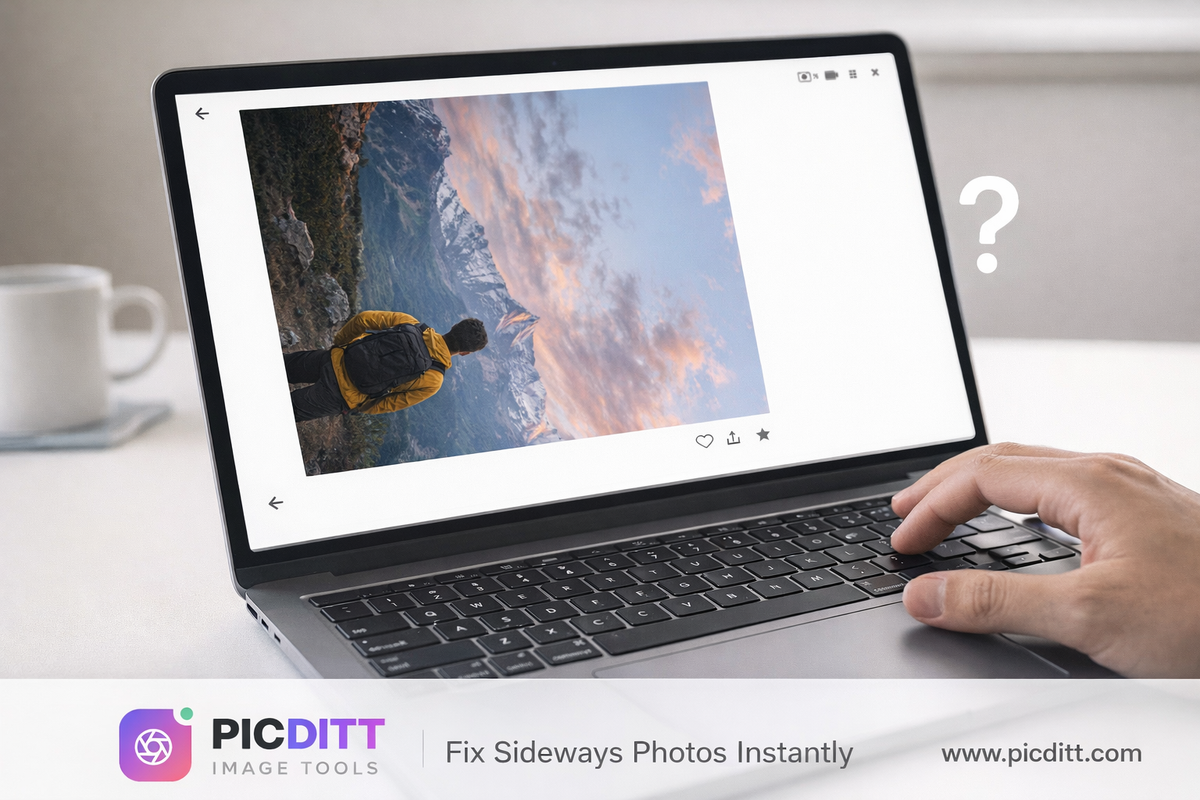
Common Causes:
- Uploading images to websites that ignore orientation data
- Transferring photos between devices
- Scanned documents saved incorrectly
- Front camera selfies (mirrored effect)
- Screenshots and downloads
That’s why your photo may look perfectly fine on your phone—but completely wrong elsewhere.
🔄 What is Image Rotation & Flipping?
Image rotation and flipping are two essential editing techniques that allow you to control how your photo is displayed.
🔁 Rotation (Fix Orientation & Alignment)
Rotation allows you to turn your image around its center.
You can:
- Rotate 90° clockwise
- Rotate 90° counterclockwise
- Rotate 180°
- Adjust to any angle (0°–360°)
This is perfect for:
- Fixing sideways photos
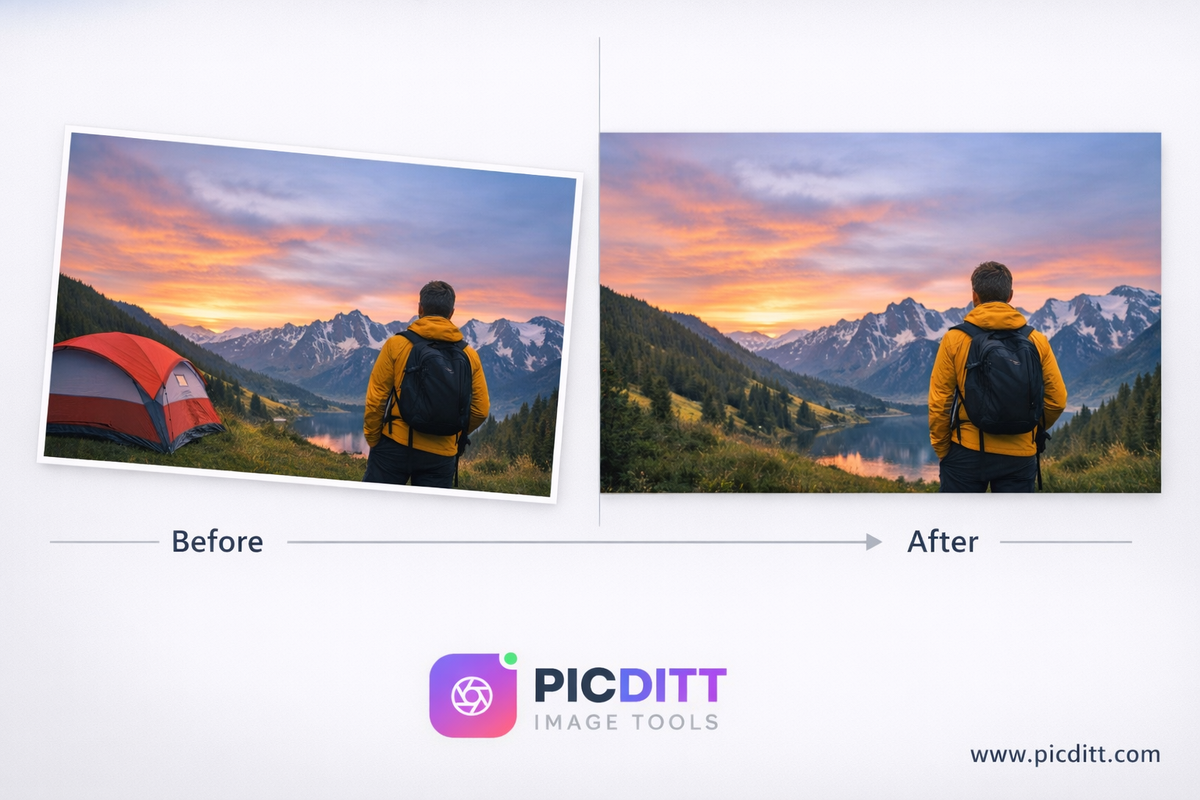
- Straightening tilted horizons
- Aligning architecture
↔️ Horizontal Flip (Mirror Effect)
A horizontal flip mirrors your image left-to-right.
Use it when:
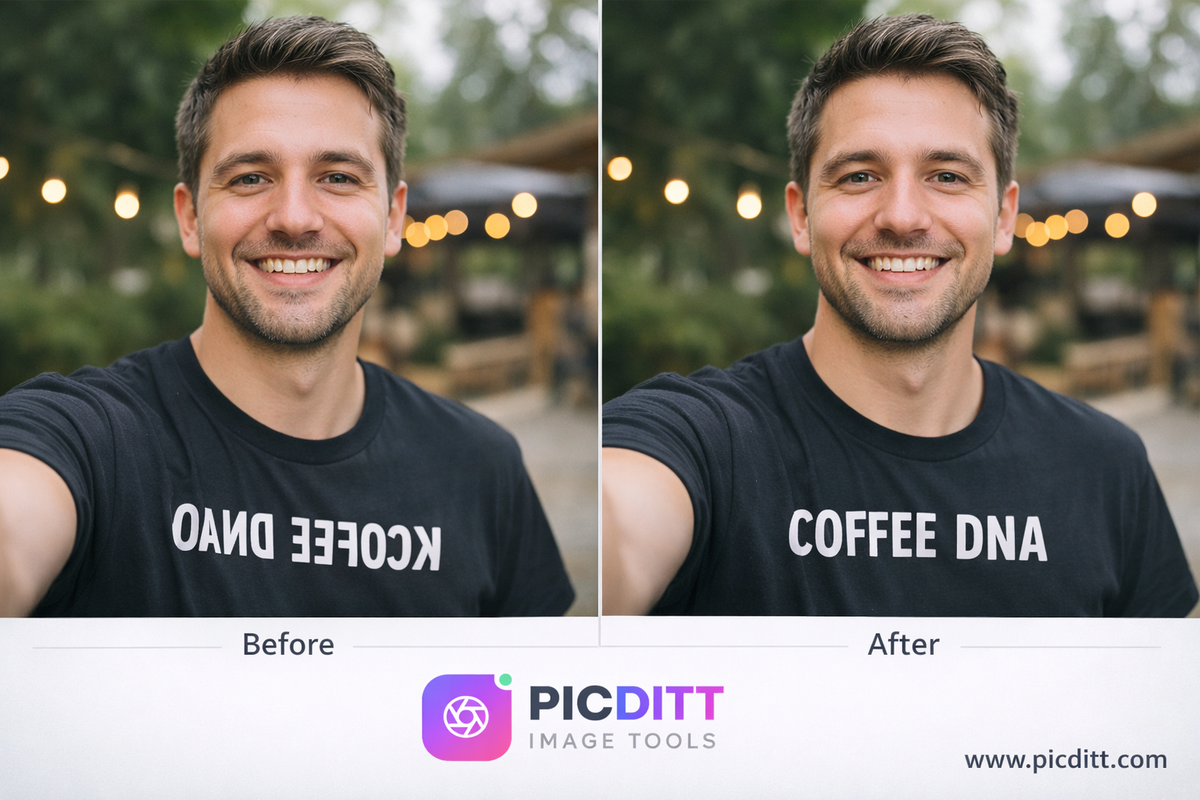
- Text appears reversed in selfies
- Logos look backward
- You want symmetry
↕️ Vertical Flip (Upside-Down Fix)
A vertical flip mirrors your image top-to-bottom.
Best for:
- Fixing inverted scans
- Creating reflection effects
- Artistic compositions
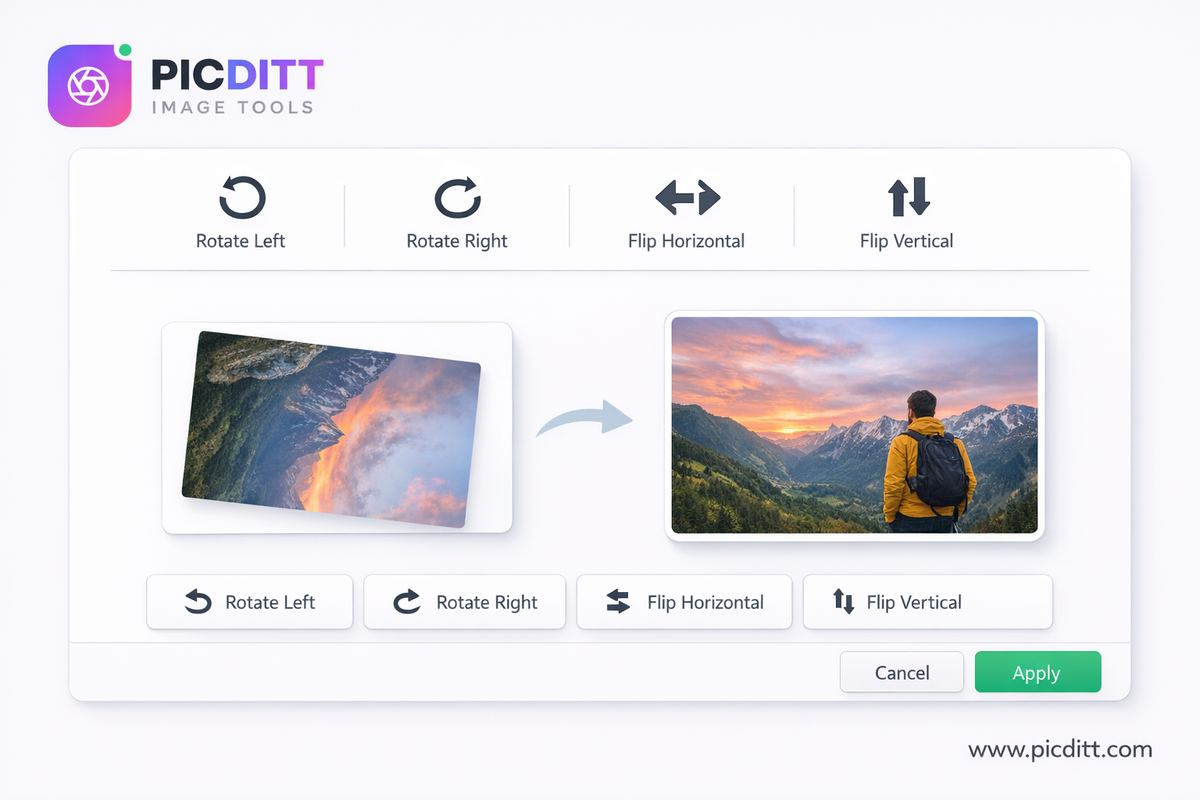
⚡ The Easiest Way to Fix Photos Online (Step-by-Step)
You don’t need Photoshop or apps. You can do everything directly in your browser.
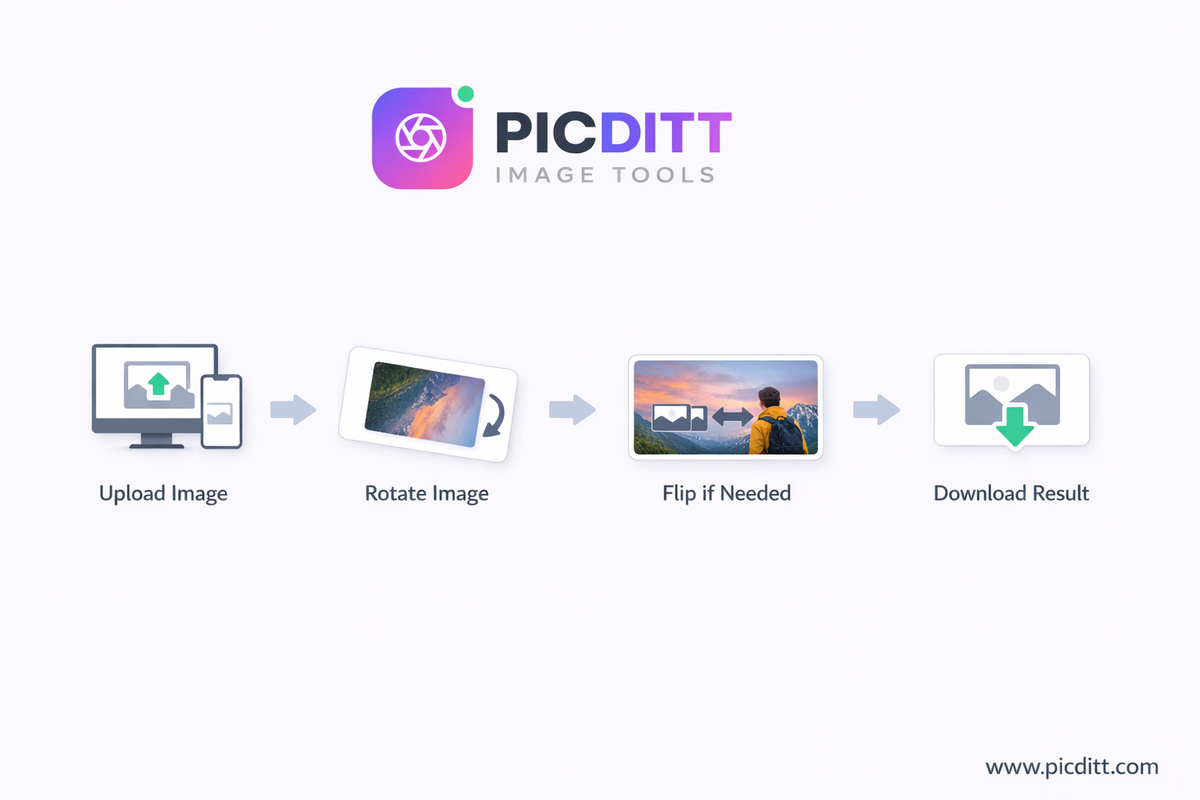
🧩 Step 1: Upload Your Image
- Drag & drop your photo
- Or click to browse
Supported formats:
- JPG
- PNG
- WebP
🔄 Step 2: Rotate Your Image
Choose from:
- Rotate 90° CW
- Rotate 90° CCW
- Use precision slider for exact angle
🔁 Step 3: Flip (If Needed)
- Flip horizontal → fix mirrored selfies
- Flip vertical → fix upside-down images
💾 Step 4: Download Instantly
- No signup required
- No quality loss
- Instant processing
🎯 Why Use an Online Rotate Tool Instead of Apps?
Let’s be honest—most people don’t want to:
- Download heavy software
- Learn complicated tools
- Deal with slow apps
That’s where browser-based tools shine.
🚀 Key Advantages
⚡ Instant Results
No waiting. Your image updates in real time.
🔒 100% Privacy
Everything happens in your browser. Your images are never uploaded.
💰 Completely Free
No subscriptions. No hidden charges.
📱 Works on Any Device
- Desktop
- Mobile
- Tablet
🎯 Precision Control
Rotate to exact angles—not just 90° steps.
🧠 Advanced Features You Should Know
PicDitt’s Rotate tool isn’t just basic—it includes professional-level features.
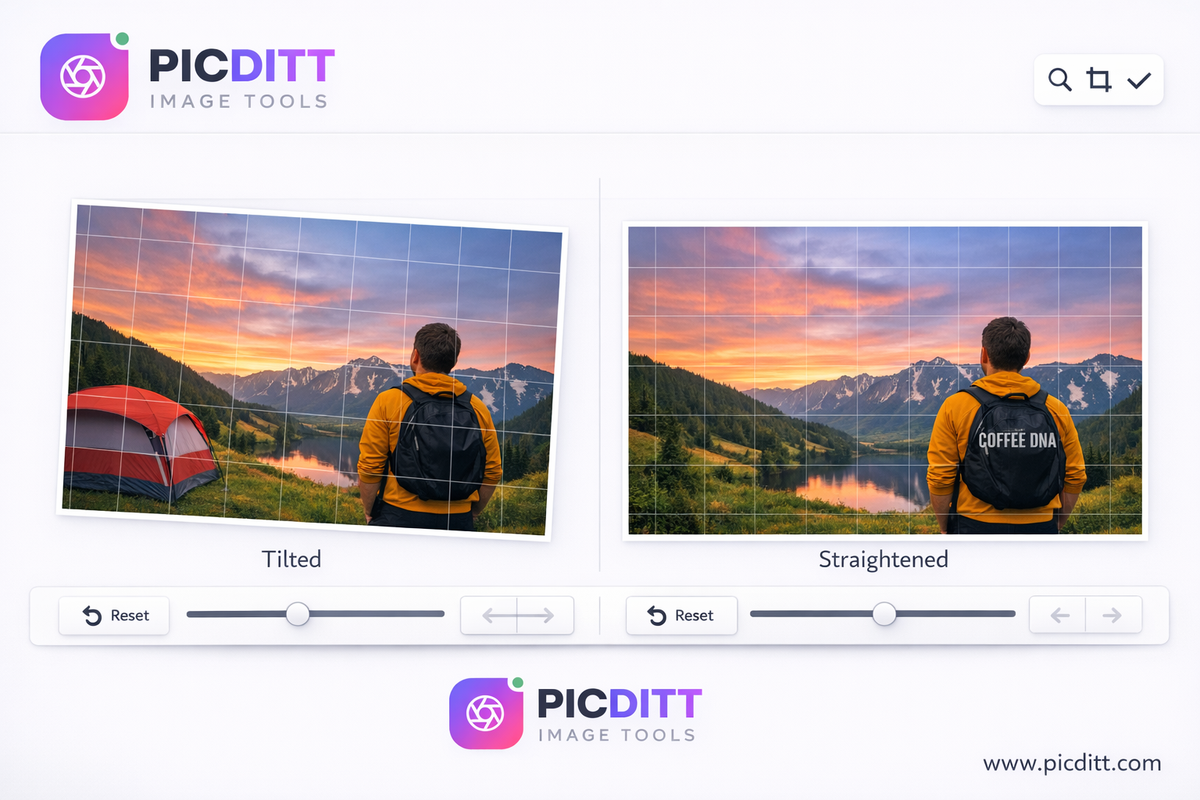
📐 Grid Overlay (Perfect Alignment)
Turn on the grid to:
- Straighten horizons
- Align buildings
- Fix perspective
🔍 Real-Time Preview
See changes instantly before downloading.
🔄 Undo/Redo
Made a mistake? Fix it instantly.
🎚️ Precision Slider
Rotate to any angle from 0° to 360°.
🆚 Before/After Compare
Compare original vs edited image side-by-side.
📊 What Gets Preserved During Editing?
Unlike some tools, this one keeps your image intact.
✅ Preserved Elements:
- Original resolution
- Image quality (no compression)
- Color accuracy
- Transparency (PNG support)
- EXIF metadata
- Sharp details
🎯 Real-World Use Cases
📸 1. Photography
Fix:
- Tilted landscapes
- Crooked horizons
- Camera orientation mistakes
🤳 2. Selfies
Front cameras mirror images.
👉 Use horizontal flip to:
- Correct text
- Fix logos
- Make images look natural
📄 3. Documents & Scans
Common problems:
- Upside-down PDFs
- Sideways receipts
👉 Rotate or flip to correct instantly.
🏠 4. Real Estate
Make listings look professional:
- Straight walls
- Aligned windows
- Clean presentation
📱 5. Social Media
Platforms like Instagram and TikTok demand proper orientation.
👉 Fix:
- Crooked posts
- Story alignment
- Portrait/landscape mismatch
🎨 6. Creative Projects
Use rotation creatively:
- Diagonal compositions
- Mirror effects
- Abstract visuals
💡 Pro Tips for Perfect Results
✔️ Use Grid for Straightening
Align horizons with horizontal lines for professional results.
✔️ Compare Before Downloading
Small errors are easier to spot side-by-side.
✔️ Fix Selfies with Flip
Most people forget this—but it makes a huge difference.
✔️ Combine Rotation + Flip
For creative effects:
- Rotate 45°
- Then flip horizontally
⚠️ Common Mistakes to Avoid
❌ Over-Rotation
Small adjustments matter—don’t overdo it.
❌ Ignoring Perspective
Rotation fixes angle, not distortion.
❌ Forgetting to Flip Selfies
This is the #1 missed step.
🔍 SEO Tip: Why This Matters for Your Website
If you upload images to your site:
- Wrong orientation = bad UX
- Poor visuals = lower engagement
- Bad images = lower SEO rankings
👉 Fixing images improves:
- Page experience
- User trust
- Time on site
🚀 Why Choose PicDitt Rotate Tool?
Here’s what makes it stand out:
🧠 Advanced Yet Simple
Powerful features without complexity.
🔒 Privacy First
No uploads. Everything stays local.
⚡ Lightning Fast
Instant processing.
🎯 Precision Control
Rotate exactly how you want.
📱 Works Everywhere
No app needed.
👉 Try it now: https://picditt.com/editing/rotate
❓ Frequently Asked Questions (FAQ)
❓ Can I rotate images without losing quality?
Yes. The tool uses lossless processing, so your image quality stays intact.
❓ Is it really free?
Yes—completely free with no hidden costs.
❓ Do I need to install anything?
No. Everything works directly in your browser.
❓ Can I fix mirrored selfies?
Yes—use the horizontal flip option.
❓ What formats are supported?
- JPG
- PNG
- WebP
- GIF, BMP, TIFF
🏁 Final Thoughts
Fixing sideways or crooked photos doesn’t need to be complicated anymore.
With tools like PicDitt’s Rotate & Flip:
- You get instant results
- Full control over angles
- Zero quality loss
- Complete privacy
Whether you’re fixing a quick selfie, editing a professional image, or correcting documents, this tool gives you everything you need—fast and free.
🔥 Try It Now
👉 https://picditt.com/editing/rotate
Fix your photos in seconds—no signup required.
Ready to Try It Yourself?
Use this tool for free — no signup, no download, no watermarks.
Open Free ToolYou Might Also Like
How to Merge PDF Files Free Online (Without Uploading Your Data)
Stop sending multiple email attachments! Learn how to combine and merge multiple PDF files into a single, professional document in seconds. Picditt's free online PDF Merger lets you drag, drop, and reorder pages entirely in your browser — meaning zero server uploads, lightning-fast speeds, and 100% data privacy for your sensitive documents.
Read More →
Make Your Photos Look Professional: How to Blur Backgrounds Online (Free Bokeh-Style Look)
Learn how to blur backgrounds for a clean “portrait mode” look—or blur faces, text, and license plates for privacy. Use Picditt’s Blur Image Online tool to get professional blur effects instantly, fully in your browser.
Read More →