How to Make a Free 2×2 Inch Passport Photo at Home (No CVS Markup)
How to Make a Free 2×2 Inch Passport Photo at Home (No CVS Markup)
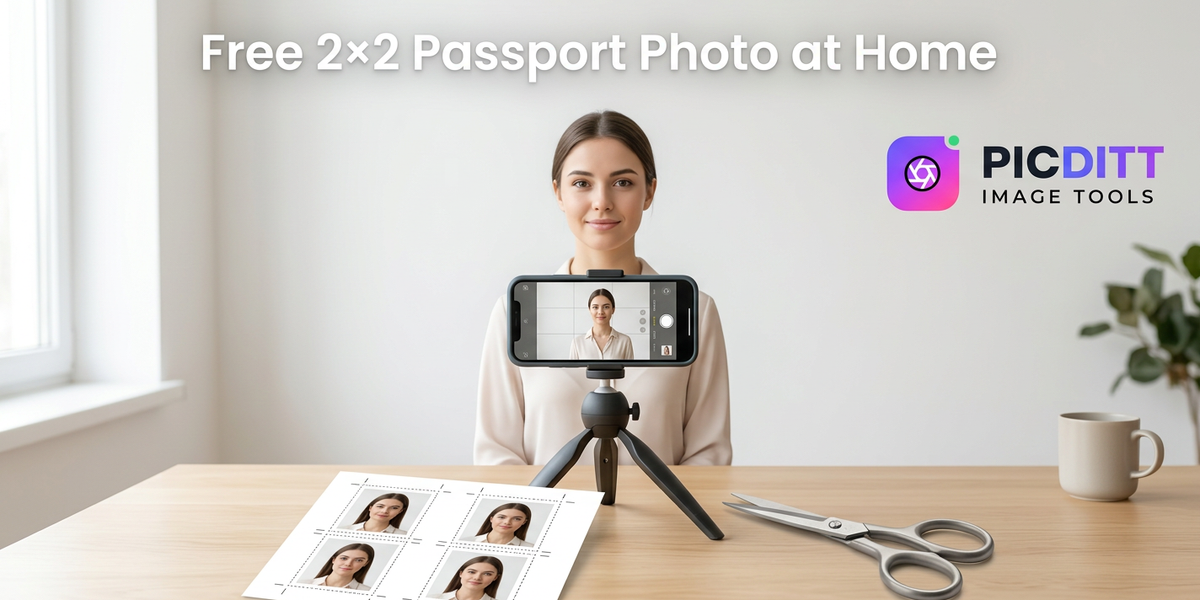
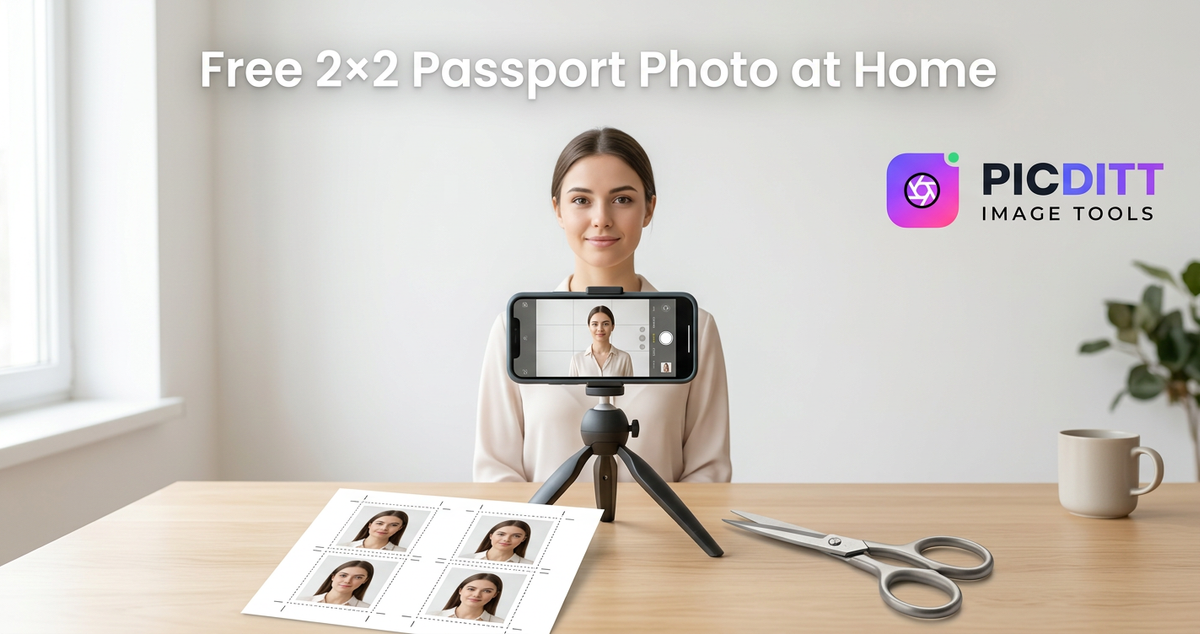
If you’ve ever walked into a pharmacy photo counter, you’ve seen it: a tiny passport photo that costs way more than it should. The good news is you can make a passport-style 2×2 photo at home with a phone, a plain background, and the right sizing—then print it cheaply as a normal photo print.
This guide shows a practical, repeatable method to get a clean result without guesswork, using Picditt’s Passport Photo Maker (/passport/maker) to handle sizing and export.
Before you start: is your application asking for a printed photo or a digital upload?
Some passport processes want a paper photo, while others want you to upload a digital photo. U.S. guidance even separates photo instructions based on how you apply.
If you’re submitting a paper form, this guide is perfect. If you’re uploading a digital photo, you still want the same composition rules—but you may not need the 4×6 printing step.
Know the rules (U.S.-style 2×2 basics)
Even if you’re not applying for the U.S., U.S. rules are a great “strict baseline.” Here are the essentials:
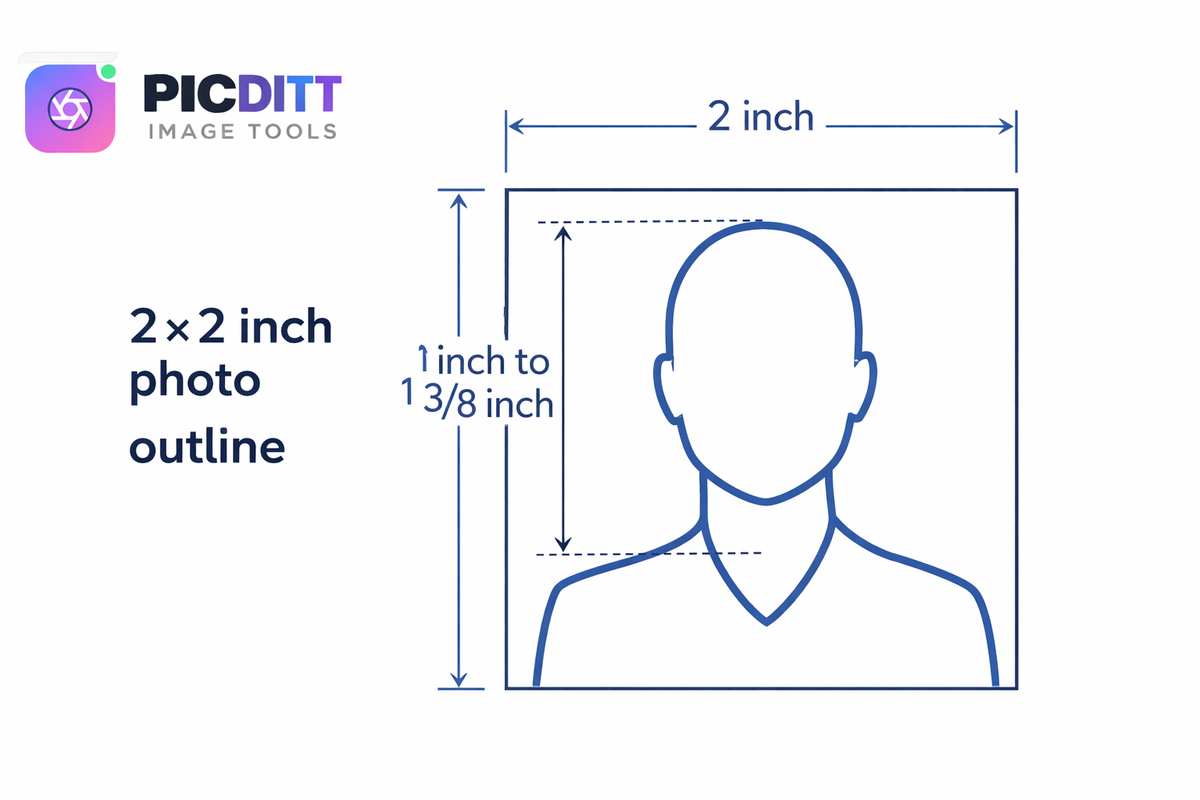
1) The photo must be 2×2 inches
That’s 51×51 mm.
2) Head size must be within a specific range
U.S. guidance: head height should be 1 inch to 1 3/8 inches measured from the bottom of the chin to the top of the head.
3) Background: white/off‑white, no shadows or texture
White or off-white background, no lines, no shadows.
4) Glasses: remove them (with limited medical exception)
U.S. guidance: remove eyeglasses; if medically required, include a signed doctor’s note.
5) Don’t “beautify” the photo with filters or AI edits
U.S. guidance warns not to change the photo using software/apps/filters or AI.
Important note for your tool: Picditt includes background cleanup and virtual outfits. These can be helpful for some ID uses, but for strict government photos (like a U.S. passport) you should avoid altering your appearance. The safest approach is: use the tool for sizing/cropping and keeping the background plain, and do the “outfit” part only if your target country/ID explicitly allows it.
What you need (DIY checklist)
You don’t need pro gear. Here’s the simple setup:
- A phone camera (or any camera)
- A plain white/off‑white wall or a plain sheet
- Good lighting (window light is great)
- A helper (optional, but useful)
- Scissors (or a paper cutter)
- 4×6 photo paper (home printer) or a cheap 4×6 print from a photo service
Step-by-step: make your 2×2 photo in Picditt
Step 1 — Take the photo (do this part right and everything becomes easier)
Aim for:
- Even lighting on the face (no harsh shadow)
- Neutral expression, eyes open
- Straight-on, no head tilt
- Plain background, no texture/lines
If your phone saves photos as HEIC and you run into compatibility issues, convert first using your own converter: /conversion or reference your HEIC article.
Step 2 — Upload into Passport Photo Maker
Go to: /passport/maker
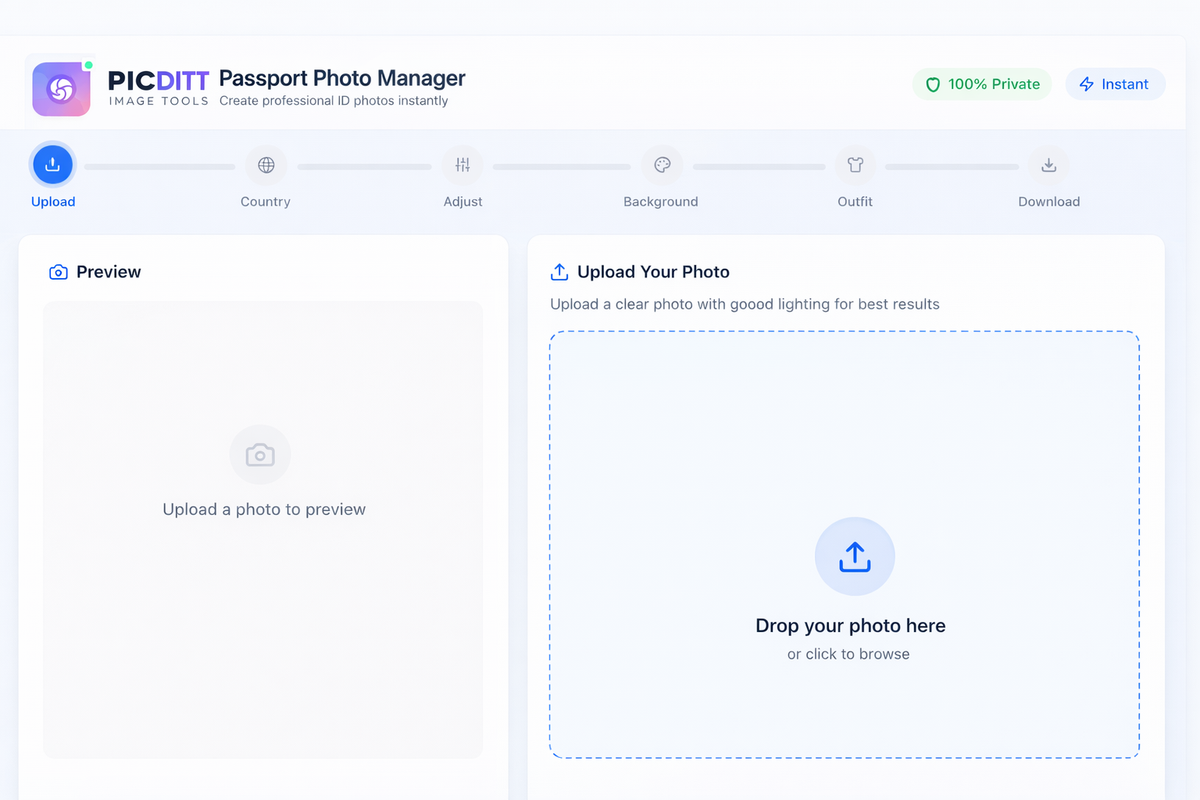
Step 3 — Choose your country specification
Pick the destination country first (you support 50+). This matters because not every country uses 2×2 inches.
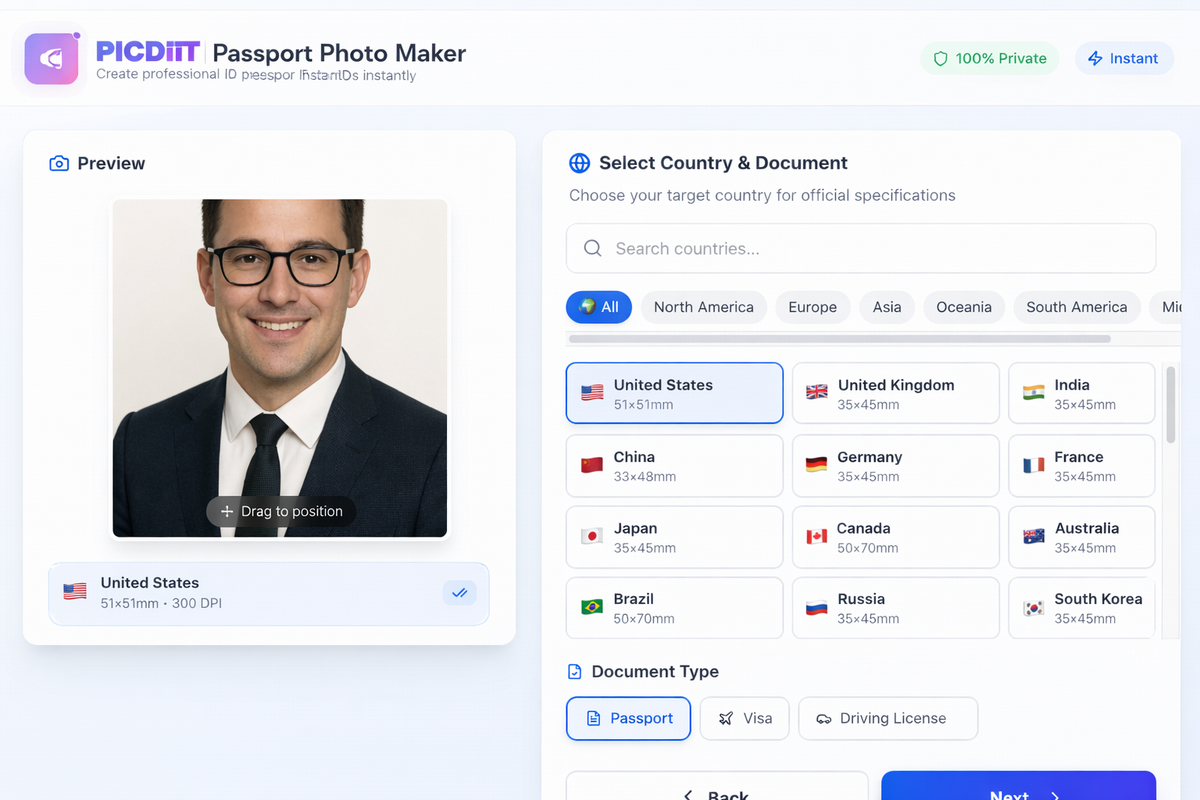
Step 4 — Adjust framing (head size + centering)
Use the preview to ensure:
- Your head is centered
- Head size fits the template (not too zoomed in/out)
- Shoulders visible but not dominant
Step 5 — Background check (keep it plain)
If there are shadows, wrinkles, or light gray tones, adjust your lighting and retake the photo rather than aggressively “editing” it. For strict compliance, minimal changes are best.
Step 6 — Export at print quality (300 DPI)
Your tool exports high quality layouts (300 DPI). Use that for printing.
Printing cheaply: the “4×6 hack” that saves you money
Pharmacies often charge a “passport photo service” price. But a regular 4×6 print is usually much cheaper.
Why 4×6 works
A 4×6 sheet can fit multiple 2×2 photos. You print once, cut them out, and you’ve got several copies.
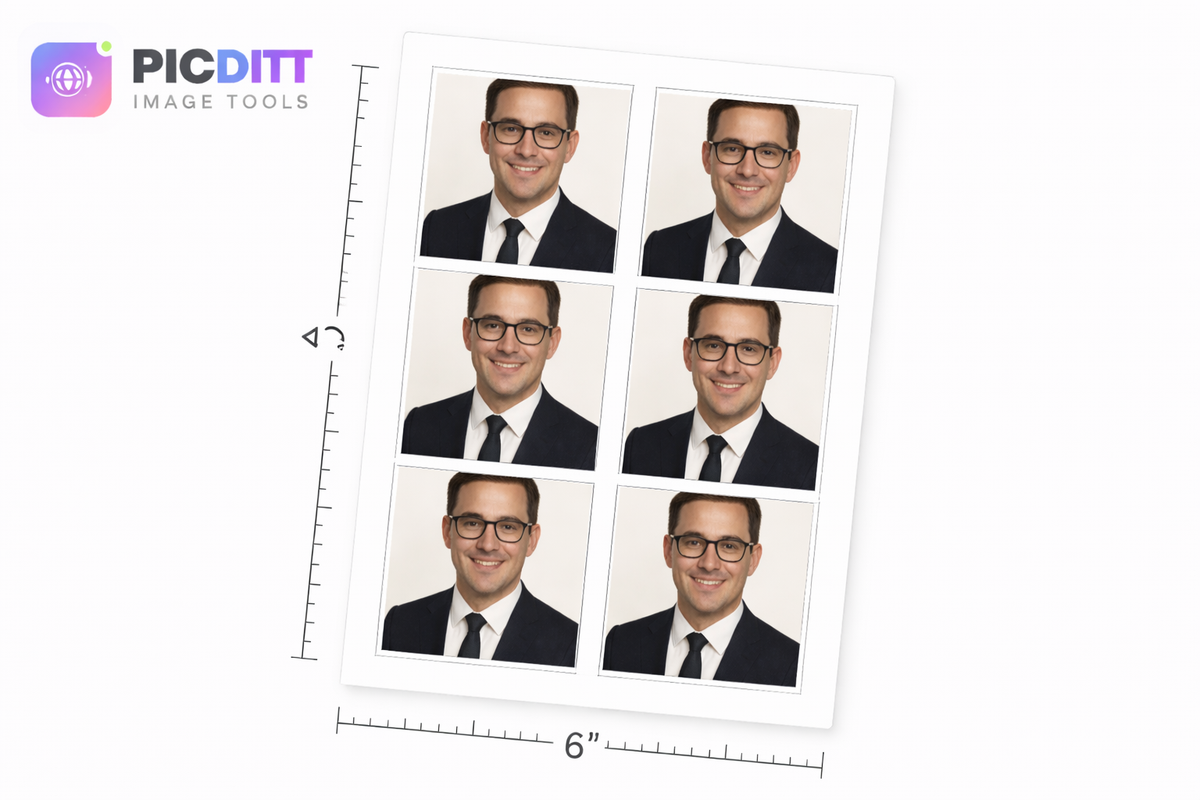
Printing tips (avoid accidental scaling)
- Print at 100% / Actual size
- Disable “Fit to page”
- Use photo paper (matte or glossy photo quality paper is acceptable per U.S. guidance).
- If printing at a store kiosk, make sure they don’t auto-crop or add borders
Why passport photos get rejected (and how to avoid it)
This is where most people lose time and money.
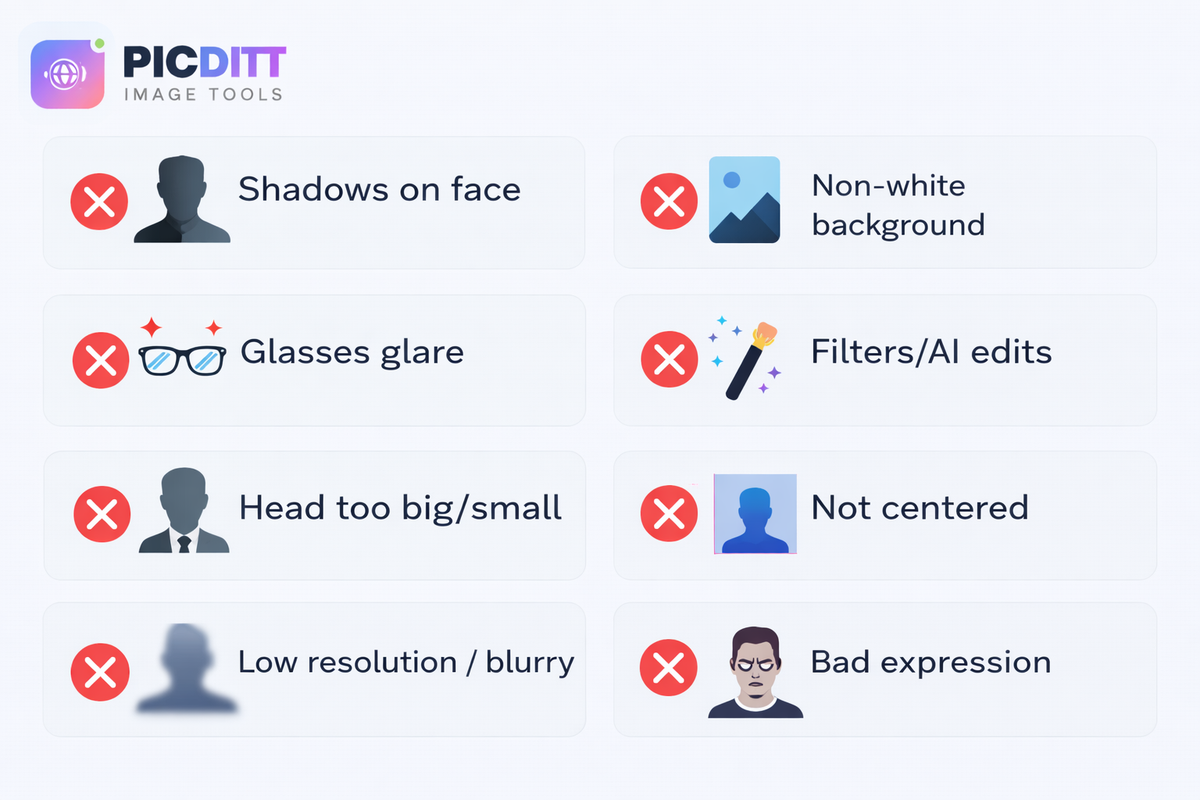
Common rejection reasons
- Wrong size (not 2×2)
- Head too small/too big (outside 1"–1⅜")
- Shadows on face/background
- Glasses (or glare)
- Over-edited / filtered photo
- Busy or textured background
- Blurry / low resolution
- Bad pose/expression (tilted head, eyes closed, etc.)
“No CVS markup” doesn’t mean “cut corners”
The goal is to pay less, not get rejected.
Smart savings
- Use your own photo + correct layout
- Print as 4×6
- Cut cleanly
Not worth it
- Heavy face filters
- “Beauty” edits
- AI retouching that changes the image
For strict U.S. compliance, the State Department is explicit: don’t alter the photo using software/filters/AI.
Privacy: treat passport photos like sensitive documents
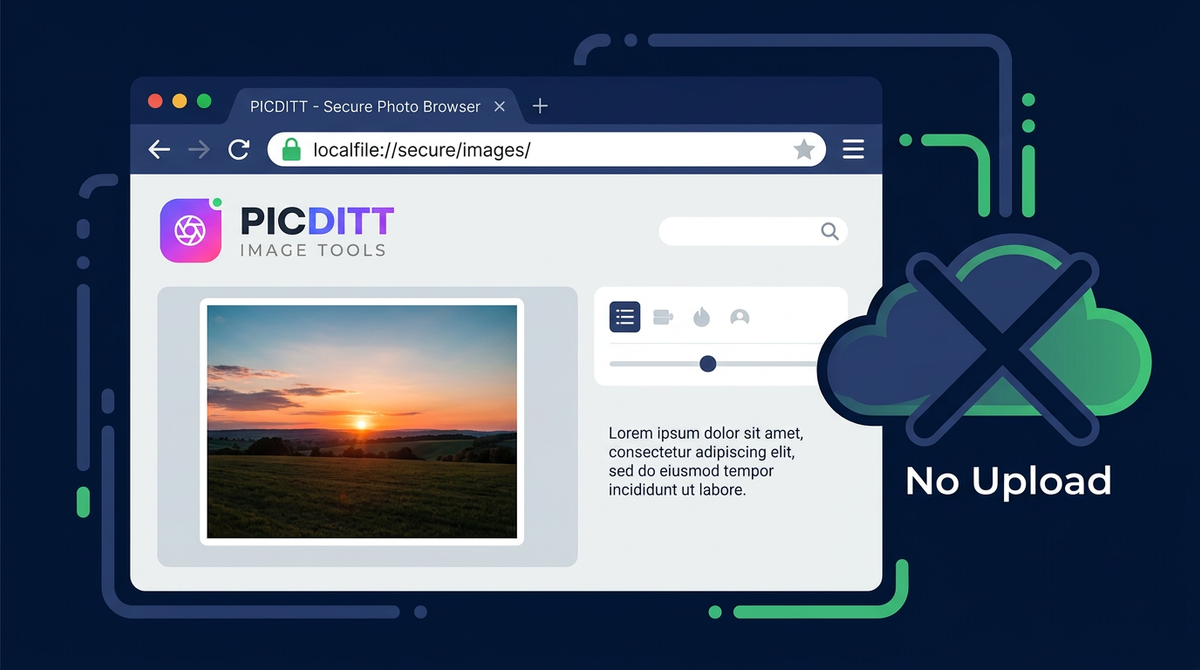
A passport photo is biometric-ish personal data. Many “free passport photo” sites upload your image to a server.
Picditt’s positioning is strong because your processing is local (in-browser). Add this emphasis clearly in the article.
Extra tools (internal links you should include)
These improve user experience and help Google see your site as a connected “tool ecosystem”:
- Passport tool:
/passport/maker - If users need resizing for other contexts:
/crop - If the photo is too large to upload somewhere:
/compress - If HEIC causes issues:
/conversion - If users want broader spec guidance:
/blog/the-ultimate-guide-to-passport-id-and-driving-license-photo-requirements-for-12-countries-2025
FAQs (10)
1) Is the passport photo tool really free?
Yes—your Passport Photo Maker is free and designed to export print-ready layouts.
2) Are my photos uploaded to your servers?
No—your tool is designed for local/browser processing (privacy-first). (Reinforce this on the page and in your policy pages.)
3) What is the correct U.S. passport photo size?
2×2 inches (51×51 mm).
4) How big should my head be in a 2×2 passport photo?
For U.S.-style paper photos: head height should be 1 inch to 1 3/8 inches (chin to top of head).
5) Can I wear glasses in a passport photo?
U.S. guidance: remove glasses; medical exceptions require a signed doctor’s note.
6) What background should I use?
White or off-white, with no shadows, texture, or lines.
7) Can I use filters or AI enhancements?
For U.S. passport paper photos, the guidance says not to digitally change photos using software/filters/AI.
8) How do I print passport photos at home?
Export at print quality (300 DPI), print at 100% scale, then cut the 2×2 photos cleanly.
9) Can I print passport photos on normal printer paper?
Better to use photo-quality paper (matte or glossy).
10) Do you support countries other than the U.S.?
Yes—your tool supports 50+ countries; always pick the correct country spec before exporting.
Ready to Try It Yourself?
Use this tool for free — no signup, no download, no watermarks.
Open Free ToolYou Might Also Like
The Ultimate Guide to Passport, ID & Driving License Photo Requirements for 12+ Countries (2025)
Creating the perfect passport, ID, or driving license photo can be challenging with different countries having unique specifications. This comprehensive guide covers photo requirements for the USA, UK, Canada, Australia, India, Pakistan, UAE, Saudi Arabia, Nigeria, South Africa, and Schengen countries—plus tips on how to create compliant photos from home.
Read More →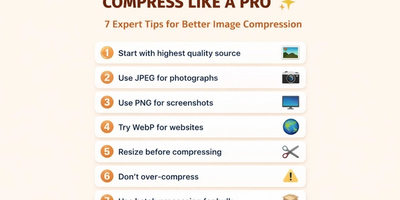
Free Universal Image Converter — Change Any Image Format Online Instantly
Convert images between any format — JPG, PNG, WebP, GIF, HEIC, and BMP — completely free. Batch convert multiple files, adjust quality settings, and download instantly. All processing happens in your browser for complete privacy.
Read More →