Remove Objects for Free: The Unlimited “Magic Eraser” Alternative (Real Talk)
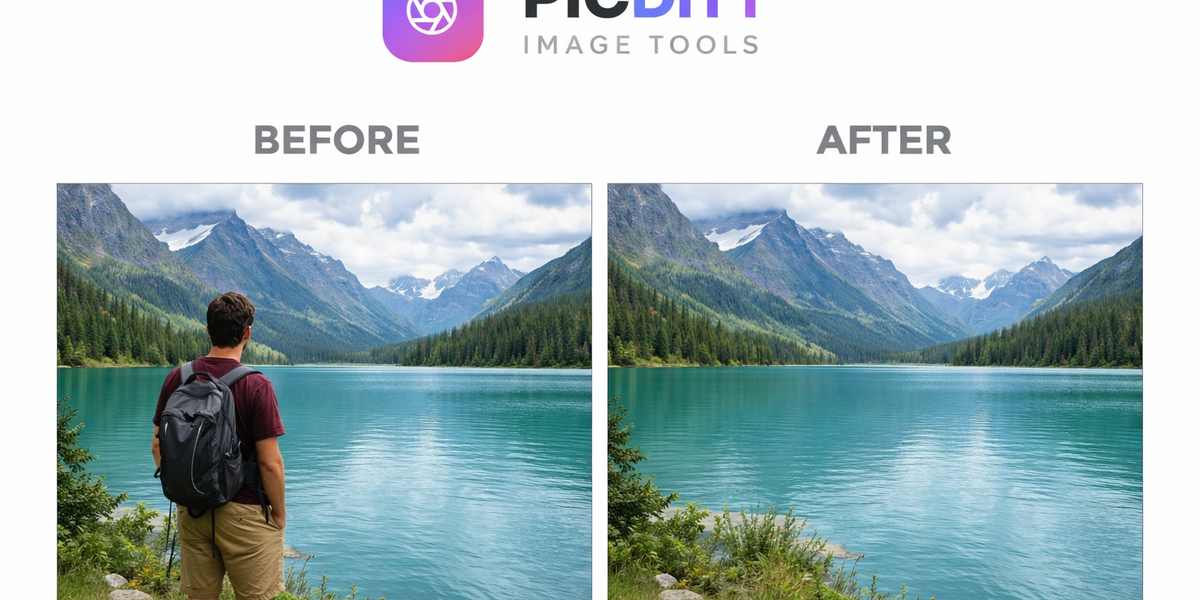
Let’s Be Honest: Perfect Photos Rarely Exist
You take what should be a perfect photo.
The lighting is right. The framing is clean. The subject looks great.
And then you notice it…
- A random stranger walking through your shot
- A distracting object in the background
- A piece of trash ruining the aesthetic
- Or worse… something you didn’t even notice while clicking
That’s the moment when frustration kicks in.
Because fixing it used to be complicated.
Not anymore.
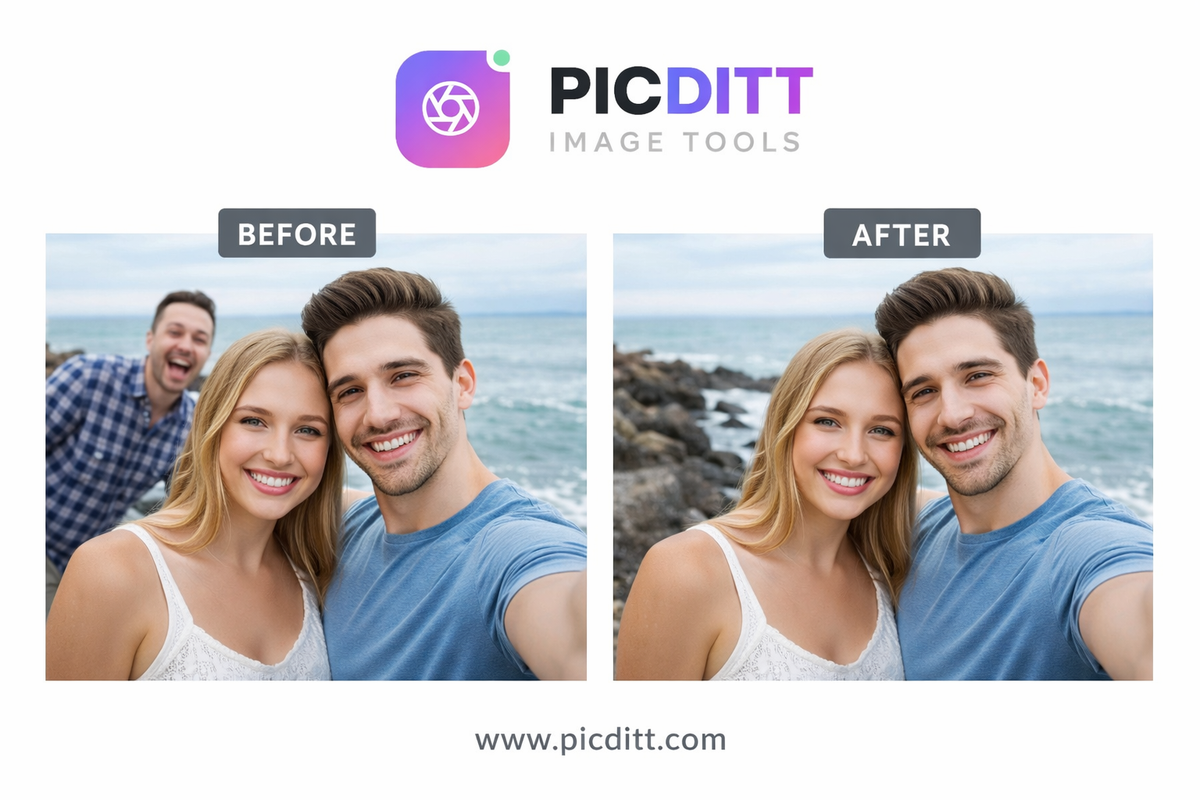
The Rise of “Magic Eraser” Tools (And Why People Love Them)
Over the last few years, AI-powered editing tools have completely changed how we handle images.
One feature stands out above the rest:
👉 Removing objects with a simple brush.
No layers.
No cloning tools.
No Photoshop skills.
Just mark → erase → done.
This is what people now call the “Magic Eraser” experience.
But Here’s the Catch…
Most well-known tools come with limitations:
- Paid subscriptions
- Limited free credits
- Watermarks
- Slow processing
- Privacy concerns (uploads to servers)
So while the idea is magical… the reality often isn’t.
That’s exactly why tools like:
👉 https://picditt.com/editing/magic-eraser
are gaining serious attention.
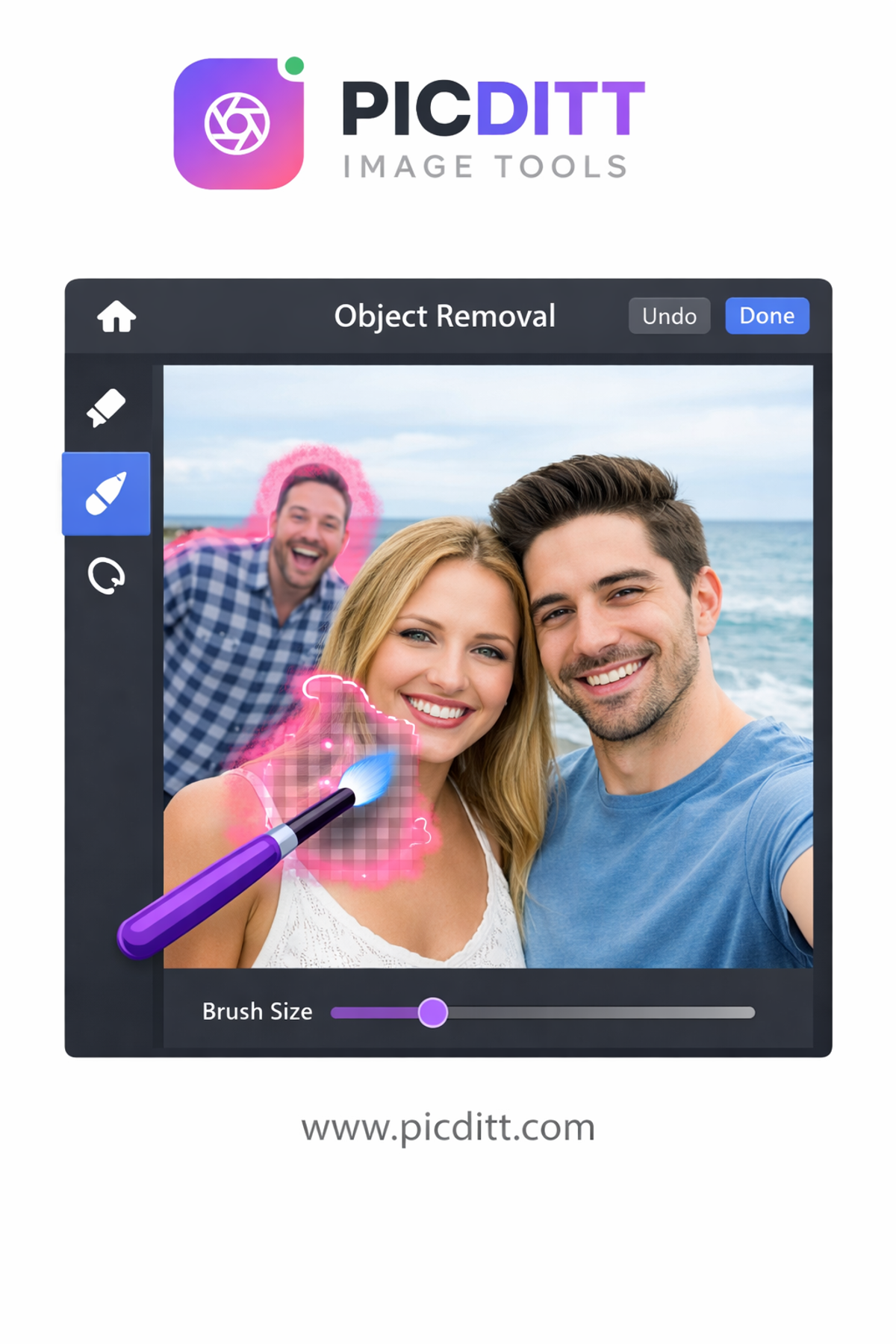
Meet the Unlimited, No-Nonsense Magic Eraser Alternative
Let’s talk real.
This isn’t just another tool—it’s a practical solution built for everyday users.
What makes it different?
- 🧠 AI-powered object removal
- 🔒 100% private (no uploads)
- ⚡ instant results
- 💰 completely free
- 📱 works on any device
No tricks. No hidden limits.
Just results.
How It Actually Works (Without the Tech Jargon)
Behind the scenes, the tool uses advanced AI techniques like:
- Context-aware analysis
- Texture reconstruction
- Smart inpainting
But you don’t need to understand any of that.
Here’s what matters:
👉 The AI understands what should be there—even after you remove something.
So when you erase an object, the tool fills the space naturally.
Not awkwardly. Not obviously.
Naturally.
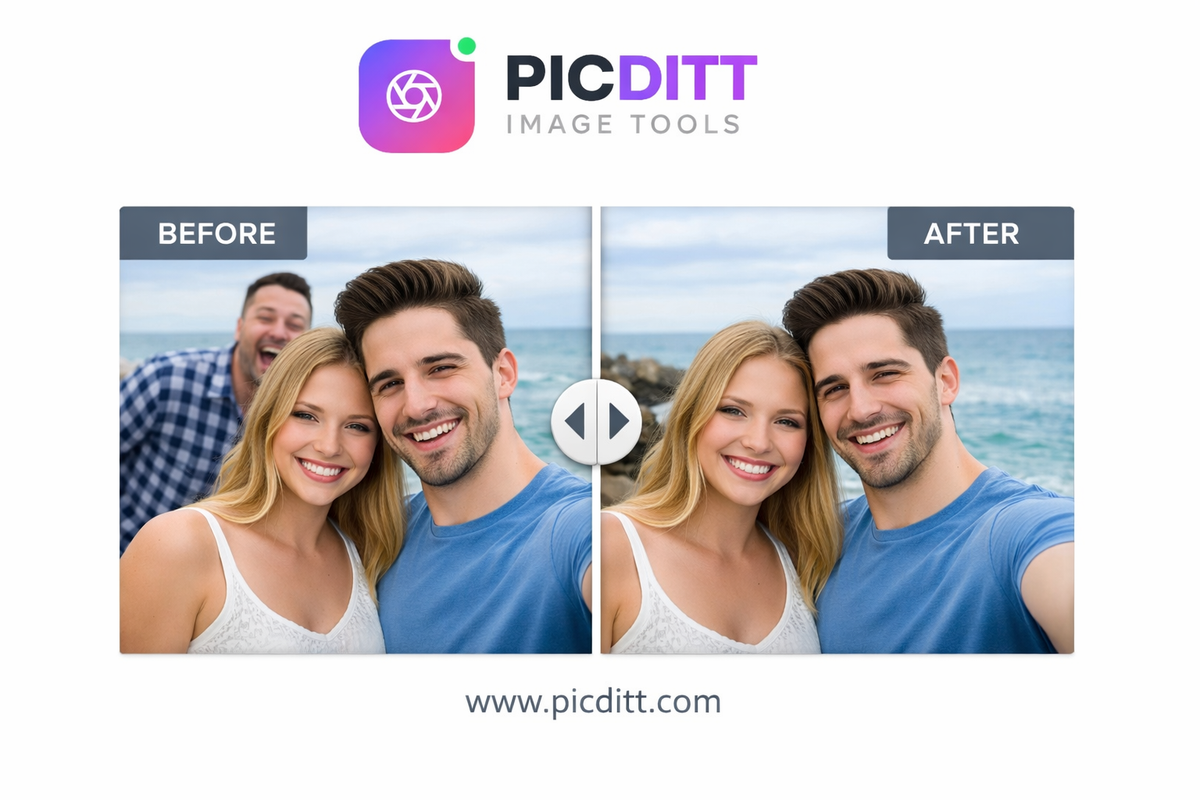
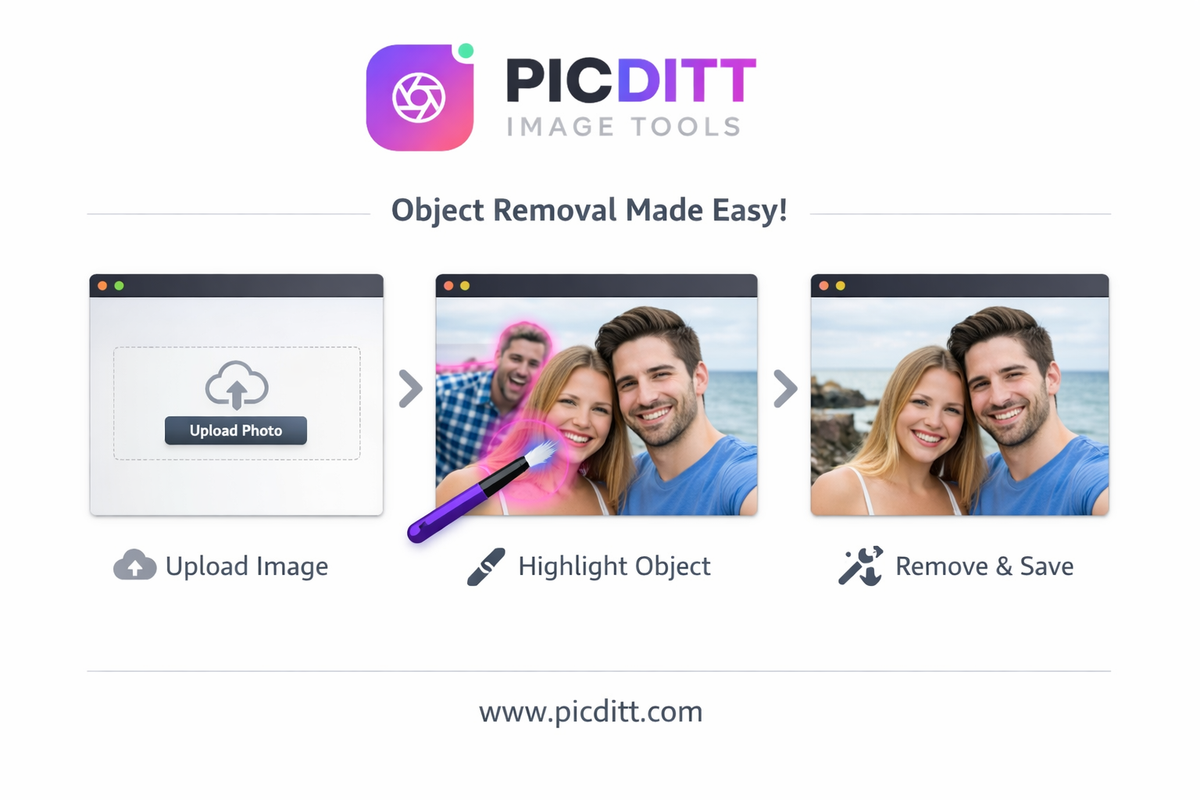
Step-by-Step: Remove Objects in Seconds
No learning curve here.
Step 1: Upload Your Image
Drag and drop your file or browse your device.
Step 2: Brush Over the Object
Paint over anything you want gone.
People, text, objects—anything.
Step 3: Let AI Do Its Thing
Click erase and watch the magic happen instantly.
Step 4: Download Your Image
Get a high-quality version with zero loss.
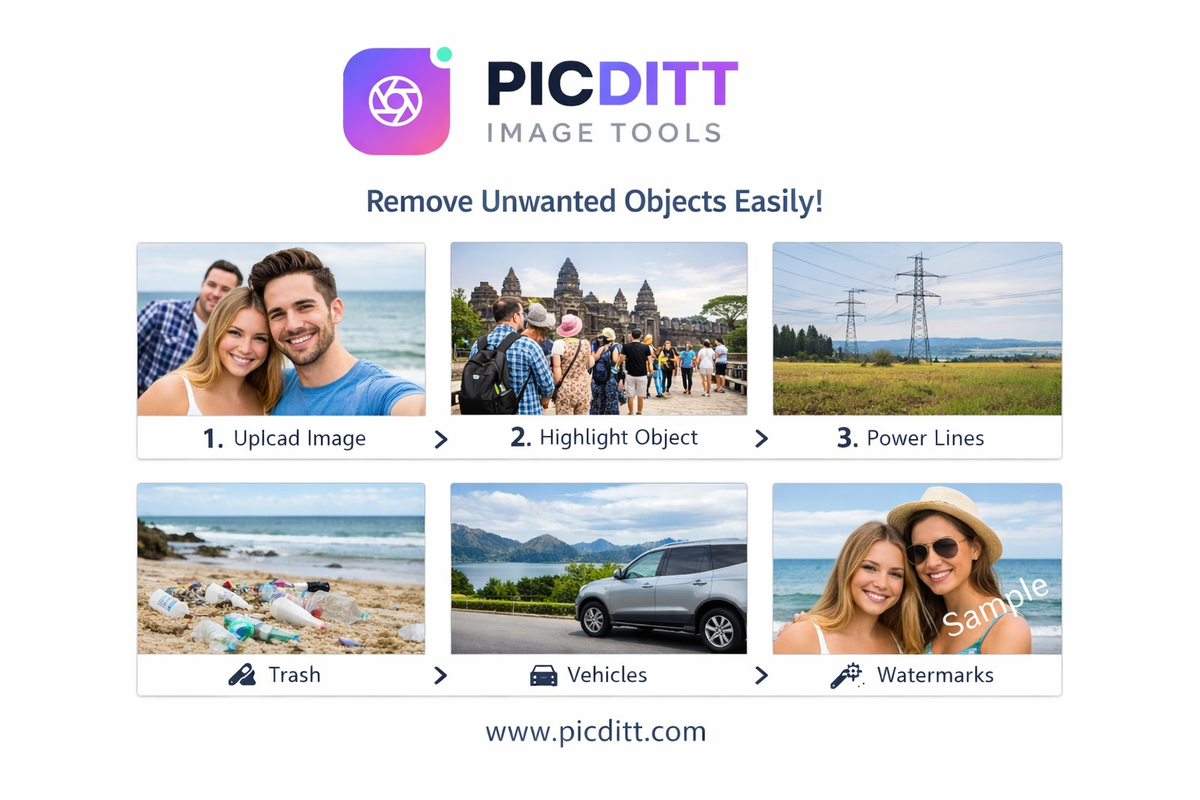
What Can You Remove? (Almost Everything)
This is where things get interesting.
👤 People & Photobombers
Remove strangers, ex-partners, or unwanted faces.
💬 Text & Watermarks
Clean up logos, captions, or intrusive text overlays.
🚗 Vehicles & Traffic
Erase cars or bikes ruining your shot.
🗑️ Trash & Clutter
Make your photos look clean and professional.
😊 Skin Imperfections
Remove blemishes, acne, or small flaws.
🔌 Power Lines & Poles
Perfect for landscape photography.
🏷️ Logos & Branding
Remove unwanted brand elements from images.
Where This Tool Really Shines (Real-Life Use Cases)
Let’s move beyond features.
Here’s how people actually use it:
📸 Travel Photography
Remove crowds from tourist spots.
🛍️ E-commerce
Clean product photos for professional listings.
🏠 Real Estate
Remove clutter from property images.
👔 Professional Portraits
Enhance headshots by removing distractions.
📱 Social Media
Make your posts cleaner and more aesthetic.
🎨 Creative Work
Prepare images for design or content creation.
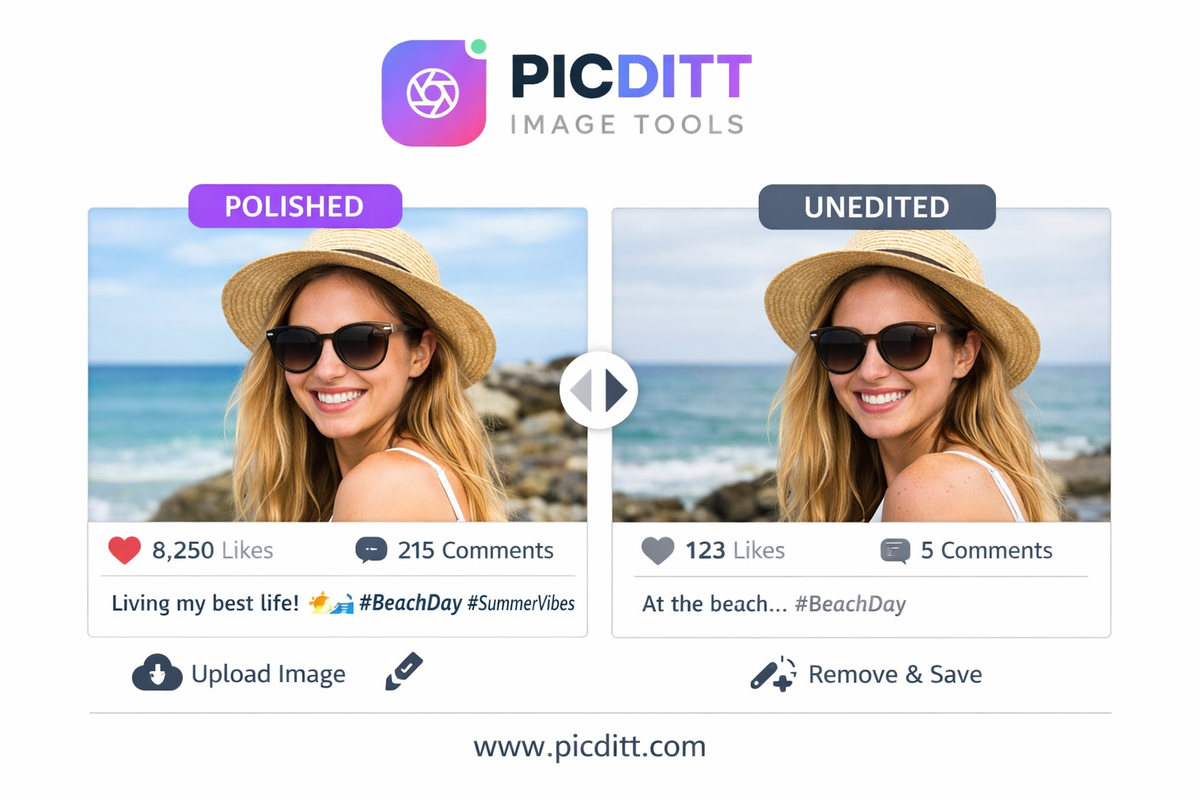
Why AI Object Removal Feels So Satisfying
There’s something uniquely satisfying about:
- Removing something instantly
- Seeing a clean image appear
- Fixing mistakes in seconds
It feels like control.
Like undoing imperfections.
And that’s exactly why tools like this are addictive—in a good way.
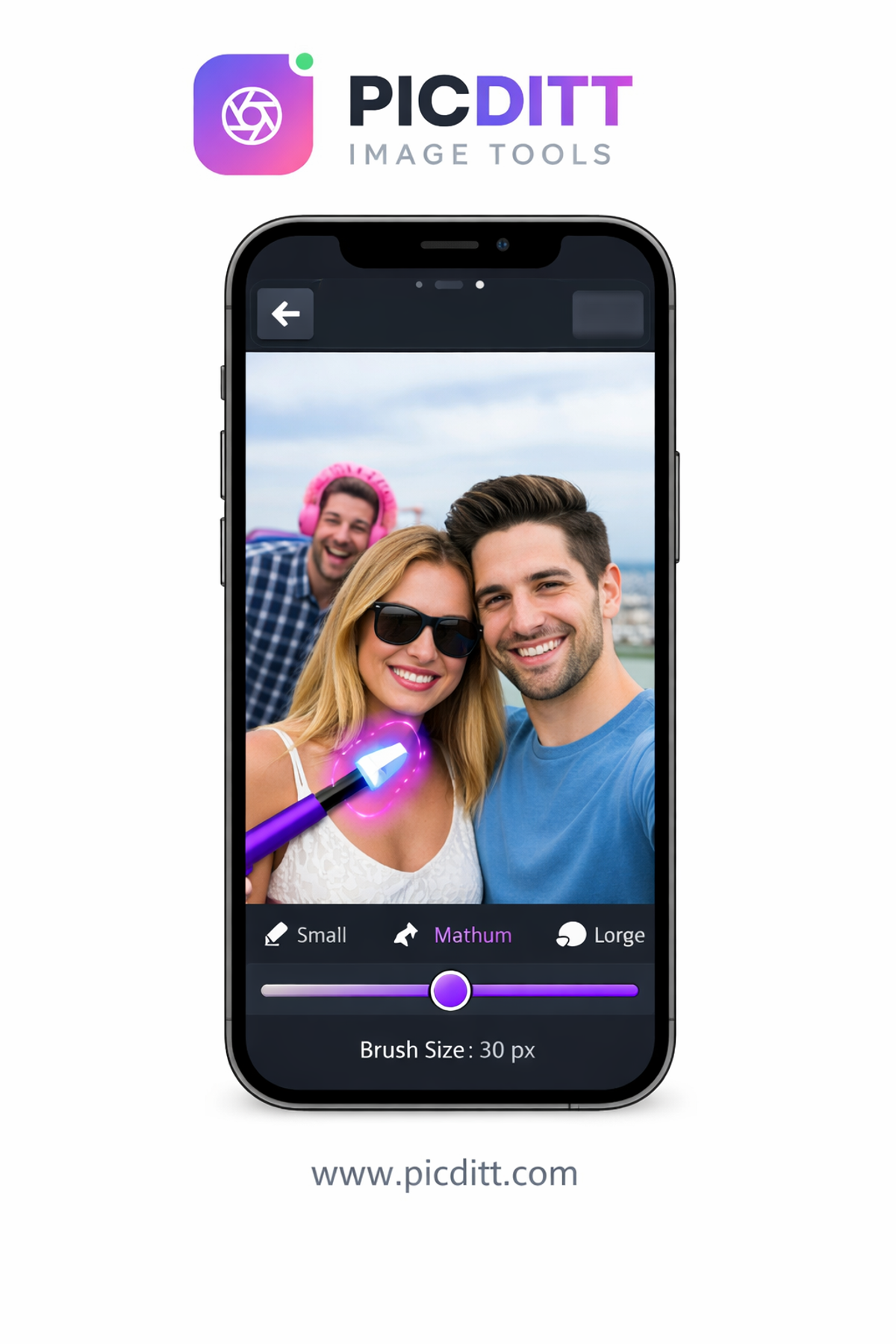
Precision Tools That Give You Control
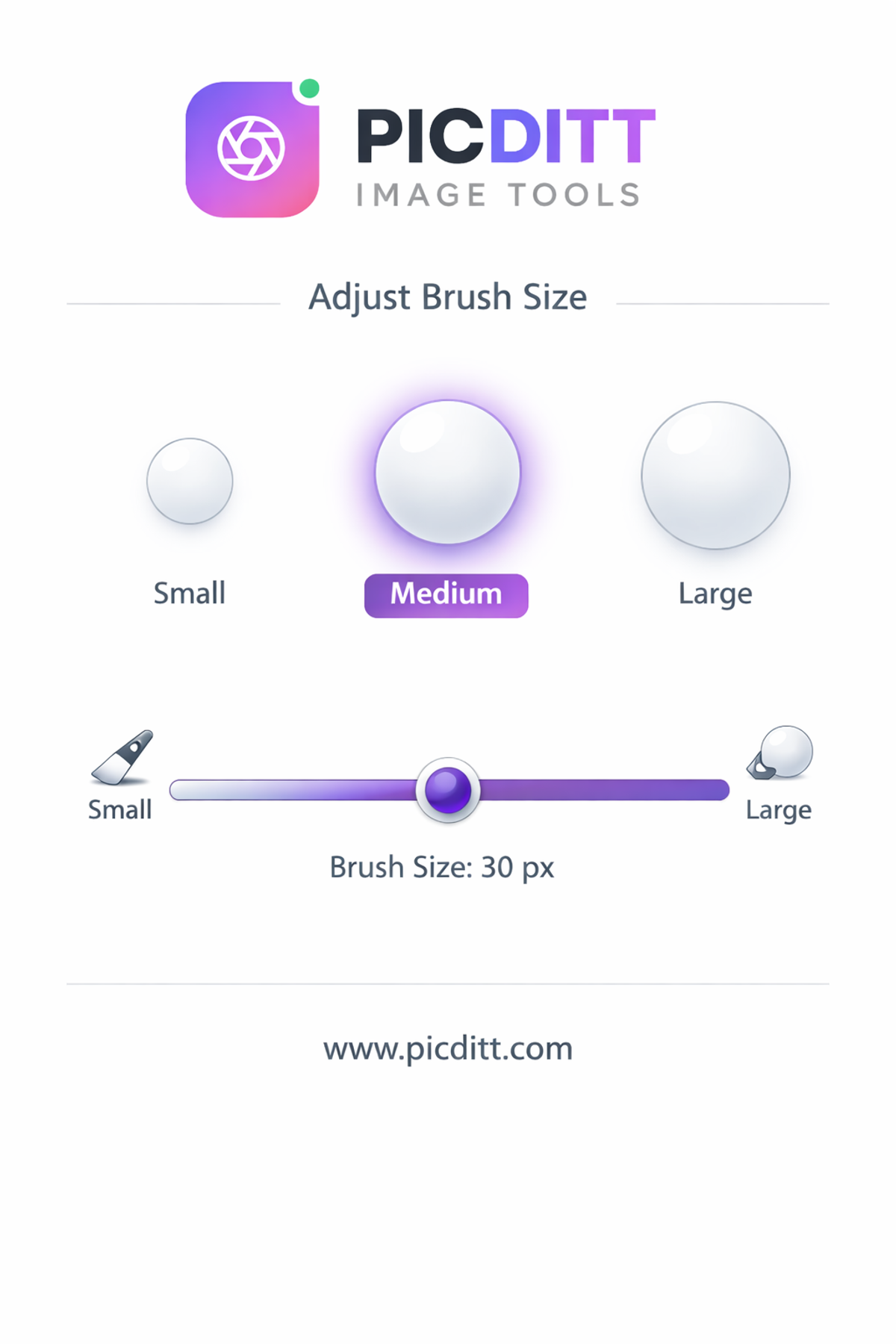
Even though it’s simple, you still get powerful controls:
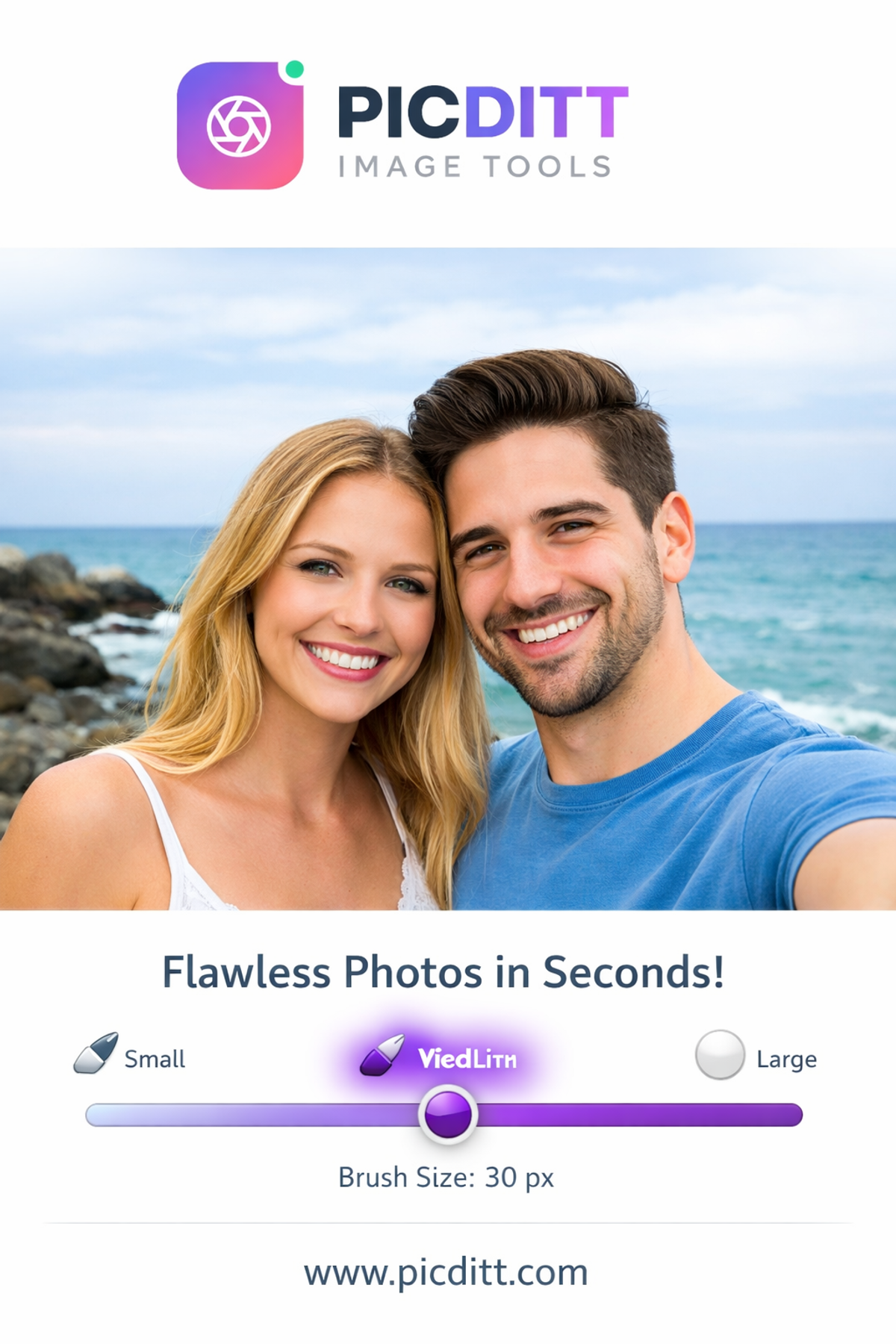
- Adjustable brush size (5px–100px)
- Zoom for detailed edits
- Undo/redo history
- Mask preview before applying changes
So whether you’re removing a tiny blemish or a large object—you’re covered.
Privacy Matters More Than Ever
Let’s talk about something most tools ignore.
Your photos.
They’re personal. Sometimes sensitive.
Many tools upload them to servers.
This one doesn’t.
✔ Everything happens in your browser
✔ No uploads
✔ No storage
✔ No tracking
That’s a big deal.
Performance: Fast Without Compromise
Speed matters.
And this tool delivers:
- Instant AI processing
- No waiting queues
- No lag
- Works even on mobile
You click → it’s done.
Pro Tips for Best Results
Want better results? Follow these:
✔ Cover the entire object
Include shadows and edges.
✔ Use slightly larger brush
Avoid leaving fragments.
✔ Work in passes
Complex edits may need multiple tries.
✔ Check before/after
Always review your result.
Common Mistakes to Avoid
❌ Brushing too little
Leaves visible remnants.
❌ Over-brushing
Removes useful background.
❌ Ignoring background complexity
Some scenes need more precision.
SEO Insight: Why Clean Images Matter
If you’re creating content:
- Clean images improve engagement
- Better visuals = higher clicks
- Professional look builds trust
This tool isn’t just editing—it’s optimization.
Frequently Asked Questions (FAQs)
1. Is this Magic Eraser tool free?
Yes, completely free with no limits.
2. Do I need to sign up?
No signup required.
3. Are my images safe?
Yes, everything is processed locally.
4. What file formats are supported?
JPG, PNG, WebP, and more.
5. Can I use it on mobile?
Yes, works on all devices.
6. Will it reduce image quality?
No, output is high-quality PNG.
7. Can it remove watermarks?
Yes, in most cases.
8. Is it better than Photoshop?
For quick edits—yes. For complex edits—Photoshop still has its place.
Final Thoughts: This Is What Editing Should Feel Like
No friction.
No complexity.
No cost barriers.
Just simple, powerful editing.
If you’ve ever been frustrated by unwanted objects in photos, this tool solves it—instantly.
👉 https://picditt.com/editing/magic-eraser
Try it once.
You’ll wonder how you ever edited images without it.
Ready to Try It Yourself?
Use this tool for free — no signup, no download, no watermarks.
Open Free ToolYou Might Also Like
AI Old Photo Restorer & Colorizer: How to Bring Faded Family Photos Back to Life
Old family photos fade, scratch, and lose their color over time—but they don't have to stay that way. Learn how to use PicDitt's free AI Old Photo Restorer & Colorizer to remove damage, enhance details, and add realistic color to black & white images, all directly in your browser.
Read More →
How to Convert Images to PDF Online Free — The Complete Guide
Convert any image to a professional PDF document for free. Combine multiple photos, customize page size, adjust margins, set orientation, and download instantly. All processing happens in your browser — your images never leave your device.
Read More →