How to Compress Images to Any Size Online Free — The Complete Guide
Introduction
Every website, email inbox, online form, and social media platform has one thing in common — they all have file size limits. And if you've ever tried to upload a photo only to see the dreaded "file too large" error, you know exactly how frustrating it can be.
Whether you need to compress an image to under 100KB for a government form, reduce a batch of product photos for your online store, or shrink an email attachment so it actually sends — you need a reliable image compressor that gives you control over the final file size.
That's exactly what the PicDitt Image Compressor does. It lets you compress any image to a specific file size in KB or MB, supports all major formats, works entirely in your browser, and costs absolutely nothing. No signup, no watermarks, no limits.
In this complete guide, you'll learn everything about image compression — how it works, when to use it, step-by-step instructions, pro tips, and answers to the most common questions.
What Is Image Compression?
Image compression is the process of reducing the file size of an image while attempting to maintain acceptable visual quality. Every digital image is made up of millions of pixels, and each pixel contains color data. Compression works by finding smarter ways to store that data using fewer bytes.
There are two types of image compression:
Lossy compression removes some image data permanently to achieve smaller file sizes. JPEG compression is the most common example. At moderate compression levels, the quality loss is invisible to the human eye, but the file size can drop by 60-80%.
Lossless compression reduces file size without removing any data. PNG compression is a common example. The file gets smaller, but the quality remains identical to the original. The trade-off is that lossless compression achieves smaller size reductions compared to lossy.
The PicDitt Image Compressor uses intelligent compression algorithms that automatically balance quality and file size. You can also set a specific target size — like "compress to 200KB" — and the tool will find the optimal compression level to hit that target.
Why You Need an Image Compressor
You might think your images are fine as they are. But oversized images cause real problems that affect your work, your website, and your audience every single day.
1. Website Speed and SEO
Google has made it clear — page speed is a ranking factor. Images are typically the heaviest elements on any web page. A single uncompressed photo from a modern smartphone can be 5-10MB. Multiply that by several images per page, and your website crawls. Compressed images load faster, improve user experience, and help your pages rank higher in search results.
2. Email Attachment Limits
Most email providers limit attachments to 25MB. A handful of high-resolution photos can easily exceed that limit. Compressing images before attaching them ensures your emails actually send — and don't clog your recipient's inbox.
3. Form and Application Uploads
Government forms, job applications, university admissions, and official portals frequently require images under a specific file size — often 100KB, 200KB, or 500KB. Without a compressor that lets you target an exact size, meeting these requirements is nearly impossible.
4. Storage Space
Cloud storage, phone storage, and server storage all have limits. Compressed images take up a fraction of the space, allowing you to store more photos without upgrading your storage plan.
5. Faster Sharing
Whether you're sharing photos on WhatsApp, Slack, Discord, or any messaging app, smaller files upload and download faster. Your recipients don't have to wait for massive files to load, especially on slower mobile connections.
How to Compress Images with PicDitt — Step by Step
Compressing an image with PicDitt takes less than 30 seconds. Here's exactly how to do it:
H3: Step 1 — Open the Image Compressor
Go to the PicDitt Image Compressor at the link below. The tool works directly in your browser — no download or signup required. Try PicDitt Image Compressor Free → https://picditt.com/compress
Step 2 — Upload Your Image
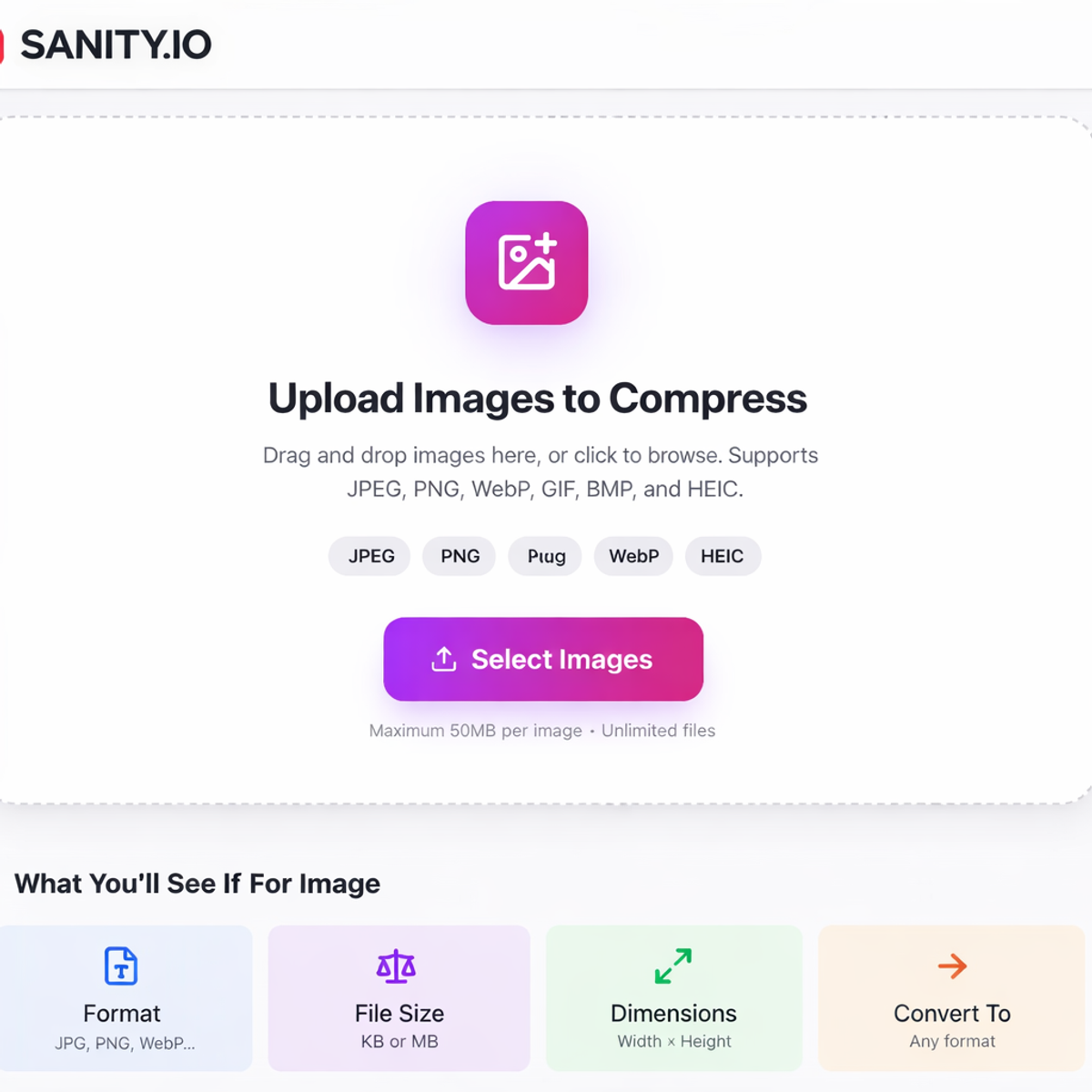
Drag and drop your image onto the upload area, or click to browse and select a file from your device. The tool supports JPEG, PNG, WebP, GIF, BMP, HEIC, and other common image formats. Maximum file size is 50MB.
Step 3 — Choose Your Compression Settings
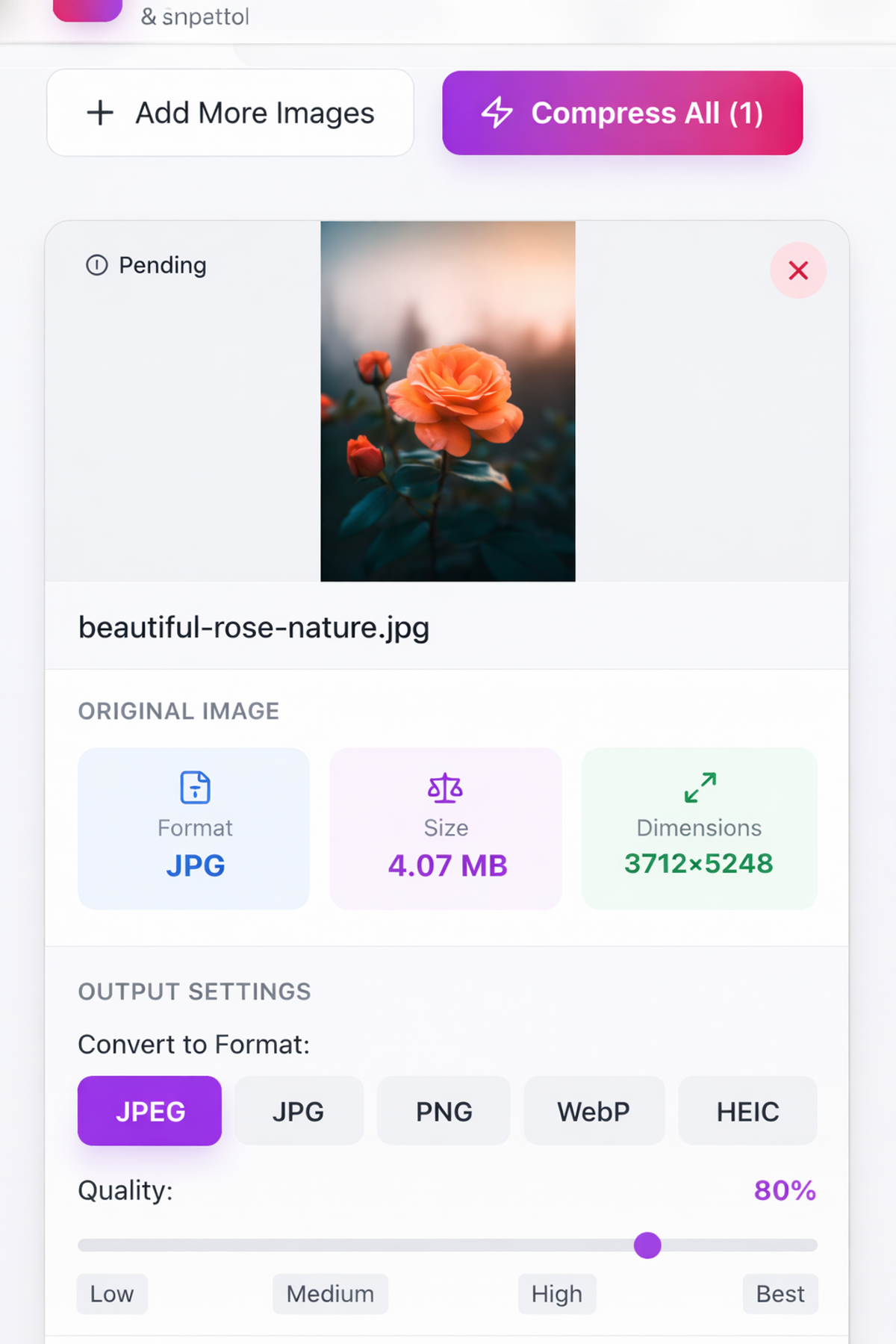
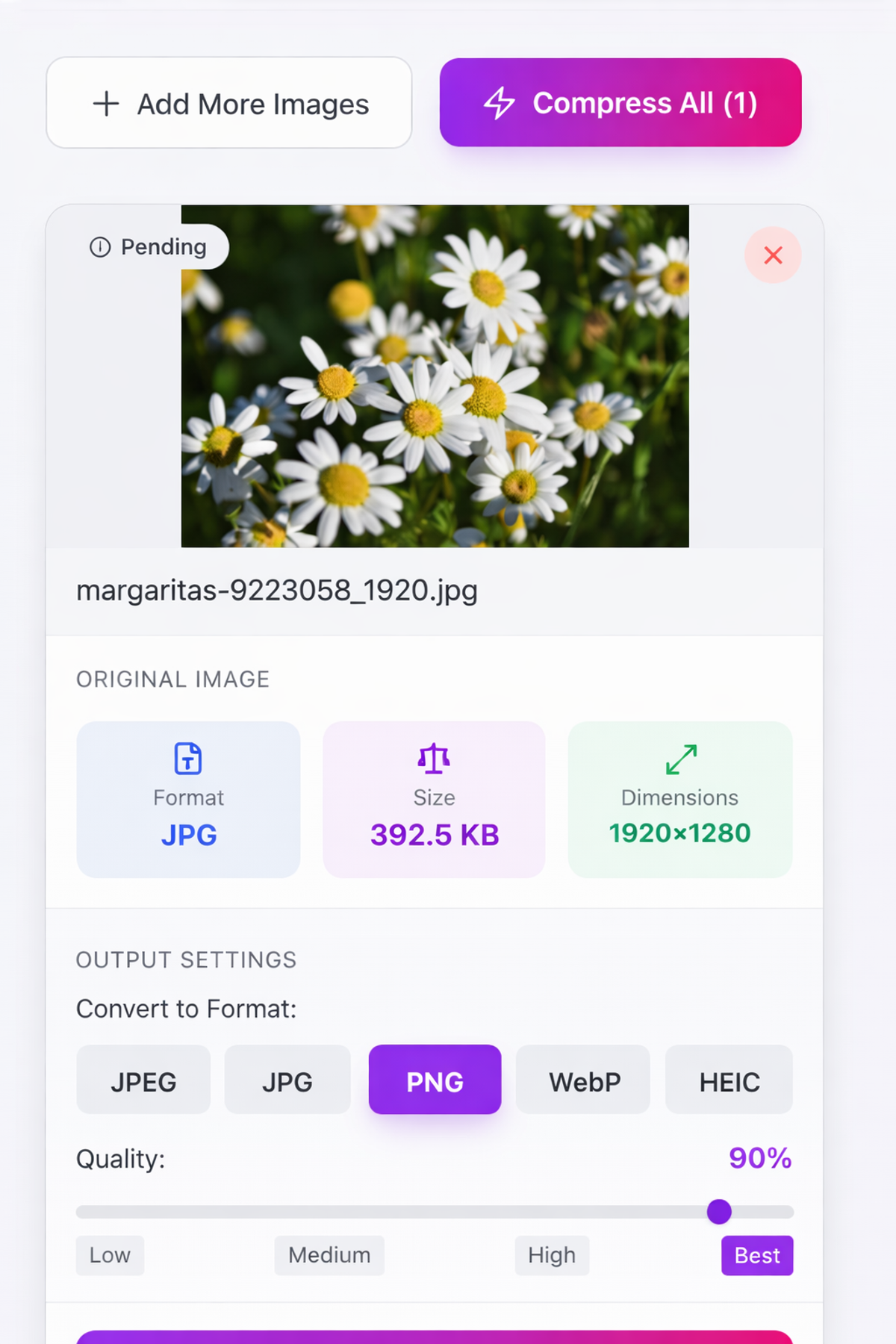
Once your image is uploaded, you'll see compression options. You can either:
- Auto compress — Let the tool find the best balance between quality and file size
- Set target size — Enter a specific file size in KB or MB (like 200KB or 1MB)
- Adjust quality slider — Manually control the compression level
Choose the option that fits your needs. For most users, setting a target size is the easiest approach.
Step 4 — Compress and Download
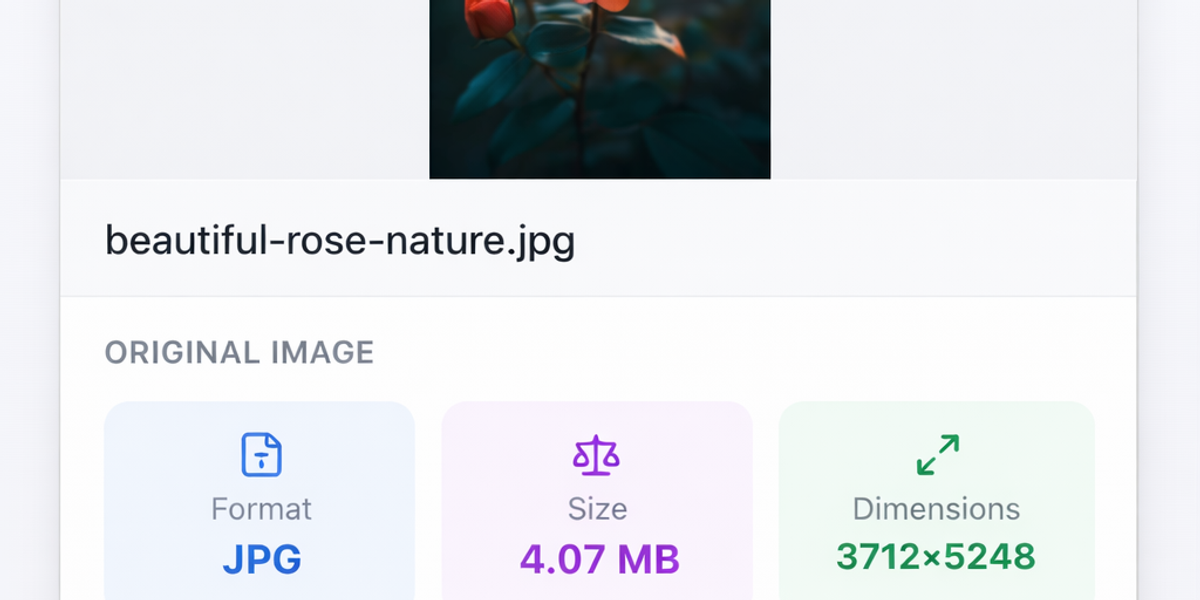
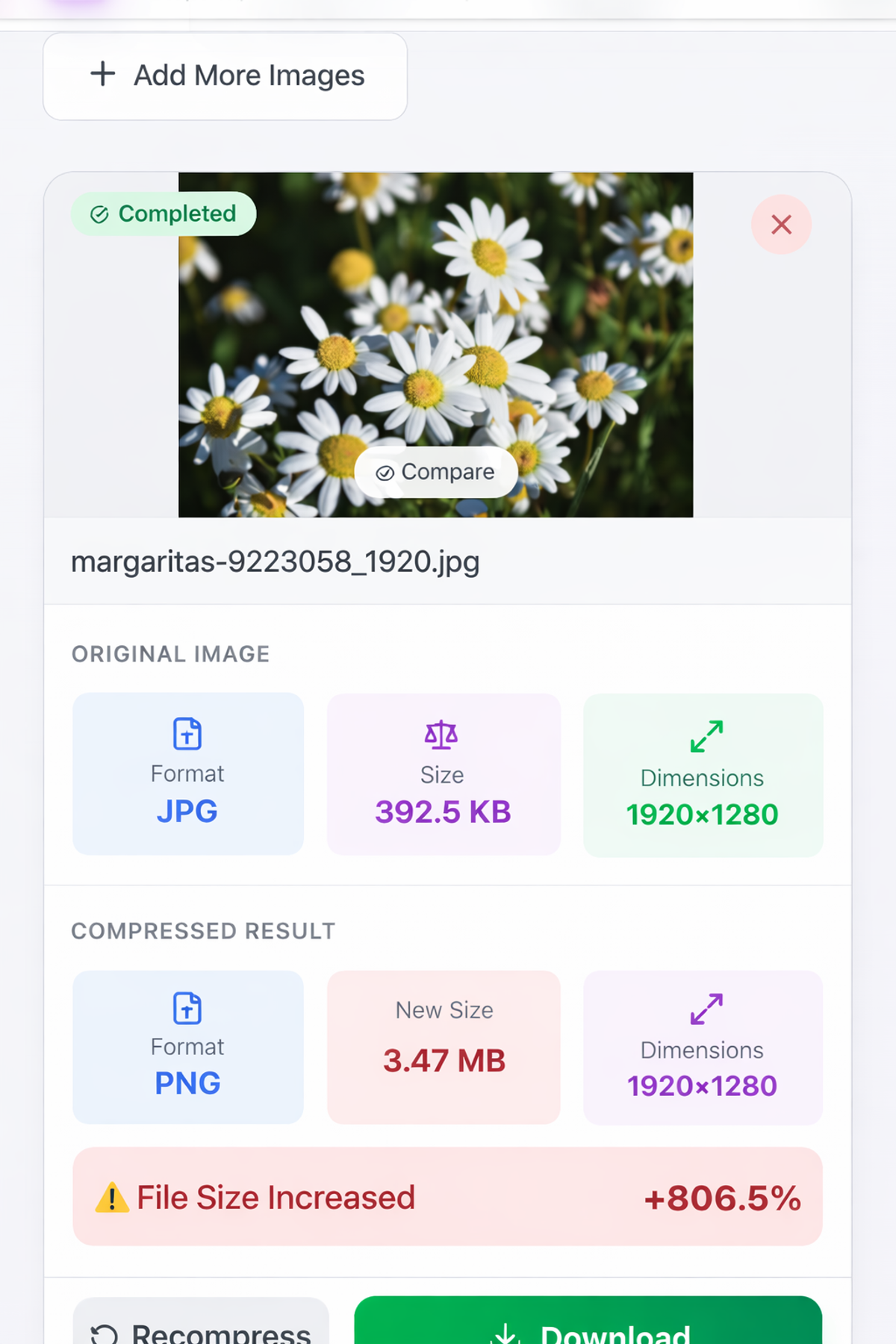
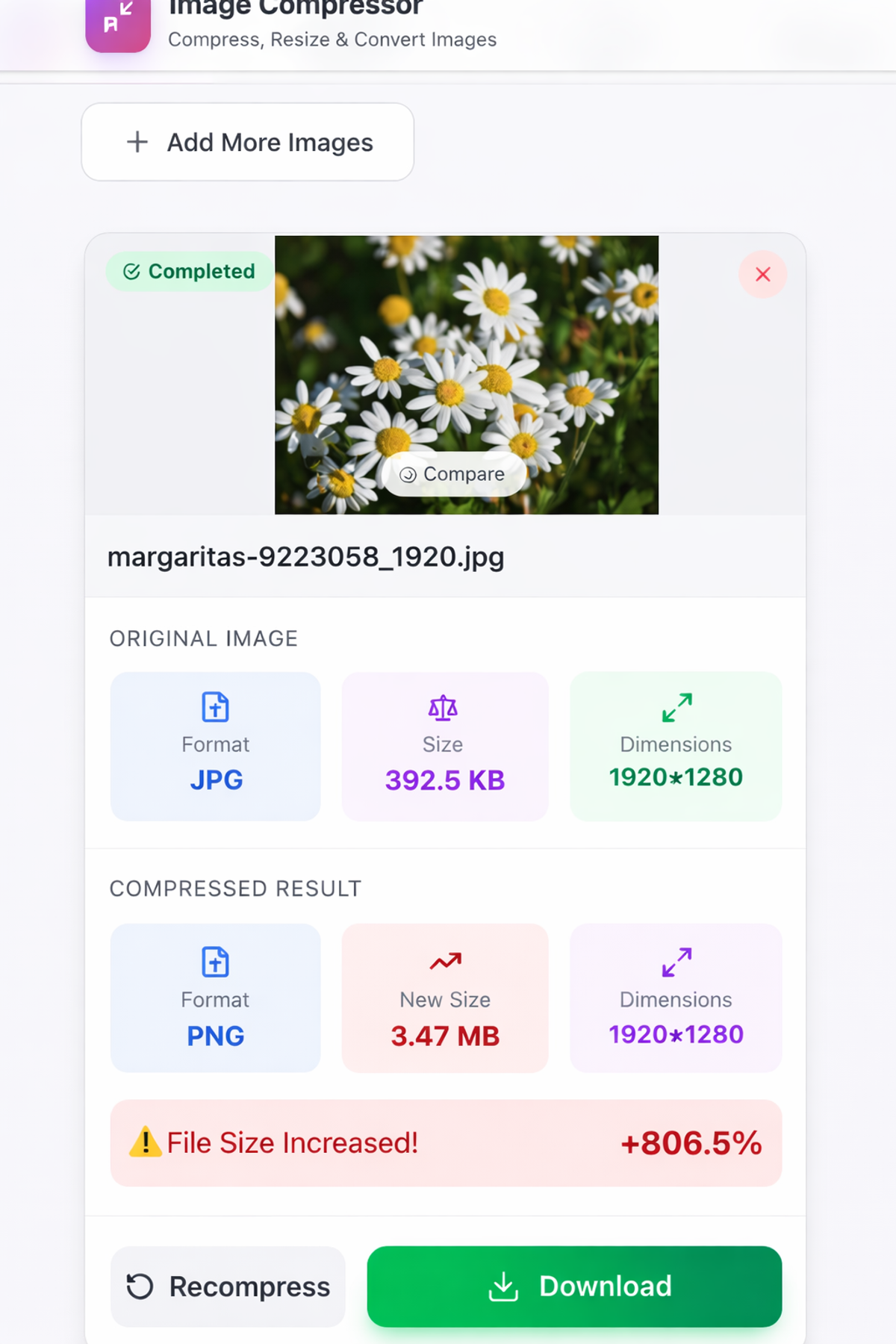
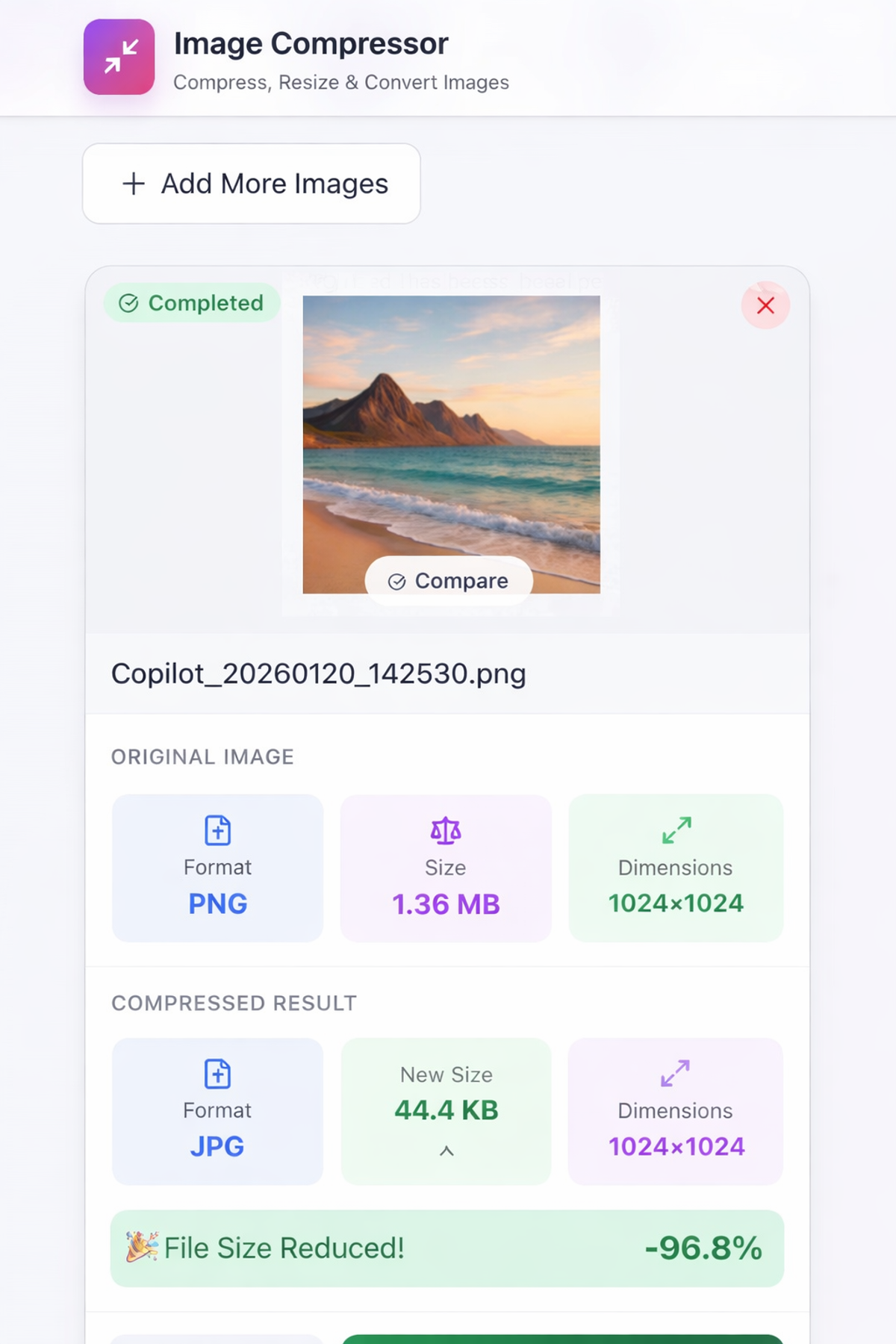
Click the compress button. The tool processes your image instantly — right in your browser. You'll see the original size and the compressed size side by side so you can verify the reduction.
If you're happy with the result, click download to save the compressed image to your device. If you want it smaller or larger, adjust the settings and compress again.
Key Features of PicDitt Image Compressor
Here's everything you get with this free tool:
Feature
What It Does
Why It Matters
Target Size Compression
Compress to exact KB or MB
Meet specific upload requirements
Quality Slider
Manual control over compression level
Fine-tune quality vs size balance
Batch Processing
Compress multiple images at once
Save time with bulk photos
Format Support
JPEG, PNG, WebP, GIF, BMP, HEIC
Works with any image you have
Before/After Preview
See original vs compressed side by side
Verify quality before downloading
Browser-Based
No software to install
Works on any device
100% Free
No cost, no limits, no watermarks
Use as much as you want
Privacy First
Images processed locally in browser
Your photos never leave your device
Common Use Cases for Image Compression
📧 Email Attachments
You need to send 15 product photos to a client, but Gmail's 25MB limit stops you at photo number 4. Compress each image from 5MB to 500KB and send all 15 without any issues.
🌐 Website and Blog Images
You run a blog and upload 6 images per article. Uncompressed, that's 30MB of images per page. Compressed, it's under 2MB — your page loads in 2 seconds instead of 12. Your bounce rate drops and your SEO improves.
📝 Government and Official Forms
You're applying for a passport and the portal requires a photo under 200KB in JPEG format. Your phone photo is 4.5MB. Use PicDitt's target size feature to compress it to exactly 200KB.
🛒 E-Commerce Product Photos
You manage an online store with 500 product images. Each image needs to load fast on mobile devices. Batch compress all 500 images to under 100KB each — your store loads instantly and customers don't bounce.
📱 Social Media
You're posting photos on Instagram, Facebook, or Twitter. While these platforms compress images automatically, they often do it poorly — resulting in blurry, artifact-heavy images. Pre-compressing your images with the right settings gives you much better results.
💼 Job Applications and Resumes
Many job portals limit resume attachments and profile photos to specific sizes. Compress your professional headshot to meet the exact requirements without losing clarity.
🎓 University and Scholarship Applications
Online admission forms often require photos, transcripts, and documents under strict size limits. Compress each file to the exact required size.
Pro Tips for Better Image Compression
Getting the best results from image compression requires understanding a few key concepts. Here are expert tips that will help you every time:
🔹 Start with the highest quality source. Compressing an already-compressed JPEG will produce worse results than compressing the original. Always start with the best quality version of your image.
🔹 Use JPEG for photographs. Photos with lots of colors, gradients, and natural scenes compress best as JPEG. You can reduce file size by 70-80% with minimal visible quality loss.
🔹 Use PNG for text and graphics. Screenshots, logos, icons, and images with text should be saved as PNG. JPEG compression creates visible artifacts around sharp text edges.
🔹 Try WebP for web use. WebP offers 25-30% better compression than JPEG at the same visual quality. If your images are going on a website, WebP is the best choice. Learn more about format conversion with our free image converter tool.
🔹 Don't over-compress. Compressing a 5MB photo to 50KB will result in visible quality loss. Find the sweet spot — usually 100-300KB for web images and 200-500KB for email attachments.
🔹 Resize before compressing. A 4000x3000 pixel photo compressed to 200KB will look worse than a 1200x900 photo at 200KB. Reduce the dimensions first, then compress. You can crop and resize images with our free crop tool.
🔹 Use batch processing for multiple images. If you have 50+ images to compress, don't do them one by one. Use PicDitt's batch processing feature to compress them all at once.
Batch Image Processing → https://picditt.com/compress/batch-image-processing
Image Compression for Different Platforms
Different platforms have different requirements. Here's a quick reference guide:
Platform
Recommended Size
Best Format
Max Upload
Website/Blog
100-300 KB
WebP or JPEG
Varies
Gmail Attachment
Under 25 MB total
JPEG
25 MB
Outlook Attachment
Under 20 MB total
JPEG
20 MB
WordPress Media
100-500 KB
WebP
50 MB
Shopify Products
100-200 KB
JPEG
20 MB
Government Forms
50-200 KB
JPEG
Varies
Job Portals
100-500 KB
JPEG or PNG
Varies
Under 16 MB
JPEG
16 MB
Under 8 MB
JPEG
8 MB
Under 4 MB
JPEG
4 MB
Why Choose PicDitt Image Compressor Over Alternatives?
There are dozens of image compressors available online. Here's why PicDitt stands out:
Feature
PicDitt
TinyPNG
iLoveIMG
Squoosh
Price
Free forever
Free (limited)
Free (limited)
Free
Target size compression
✅ Yes
❌ No
❌ No
❌ No
Batch processing
✅ Yes
✅ 20 max
✅ Yes
❌ No
Signup required
❌ No
❌ No
❌ No
❌ No
Watermarks
❌ Never
❌ No
❌ No
❌ No
Privacy (local processing)
✅ Yes
❌ Server
❌ Server
✅ Yes
Format support
All formats
PNG/JPEG/WebP
Most formats
All formats
Quality slider
✅ Yes
❌ No
✅ Yes
✅ Yes
File size limit
50 MB
5 MB
15 MB
No limit
Key advantage: PicDitt is the only free tool that lets you compress to an exact target file size while keeping your images private — everything is processed in your browser, never uploaded to a server.
Understanding Image File Formats
Choosing the right format before compressing can make a huge difference. Here's what you need to know:
JPEG (Joint Photographic Experts Group)
Best for photographs and complex images with many colors. Uses lossy compression — some quality is lost but file sizes are dramatically smaller. Most commonly used image format on the web.
PNG (Portable Network Graphics)
Best for screenshots, logos, text-heavy images, and graphics with transparent backgrounds. Uses lossless compression — no quality loss but larger file sizes than JPEG. If you need to add text or annotations to screenshots, try our screenshot editor.
Screenshot Editor → https://picditt.com/editing/screenshot-edit
WebP
Modern format developed by Google. Offers better compression than both JPEG and PNG while maintaining similar quality. Supported by all major browsers. Best choice for website images in 2025 and beyond.
GIF (Graphics Interchange Format)
Best for simple animations and images with very few colors. Limited to 256 colors, so not suitable for photographs. File sizes can be large for animations.
HEIC (High Efficiency Image Container)
Apple's modern image format used on iPhones. Offers excellent compression but limited compatibility outside Apple devices. Convert HEIC to JPEG or PNG before sharing with non-Apple users.
Frequently Asked Questions
Is PicDitt Image Compressor really free?
Yes, completely free with no hidden costs. There are no premium tiers, no per-image charges, no daily limits, and no watermarks added to your images. You can compress unlimited images forever at zero cost.
Are my images safe? Do you store them?
Your images never leave your device. All compression processing happens locally in your web browser using JavaScript. PicDitt cannot see, access, or store your images. This makes it safe for sensitive documents, personal photos, and confidential images.
Can I compress an image to an exact file size like 200KB?
Yes, this is one of PicDitt's standout features. Use the target size compression option to specify exactly how many KB or MB you want. The tool will automatically find the optimal compression level to hit your target as closely as possible.
Does compression reduce image quality?
It depends on how much you compress. Moderate compression (reducing a 5MB image to 500KB) typically produces no visible quality loss. Extreme compression (5MB to 50KB) will show noticeable artifacts. The key is finding the right balance — PicDitt's preview feature lets you compare before and after so you can decide.
What image formats are supported?
PicDitt supports JPEG, PNG, WebP, GIF, BMP, HEIC, TIFF, and other common formats. You can upload any standard image format and export as JPEG, PNG, or WebP.
Can I compress multiple images at once?
Yes. PicDitt offers batch image processing that lets you compress dozens or hundreds of images simultaneously. Each image can be compressed with the same settings or individually configured.
Batch Image Processing → https://picditt.com/compress/batch-image-processing
Does it work on mobile devices?
Yes. PicDitt is fully responsive and works on iPhones, Android phones, iPads, and tablets. The interface adapts to your screen size and all features work identically on mobile and desktop.
Related Tools You Might Need
After compressing your images, you might also find these PicDitt tools helpful:
Batch Image Processing — Compress, resize, convert, and rename hundreds of images at once. Perfect for e-commerce stores, photographers, and content creators who work with large image libraries.
Batch Image Processing → https://picditt.com/compress/batch-image-processing
Target Size Compression — Need to hit an exact file size for a form upload or application? This specialized tool lets you specify the exact KB or MB and compresses your image to match.
Target Size Compression → https://picditt.com/compress/target-compression
Free Image Converter — Convert between JPEG, PNG, WebP, GIF, BMP, and other formats. Sometimes converting to a different format is more effective than compressing.
Image Converter → https://picditt.com/conversion
Crop and Resize — Reduce image dimensions before compressing for even better results. Cropping removes unnecessary parts and resizing reduces pixel count.
Crop Image → https://picditt.com/crop
Conclusion
Image compression isn't just a technical convenience — it's a necessity in today's digital world. Whether you're optimizing a website for speed and SEO, meeting strict file size requirements for official forms, reducing email attachment sizes, or simply saving storage space, a good image compressor is one of the most frequently used tools in anyone's digital toolkit.
The PicDitt Image Compressor gives you everything you need — target size compression, batch processing, format support, quality control, and complete privacy — all completely free, with no signup, no watermarks, and no limits.
Stop wrestling with oversized images. Compress them in seconds and get back to what matters.
Try PicDitt Image Compressor now — it's free, fast, and private.
Compress Your Images Free → https://picditt.com/compress
Ready to Try It Yourself?
Use this tool for free — no signup, no download, no watermarks.
Open Free ToolYou Might Also Like
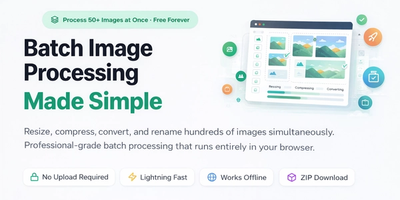
Batch Image Processing Made Simple: Resize, Compress, Convert & Rename Hundreds of Photos at Once
Manually editing hundreds of images one by one is a waste of your time. Learn how to use PicDitt's free Batch Image Processing tool to resize, compress, convert, and rename entire photo collections in minutes—all directly in your browser with complete privacy.
Read More →
How to Compress Images to an Exact File Size: The Complete Guide to Target Compression
Need your image to be exactly 500KB for a government form or under 25MB for Gmail? Learn how to compress any image to a precise file size using PicDitt's free Target Compression tool—without guessing quality settings or losing more quality than necessary.
Read More →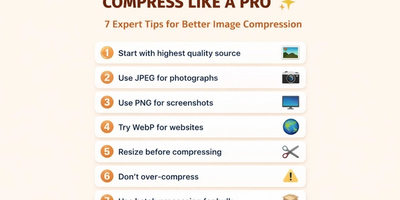
Free Universal Image Converter — Change Any Image Format Online Instantly
Convert images between any format — JPG, PNG, WebP, GIF, HEIC, and BMP — completely free. Batch convert multiple files, adjust quality settings, and download instantly. All processing happens in your browser for complete privacy.
Read More →