Is Your Photo Leaking Your Location? The Ultimate Guide to EXIF Data

Advertisement
Introduction
You take a photo of your new car in your driveway and post it on social media. It seems harmless. But within seconds, a stranger online could download that image and know exactly where you live—down to the specific street coordinates.
Most people don’t know that every digital photo contains hidden data called EXIF (Exchangeable Image File Format). This data is invisible to the eye but easily readable by software. It stores your camera model, shutter settings, date, time, and most dangerously, your precise GPS location.
Sharing photos without cleaning this data is a privacy risk. That’s why PicDitt EXIF Tool exists. It lets you view what your photos are hiding and strip that data instantly before you share.
What Is EXIF Data?
EXIF data is metadata embedded into the image file by your camera or smartphone. It was designed to help photographers organize their work, but in the age of the internet, it has become a digital footprint.
Common EXIF tags include:
- Device Info: "iPhone 14 Pro" or "Canon EOS R5".
- Settings: ISO, Aperture (f/2.8), Shutter Speed, and Flash status.
- Date & Time: The exact second the photo was taken.
- GPS Coordinates: Latitude and Longitude (e.g., 40.7128° N, 74.0060° W).
While knowing your shutter speed is useful for learning photography, broadcasting your GPS coordinates to the public internet is not.
Why You Must Remove Metadata (Industry Use Cases)
1. Privacy & Safety
This is the biggest risk for families. If you post photos of your children at a park or your home, the GPS tag reveals their location. Stalkers and criminals can use "Geotagging" to track daily routines.
The Fix: Strip EXIF data before uploading to public forums, blogs, or classified sites like Craigslist.
2. Journalism & Whistleblowing
Journalists and activists often need to share evidence photos while protecting their sources. If a whistleblower sends a photo, the metadata could reveal who took it (camera serial number) and where they were. Removing EXIF data is a standard safety protocol in investigative journalism.
3. Web Speed (SEO)
Metadata adds weight to your file size. A thumbnail image might be 50KB, but carry 20KB of invisible text data. For websites with thousands of images, stripping metadata reduces bandwidth costs and improves page load speed, which boosts SEO rankings.
4. Professional Photography
Photographers spend years developing their style. The "Secret Sauce" of a great photo is often the settings (Lighting, ISO, Lens choice). By stripping metadata, you protect your trade secrets from competitors who want to copy your exact technique.
How to View and Remove EXIF Data with PicDitt
You don't need complex software to check your photos. PicDitt offers a free browser-based viewer and cleaner.
Tool: https://picditt.com/misc/exif
Step 1: Upload to View Data
Upload your photo (JPG, PNG, TIFF).
The tool will instantly decode and display the hidden metadata. You might be surprised to see your phone model, the exact time, and a map pin of where you stood.
Step 2: Analyze the Risk
Look for the "GPS" section. If you see latitude/longitude numbers, that photo is geolocated. If you share it, anyone can plug those numbers into Google Maps and see your location.
Step 3: Click "Remove Data"
Click the Remove EXIF button.
PicDitt creates a new copy of your image. This copy is visually identical—same quality, same pixels—but the hidden text layer is completely wiped clean.
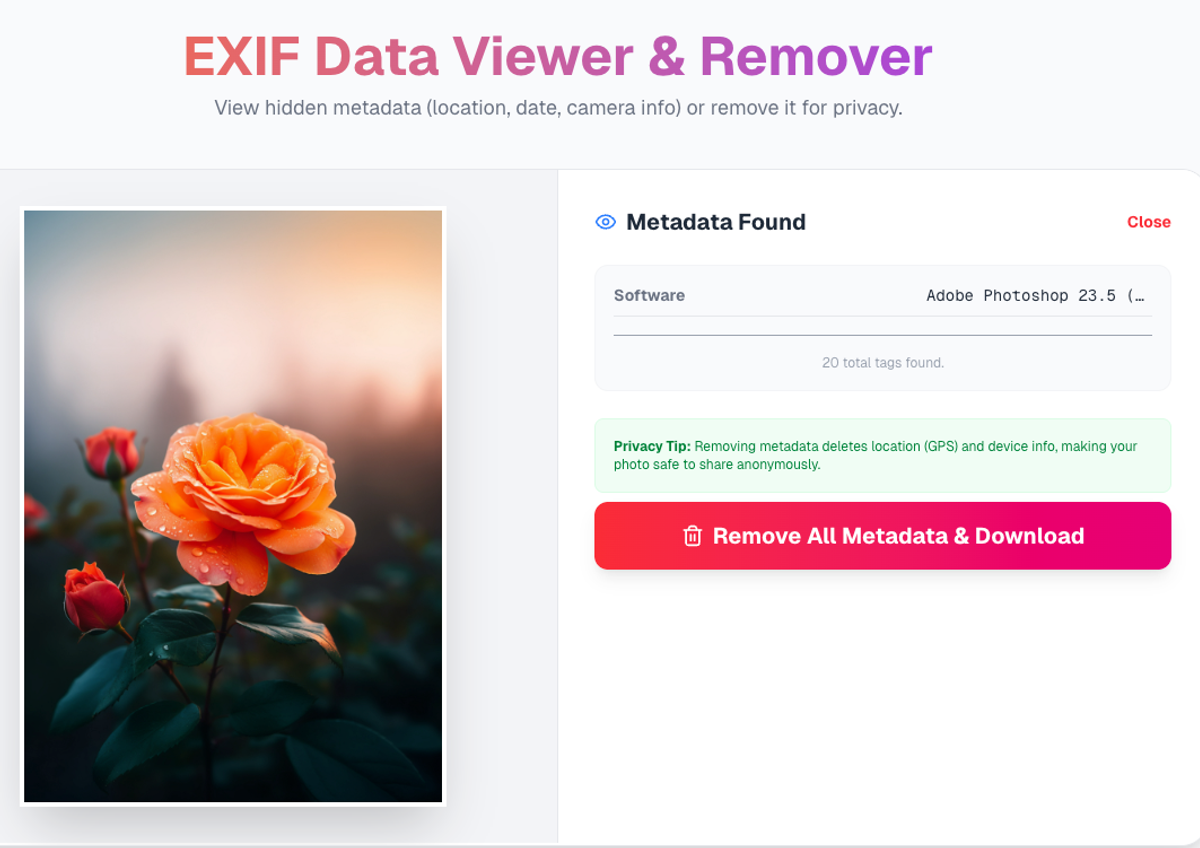
View hidden metadata and strip GPS tags instantly for privacy.
Deep Dive: How Accurate is GPS Tagging?
Smartphone GPS is terrifyingly accurate. Modern phones use a combination of GPS satellites, Wi-Fi networks, and Cell Towers to triangulate position.
In open areas, the coordinates embedded in your photo can pinpoint your location within 3 to 5 meters. That is the difference between "somewhere on this street" and "standing in this specific living room."
Most social media apps (Facebook, Instagram, Twitter) scrub this data automatically when you upload. However, if you send the photo via:
- Email attachments
- SMS / iMessage
- Google Drive / Dropbox links
- Blog uploads (WordPress)
...the GPS data usually stays intact. That is why manual cleaning is essential.
Privacy: Your Location Data Stays Local
We built PicDitt with a "Privacy First" architecture.
Unlike other EXIF viewers that upload your photo to a server to read it (potentially exposing your location to them), PicDitt processes the image locally in your browser.
- We do not see your coordinates.
- We do not store your photos.
- The cleaning happens on your device.
Conclusion
Metadata is useful for you, but dangerous for the public. It turns a simple photograph into a tracking device.
Make it a habit: Check your files before you share them. Use PicDitt EXIF Remover to view what you are broadcasting and scrub your digital footprint clean.