Is Your Converter Site Stealing Your Data? Why Local Processing Matters (Privacy Guide)
Advertisement
Introduction
If you’ve ever searched “convert PDF to Word” or “compress image” and clicked the first random tool that shows up, you’ve probably done the same thing millions of people do every day: You hit Upload.
The file disappears into a progress bar. A few seconds later, you download the result. Problem solved—right?
Not always. Because that “Upload” step is the entire privacy risk.
When you upload a file to an online converter, you’re not just “using a tool.” You’re transferring your document—often containing sensitive personal or business information—to a server you don’t control, operated by a company you likely don’t know.
This guide explains what actually happens when you upload files, why that creates risk, and how PicDitt avoids the problem entirely using local processing.
The Risk: What “Upload” Really Means
When a website says “Upload your file,” it usually means:
- Your file is sent over the internet to a remote server.
- The server processes it (convert, compress, merge).
- The server sends back the output for you to download.
That sounds normal—until you ask the questions that actually matter:
- Who owns that server? Is it a reputable company, or a disposable domain with no accountability?
- How long is it stored? Many sites claim “we delete after 1 hour,” but you can't verify that. Server logs and backups often retain copies.
- Who can access it? Even if the company is honest, access can happen through employees or misconfigured storage.
In short: uploading is trust, and most converter sites haven’t earned it.
The Solution: Client-Side Processing
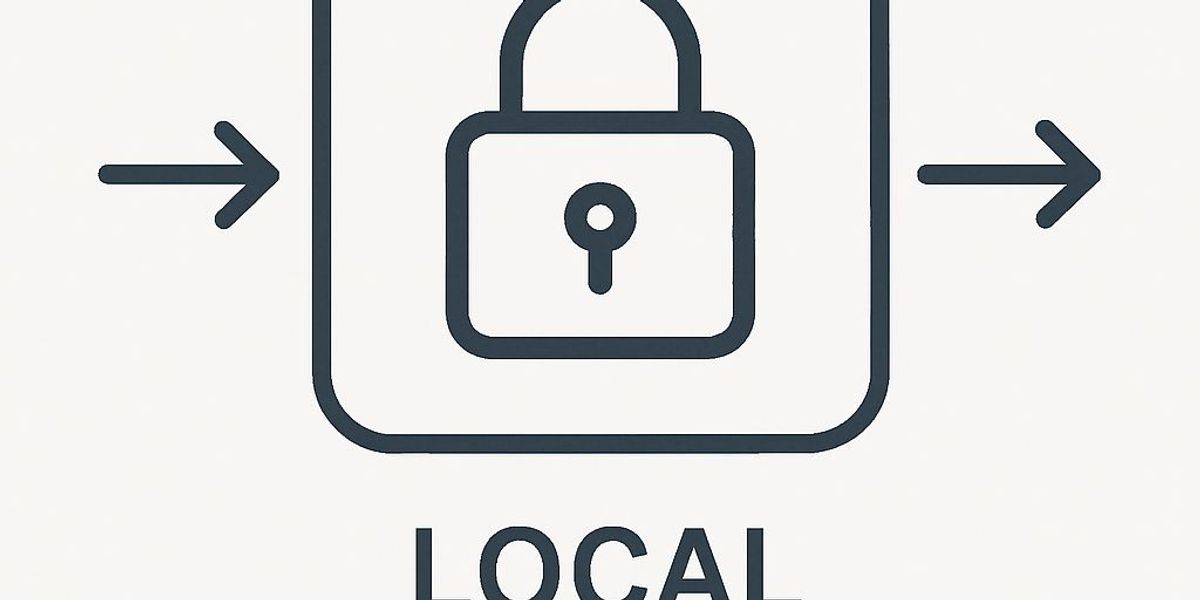
Client-side processing means the file is processed on your own device—inside your browser—without being uploaded to a server.
Instead of:
Upload → Server converts → Download
It becomes:
Open tool → Browser converts locally → Save output
A simple analogy:
Server-based processing is like mailing your phone to a studio to edit a photo. Client-side processing is like editing the photo on your phone yourself. Yes, the studio might do a great job, but you just handed over your entire device to someone else.
Deep Dive: Why WebAssembly (WASM) Makes This Possible
For years, heavy tasks like PDF processing were done on servers because browsers were slow. That changed with WebAssembly (WASM).
WebAssembly allows code to run in the browser at near-native speed. It enables web apps to behave more like desktop apps, handling tasks like converting images, merging PDFs, and parsing spreadsheets locally.
PicDitt uses this modern approach. Your browser loads the conversion logic once, and then everything happens locally on your machine.
Traditional Converter vs PicDitt (Comparison)
Traditional Converter Sites:
- Flow: Upload file → wait → download result.
- Privacy risk: High (file leaves your device).
- Speed: Slower (upload time + server queue).
- Trust required: High (storage policies, deletion promises).
PicDitt (Local Processing):
- Flow: No upload → instant processing → save result.
- Privacy risk: Near-zero for processing (file stays on your device).
- Speed: Faster (no upload, no queue).
- Trust required: Lower (your data isn’t sent to a server).
What Files You Should NEVER Upload
Some files are simply not worth the gamble. If a document contains any of the following, default to local tools:
1. Bank statements
They include account numbers, balances, and transaction history. If leaked, they can enable fraud.
2. Tax forms
Tax documents often contain your full legal name, Social Security Number, and income details. This is high-value identity data.
3. Passports and government IDs
These are core identity documents. Uploading them to unknown sites is like giving someone a photocopy of your identity.
4. Confidential work documents
Contracts, vendor lists, and pricing sheets carry legal risk even if they don’t look “personal.”
Conclusion: Stop Uploading by Default
Most people upload files because it feels normal. But for documents and personal files, that default is outdated.
If your browser can process the file locally, you get less risk and more control.
That’s why PicDitt is built around client-side processing. Convert what you need using our PDF Tools or Excel Tools, keep your files on your device, and stop handing sensitive documents to random servers.
Next time you see an “Upload your file” box on a site you don’t trust, pause. There’s a better way.