How to Split PDF Files & Extract Specific Pages for Free (No Adobe)
Advertisement
Introduction
You’ve got a giant 50-page PDF—maybe a bank statement, an ebook chapter, or a lease—and you only need Page 3. Not pages 1–50. Not the blank pages your scanner added.
But most places still make you upload one file, and emailing the whole document feels messy (and sometimes risky). You shouldn’t need Adobe Acrobat or paid software just to pull out a few pages.
That’s why PicDitt Split PDF exists: a simple, free tool to extract exactly what you need.
Common Reasons People Split PDFs
Splitting a PDF sounds technical, but it’s actually an everyday need.
- Extracting Invoices: If a vendor sends a 20-page packet, you can extract just the one invoice you need for reimbursement.
- Signature Pages: Instead of emailing a full 50-page contract, you can extract and send just the signed page.
- Removing Junk: Get rid of cover sheets, blank pages, and fax headers to make your file cleaner and smaller.
How to Split a PDF with PicDitt
Open the tool here: https://picditt.com/pdf-tools/split-pdf
No login. No Adobe. No complicated settings.
Step 1: Upload Your PDF
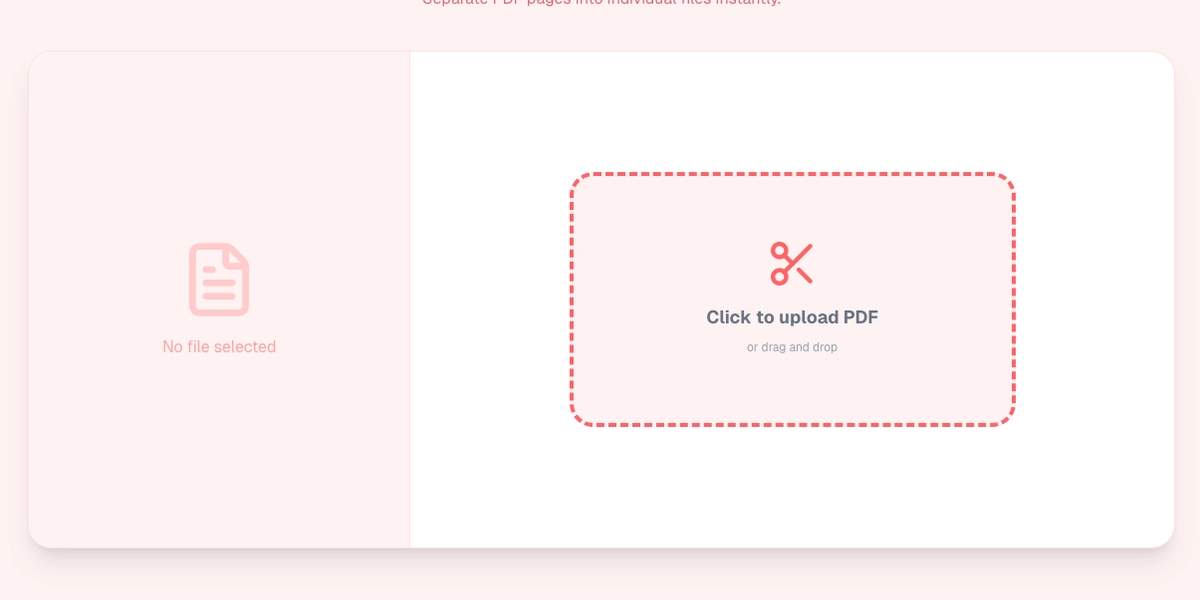
Click Upload (or drag and drop) and select your large PDF file.
PicDitt loads the document so you can see it right away.
Step 2: Select Pages
This is the key step. You can choose exactly which pages to keep.
- Single Page: Enter "3" to extract just page 3.
- Range: Enter "1-5" to extract the first five pages.
- Specifics: Enter "1,3,5" to grab specific pages.
Step 3: Split and Download
Click the Split button.
PicDitt generates a new PDF containing only your selected pages.
Download it to your device. You now have a smaller, cleaner file.
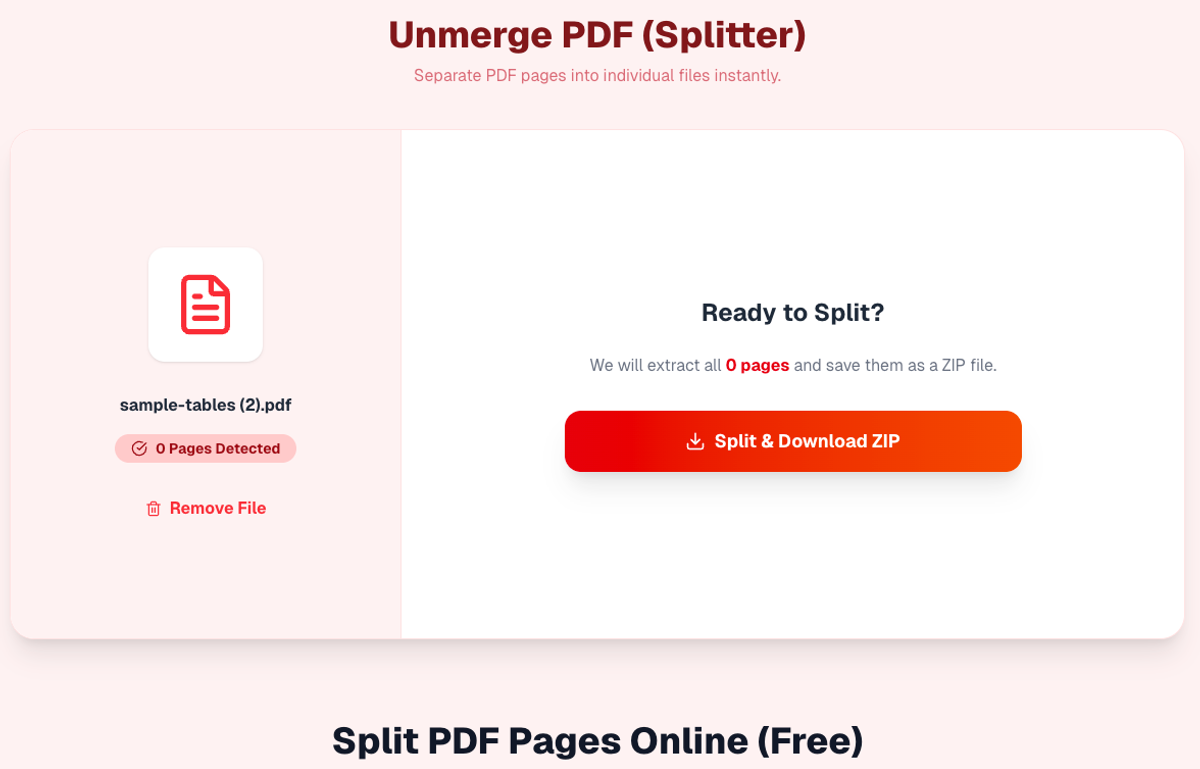
Extract specific pages or ranges from your PDF instantly.
Privacy Matters: Don’t Upload Legal PDFs
PDFs often contain private data like bank balances, addresses, or signatures.
Many free websites require you to upload your file to their server to split it. That is risky.
PicDitt takes a safer approach.
It splits PDFs locally in your browser using JavaScript.
- Your PDF file is processed on your device (CPU).
- The data does not leave your computer.
- You can extract pages without handing your documents to a third party.
Conclusion
If you ever find yourself thinking, “I only need pages 3–4, why am I sending the whole thing?”, use PicDitt Split PDF.
It’s free, practical, and keeps your sensitive documents off random servers.