How to Combine PDF Files for Free (No Upload, No Adobe Needed)
Advertisement
Introduction
You have five separate PDFs—bank statements, pay stubs, multiple resume pages, scanned forms—and you’re supposed to email one single file.
Most people immediately think of Adobe Acrobat… and then remember it’s not free.
The good news: you don’t need Adobe or any paid software just to merge PDFs. You can do it securely in your browser using the free PicDitt Merge PDF tool.
And unlike most “free PDF” sites, PicDitt doesn’t upload your documents to a server. Everything happens locally on your device.
Why Combine PDF Files at All?
Merging PDFs is one of those small tasks that keeps popping up in everyday work. Common scenarios include:
- Taxes: Accountants often prefer a single PDF per account rather than a dozen separate monthly statements.
- Job Applications: Many portals only let you upload one file. Combining your cover letter and resume looks professional.
- School: Grouping title pages, essays, and references into one clean document.
Step-by-Step: Combine PDFs with PicDitt
Open the tool in your browser: https://picditt.com/pdf-tools/merge-pdf
No registration, no watermarks, no installation.
Step 1: Upload Multiple PDF Files
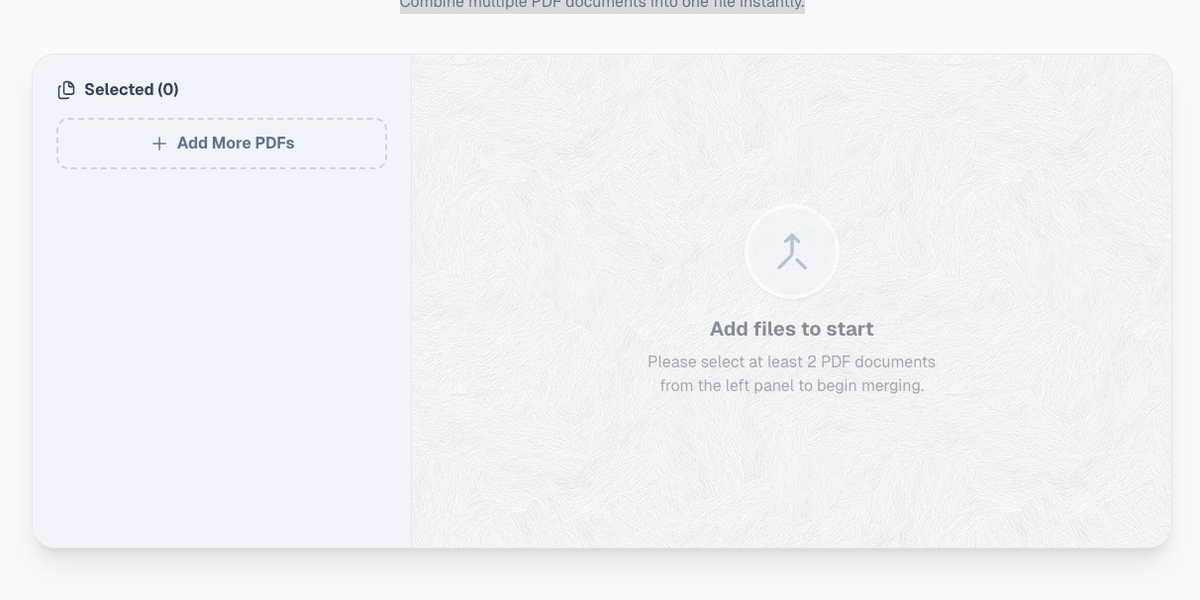
Click the Upload button, or drag and drop all the PDF files you want to combine.
You can add two files or twenty—whatever your situation requires.
Note: Behind the scenes, the files are loaded into your browser’s memory only. They are not sent to the cloud.
Step 2: Processing
Once the files are loaded, PicDitt prepares them for merging instantly.
It reads each PDF locally and arranges them in the order they were added.
(Make sure you upload them in the order you want them to appear, or re-upload if needed).
Step 3: Click “Merge” and Download
Click the Merge button.
In a moment, a Download button appears for your combined PDF. Save it to your computer and you are done.
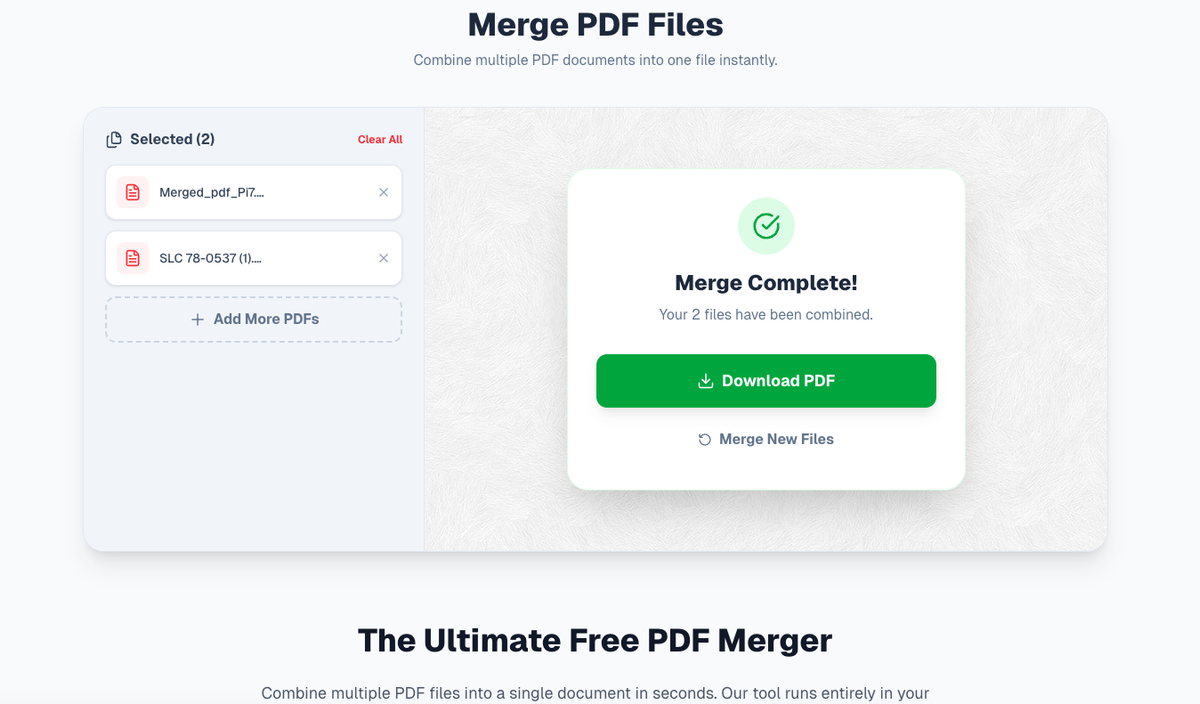
Securely combine multiple PDF documents into one file instantly.
Why Privacy Matters with PDFs
PDFs often contain your most sensitive information: Social Security Numbers, bank balances, or legal contracts.
Most online PDF tools upload your documents to their server to process them. That means your private data lives on someone else’s machine. You have no way of knowing who can access it.
PicDitt is built specifically to avoid that risk.
- It uses client-side JavaScript, meaning the code runs inside your browser.
- Your PDFs are processed locally on your device (CPU).
- The files are never uploaded to a PicDitt server.
Conclusion
Next time someone asks, “Can you send that as one PDF?”, you don’t need to pay for Adobe Acrobat or risk your data on unsafe websites.
Use PicDitt Merge PDF to do it quickly, for free, and with 100% privacy.