Fix Sideways Photos: How to Rotate and Straighten Images Online Instantly (Free)

Advertisement
Introduction
You upload a photo that looks normal on your phone… and it shows up sideways on a website or email preview. Or you scan a document and it’s upside down. This is one of those tiny problems that wastes a surprising amount of time.
The good news: you don’t need Photoshop. You just need a fast Rotate Tool that works in the browser.
Why Photos Look Right on Your Phone but Sideways Everywhere Else
This is usually caused by orientation metadata.
Most smartphone cameras don’t physically rotate pixels; they attach a "note" saying "display this rotated."
Some websites ignore that note. Result: sideways photo. The fix is simple: rotate the actual image pixels.
Common Use Cases
- Scanned Documents: Fixing upside-down or tilted scans. Straightening helps your document look professional.
- Phone Photos: Correcting portrait/landscape orientation before uploading to a form.
- Creative Work: Rotating textures or tilting images for collages.
How to Rotate Images with PicDitt
Go here: https://picditt.com/editing/rotate
Step 1: Upload your image
Upload your photo from your phone or computer. Most common formats work (JPG, PNG, WebP).
Step 2: Use Rotate Buttons (90°)
If the image is sideways or upside down, the quickest fix is a 90° rotation.
- Rotate Left if the image is turned clockwise.
- Rotate Right if it's counterclockwise.
Step 3: Fine-Tune with Slider
Some images aren’t rotated 90°. They’re just crooked (like a slanted horizon). Use the slider to straighten the image by small degrees.
Step 4: Download
Once the preview looks right, click Download.
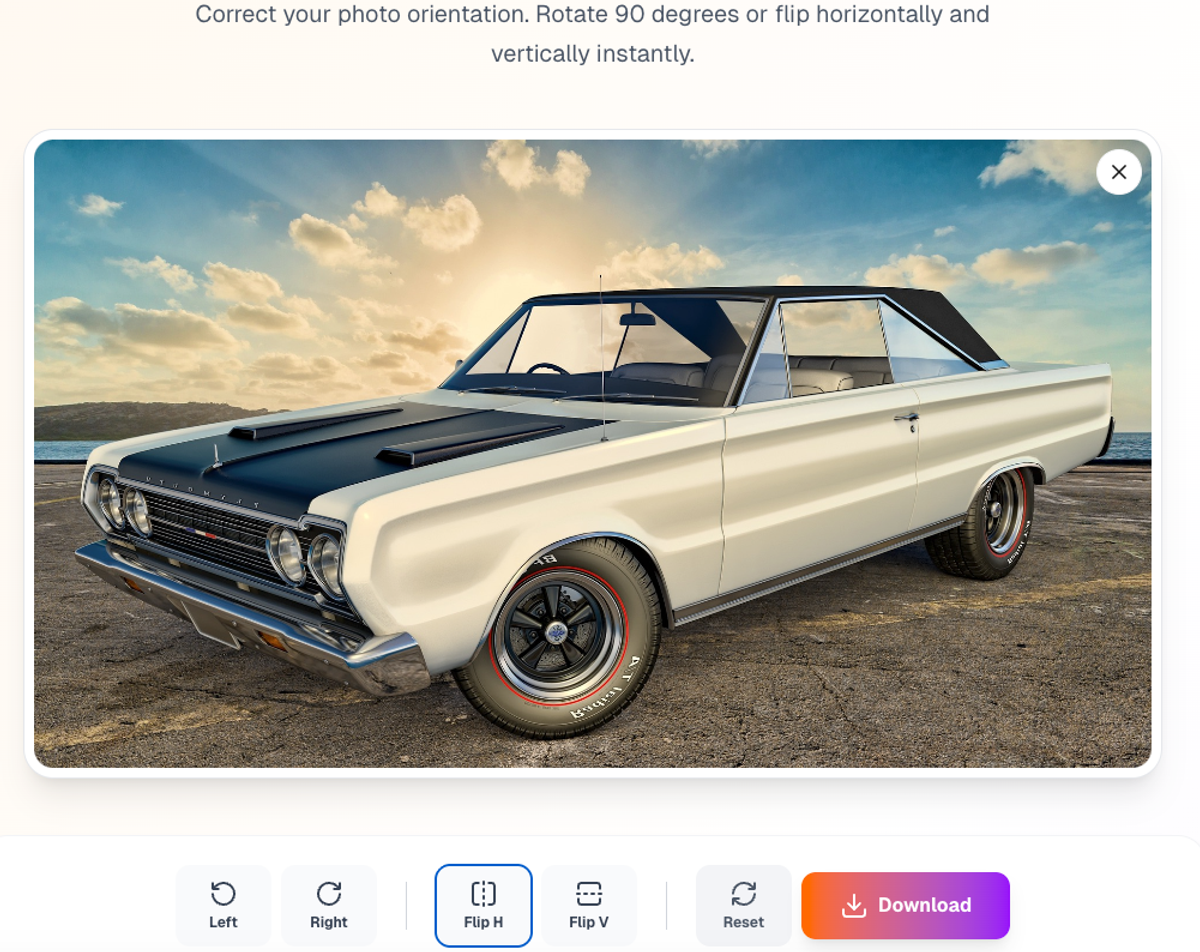
Quickly fix orientation or straighten crooked scans with the slider.
Feature Highlight: High Quality
A lot of free tools ruin your photo by compressing it too much.
PicDitt keeps quality high. It preserves resolution and avoids unnecessary downscaling.
Privacy: Rotation Happens in Browser
Rotation is often used for personal IDs and receipts.
PicDitt processes rotations on your device. Your image is rotated locally using client-side code instead of being sent to a cloud server.
Conclusion
Sideways photos are a daily annoyance. The fastest way to fix them is to rotate the actual image pixels.
Use PicDitt Rotate to fix orientation errors instantly without signing up.